
What you will learn
On this pageContentsCloseOpen
A product that was $49 on Monday sold for $39 on Tuesday. Nobody remembers touching it. You open the product page looking for a change history, and there isn't one.
The usual conclusion — repeated in agency posts and in Shopify Community answers — is that Shopify doesn't log admin actions. That is wrong. Shopify keeps five separate activity logs, all on every plan, plus a version history in the theme code editor.
The problem is structural. They are disconnected, governed by four different retention rules, and only one produces a file you can hand to an auditor. None answers what you actually asked: who changed this price, from what value to what value.
The five logs Shopify already keeps
Verified against Shopify Help Center and shopify.dev documentation on September 3, 2026.
| Native log | Where | Records who | Covers | Retention | Export |
|---|---|---|---|---|---|
| Store activity log | Settings > General | Person, app, or channel | Store-wide admin actions | Max 250 entries | No |
| Timeline | On the record | Yes | Orders, draft orders, customers, transfers | Not stated | No |
| User management activity log | Settings > Users > Security | Yes; User column in the admin, ACTOR in the CSV | Users and roles | 6 months in CSV | Yes, CSV |
| Inventory adjustment history | Product page | Yes, Created by | Inventory adjustments | 180 days | Via report |
| Activity log for Shopify POS | POS settings | Yes, staff and manager | Voids, refunds, discounts | 1 year | No |
| Theme code editor Timeline | Code editor | Not stated | Liquid files, not assets | Finite | Revert only |
| Admin API events | GraphQL or REST | An author field | Products, orders, collections, customers | 1 year | Via API |
Two of these contradict what is commonly written. The user management activity log is not a Plus feature: it records user and role creation, edits, and deletion on all plans, and since the October 7, 2025 changelog entry, owners and administrators on all plans can export it as CSV with an ACTOR column. Only the Groups export is Plus-only.
The code editor also has native version history: a Timeline panel showing previous versions of a Liquid file with a diff and a one-click restore — labelled Revert contents on shopify.dev and Restore contents in the Help Center — so GitHub is not the only rollback route. Limits: one file at a time, no whole-theme restore, no deleted-file recovery, no history for assets.
Four retention rules, and the one that catches people out
The store activity log is not capped by time. Shopify documents a maximum of 250 results and explicitly says you cannot use it to show admin actions going back a set number of days. On a quiet store that reaches back months; on a busy store running bulk edits and app syncs, 250 entries can be consumed in days.
The other three rules are time-based and unrelated: six months for the user management CSV, whose download links expire after seven days and need an organization owner or administrator; 180 days for inventory adjustment history; one year for the POS log and Admin API event data. The common claim that events are trimmed after 90 days does not appear in current documentation.
Only one produces a file. Neither the store activity log nor the POS log can be exported, so a compliance request for admin changes gets a user management CSV and an inventory report — nothing else.
When the log says "Shopify" instead of a person
Shopify documents six scenarios where the actor is recorded as "Shopify" rather than an individual: system automation such as background jobs from bulk edits, app or channel actions, sales channel operations, market changes, payment provider updates, and user management. Theme editor changes can surface as "Online Store."
The most awkward case is staff deletion, which Shopify says "might display" as "Shopify deleted [staff name]" — the log confirms the account is gone but not who removed it, so you switch to the user management activity log to find that person. This is documented behavior, not evidence of unauthorized access. The store activity log is also view-only; you cannot expand an event.
What the API reaches, and the gap with no answer at all
The GraphQL and REST events endpoints are the closest thing to a programmable audit feed: one year of retention, filterable by action, date, and subject type. The gap is coverage. The GraphQL EventSubjectType enum has values for articles, blogs, collections, comments, companies, company locations, customers, discounts, draft orders, inventory transfers, orders, pages, price rules, products, and variants — but none for staff, users, themes, shipping, or app installations. So shipping rate changes, theme edits, and permission changes are out of reach through these endpoints. App installs are a partial exception: the legacy REST subject_type list still includes ApiPermission, which the GraphQL enum does not. Shopify also warns that events "should not be considered to be realtime" and can take a few seconds, or rarely a few minutes, to appear.
Shipping rates deserve a blunt statement. Across the native logs and the ten apps checked here, nothing was found that reliably attributes a rate change to a person. It may land in the store activity log as a store setting change, but that log is capped at 250 entries and cannot be exported. No dependable trail turned up in this research, which is not the same as proving none exists.
When native logging is already enough
Before installing anything, check whether your case is already covered:
- Who changed a user's role or removed a staff member — the user management activity log, all plans, with CSV export.
- Who adjusted inventory in the last 180 days — the Created by column, and beyond that the Inventory adjustment changes report, which filters by SKU, location, staff member, app, and reason.
- Who issued a refund, void, or manual discount in person — the POS activity log keeps staff name and approving manager for a year, and logs customer record access. Give each staff member a unique PIN; shared PINs destroy attribution.
- Who edited an order or customer record — the Timeline on that record. Timeline comments can be deleted irreversibly and leave no trace, so they are not tamper-evident.
Plan limits matter too. Basic and Starter allow zero staff users; Grow five, Advanced fifteen, Plus unlimited. Collaborator accounts and POS-only staff don't count against those caps, which is why a "who changed this?" problem still happens on Basic.
Where an app earns its keep
Four gaps remain: field-level before-and-after values on products, collection changes and deletions, exportable evidence beyond users and inventory, and alerting at the moment of change.
Ten apps were checked on the Shopify App Store on September 3, 2026. One caveat first: this category is immature. Five of the ten have zero reviews. Treat review counts as a signal of how much independent operating evidence exists, not as a ranking. Among the ten checked, only Loggr Product History & Revert carried a Built for Shopify badge.
| App | From (USD/month) | Retention stated | Staff attribution | CSV export | Scope | Rating (reviews) |
|---|---|---|---|---|---|---|
| Loggr Product History & Revert | $13.99 | Not stated | Advanced and above | Not stated | Products | 5.0 (9) |
| Histora: Product Audit Log | $4.99 | Not stated | Stated, but qualified | Yes, price history | Products | 3.9 (6) |
| UndoLog: Track & Undo Changes | $9.99 | Not stated | Not stated | Yes | Products, collections | 0.0 (0) |
| Price History & Schedule | $9.99 | 1 month to 1 year | Not stated | Yes | Prices | 0.0 (0) |
| Adminlog ‑ Audit Trail | $9.99 | 30 days on Starter | Yes | Not stated | Products, orders, refunds | 0.0 (0) |
| Logify: Activity & Staff Logs | $19 | 60 days, all plans | Yes, by author | Yes | Store-wide, staff | 2.5 (4) |
| Inventory History Guardian | $19.99 | Listing says forever | Yes | Yes | Inventory | 5.0 (8) |
| Rewind Backups | $19 | 365-day backups | Not stated | Not stated | Backup, restore | 4.2 (593) |
| KiwiSprout Smart Logs | $9 | 30 to 90 days by plan | Not stated | Yes | Activity events | 0.0 (0) |
| ARCS History Tracking | $2.99 | 30 to 360 days | Not stated | Yes | Products, variants, customers | 0.0 (0) |
"Not stated" means the listing did not say, not that the feature is absent. All charges on these listings are billed in USD.
Loggr Product History & Revert
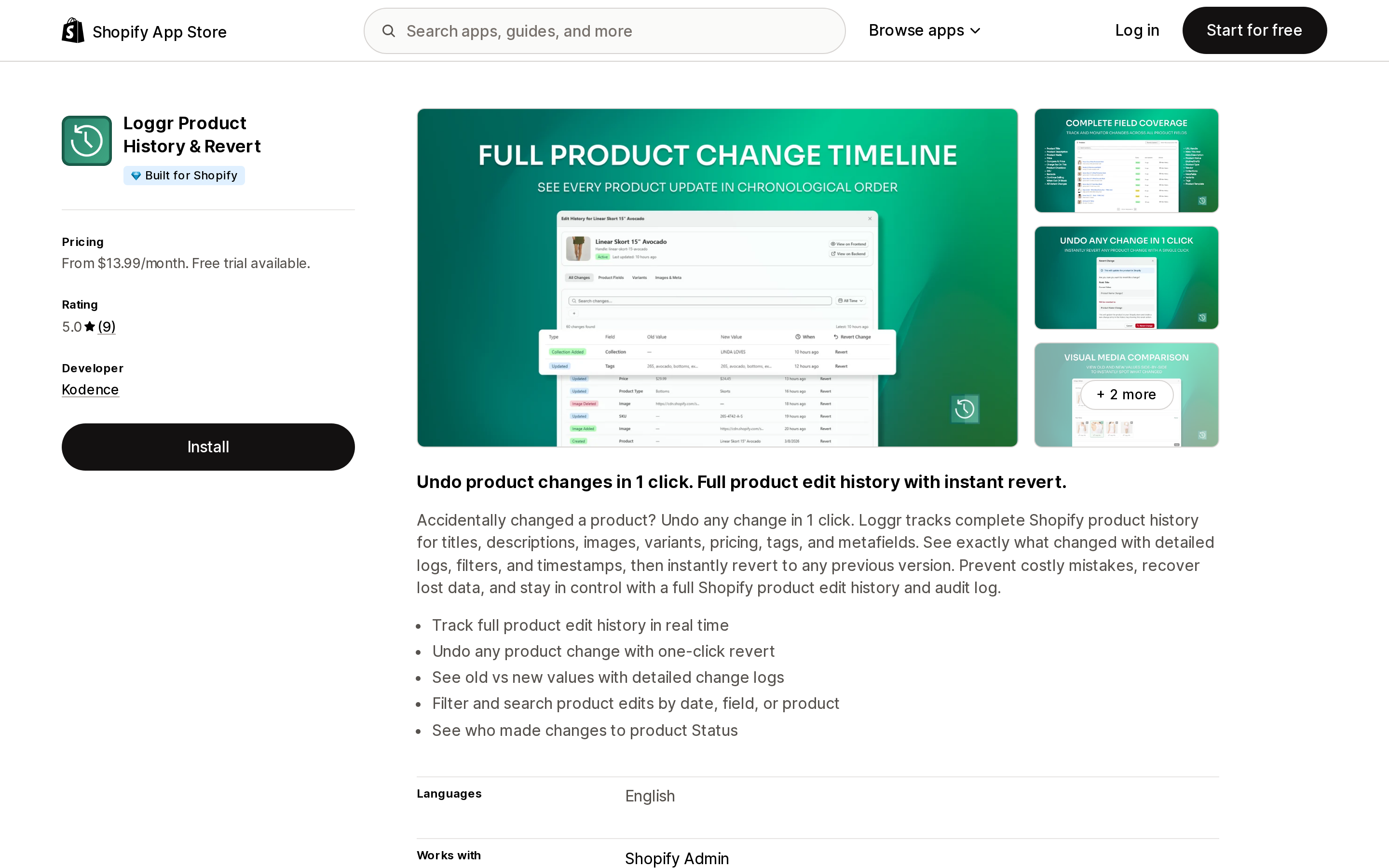
Source: Shopify App Store (Loggr Product History & Revert), retrieved September 3, 2026
Product edit history with old and new values, filtering by date, field, or product, and one-click revert. Read the pricing carefully: Basic at $13.99/month includes neither staff attribution nor revert. Seeing which staff member made a change starts on Advanced at $19.99/month, which also raises the cap to 100 products. One published review notes attribution does not cover every field.
Histora: Product Audit Log
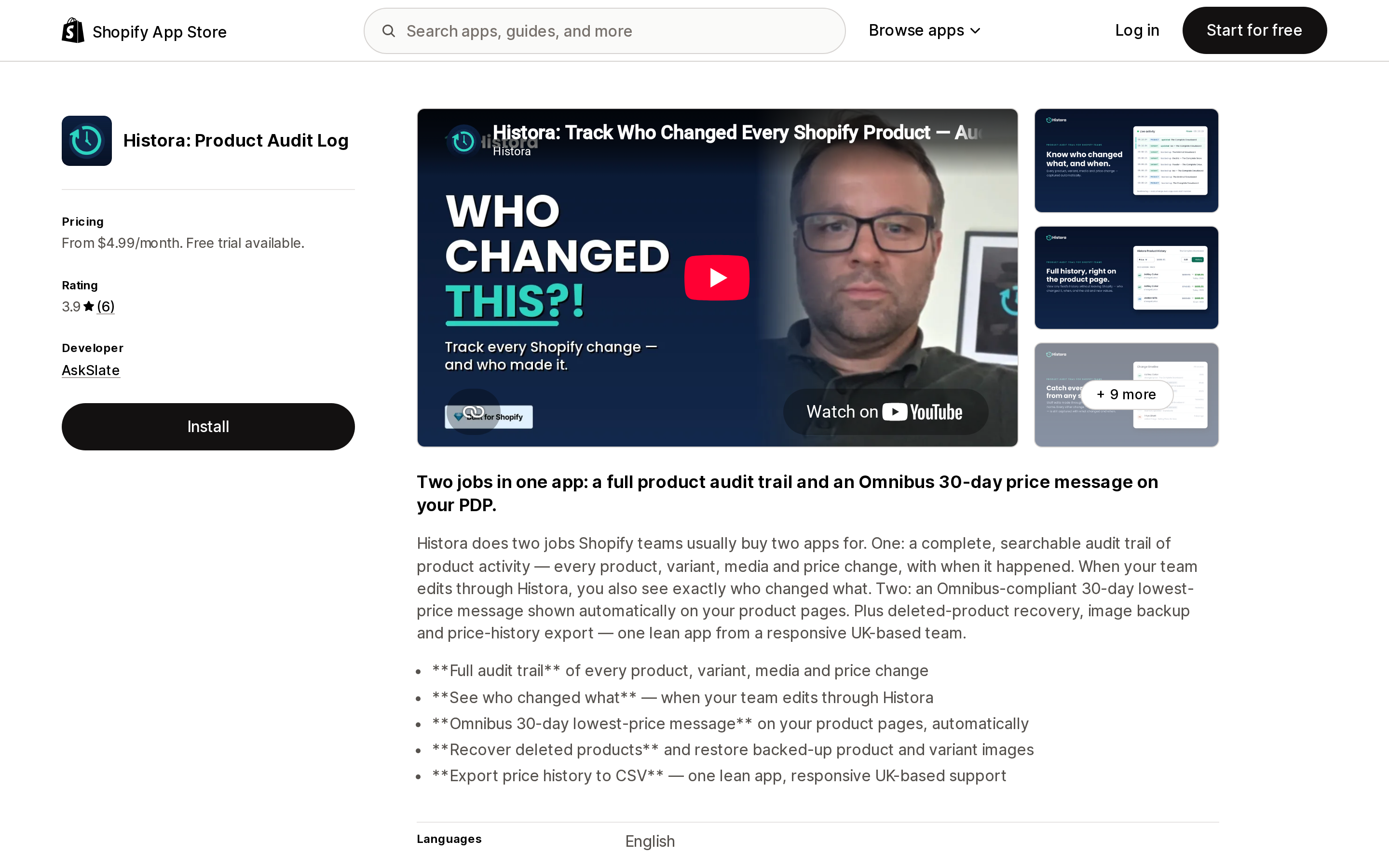
Source: Shopify App Store (Histora: Product Audit Log), retrieved September 3, 2026
A $4.99/month entry point, and the only app among the ten whose listing specifically advertises recovering deleted products and restoring backed-up product images — Rewind Backups covers that ground through general backup and restore instead. Its attribution is stated two ways on the same listing: the $4.99 Lite plan lists "See which staff member made changes" flatly, while the description and the $14.99 plan qualify it as who changed what when your team edits through Histora. Whether attribution holds for edits made in the normal Shopify admin is not resolved on the listing. Data access is broad, covering all Admin API activity from the store admin and from public, private, and custom apps.
UndoLog: Track & Undo Changes
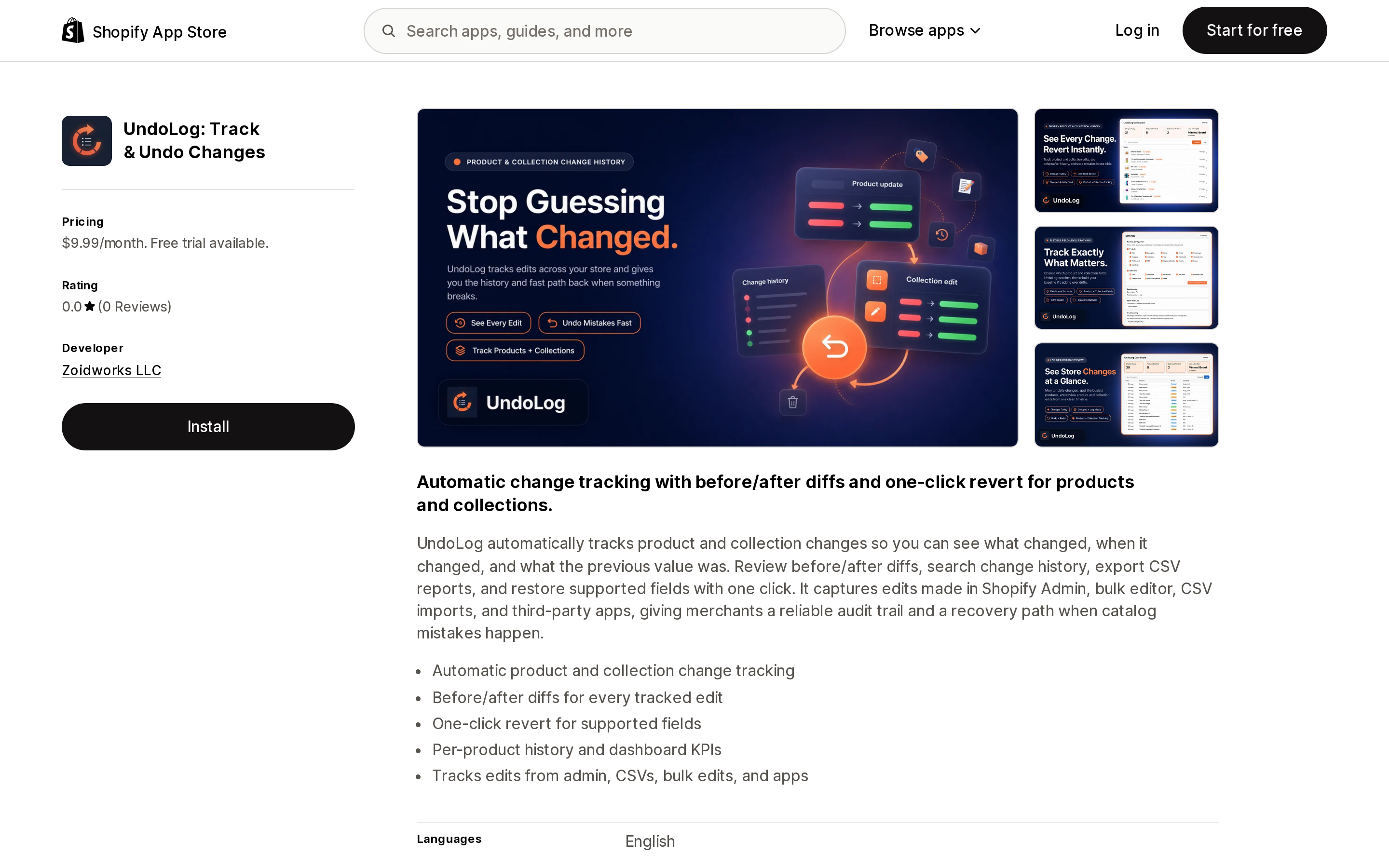
Source: Shopify App Store (UndoLog: Track & Undo Changes), retrieved September 3, 2026
One of the few apps explicitly covering collections, which matters because collections have no native Timeline. A single $9.99/month plan, before-and-after diffs, CSV export, and tracking of edits from the admin, CSV imports, bulk edits, and apps. The listing describes what changed, when, and the previous value, but never states that it records who. Launched May 4, 2026, no reviews yet.
Price History & Schedule
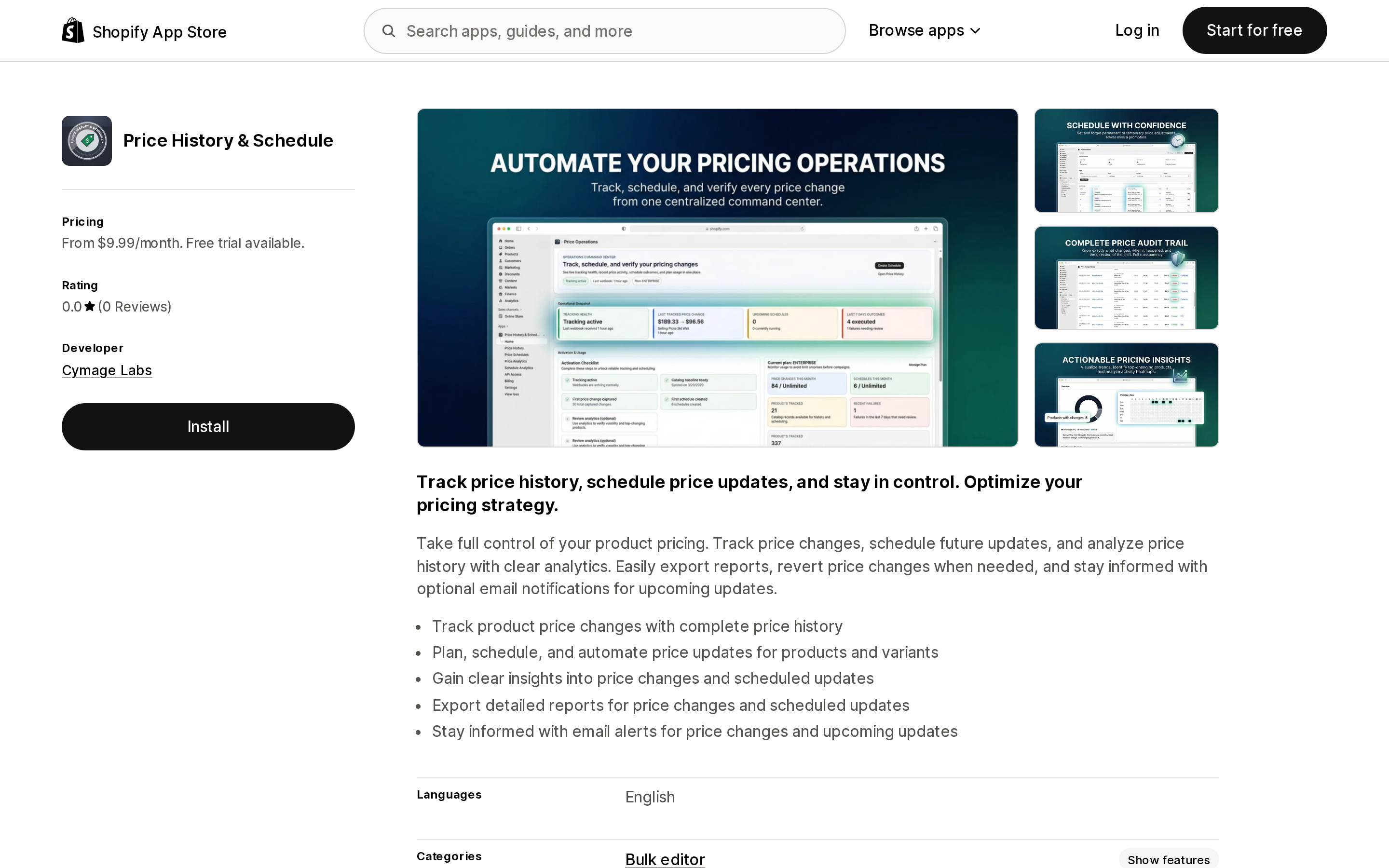
Source: Shopify App Store (Price History & Schedule), retrieved September 3, 2026
Price changes only, paired with scheduling future updates. Retention follows the plan: one month at $9.99, six months at $29.99, one year at $49.99. Email alerts make it usable for detection, not only forensics. Despite matching the "who changed that price" question by name, the listing never claims staff attribution — it answers when and from what to what, not by whom. No reviews as of September 3, 2026.
Adminlog ‑ Audit Trail
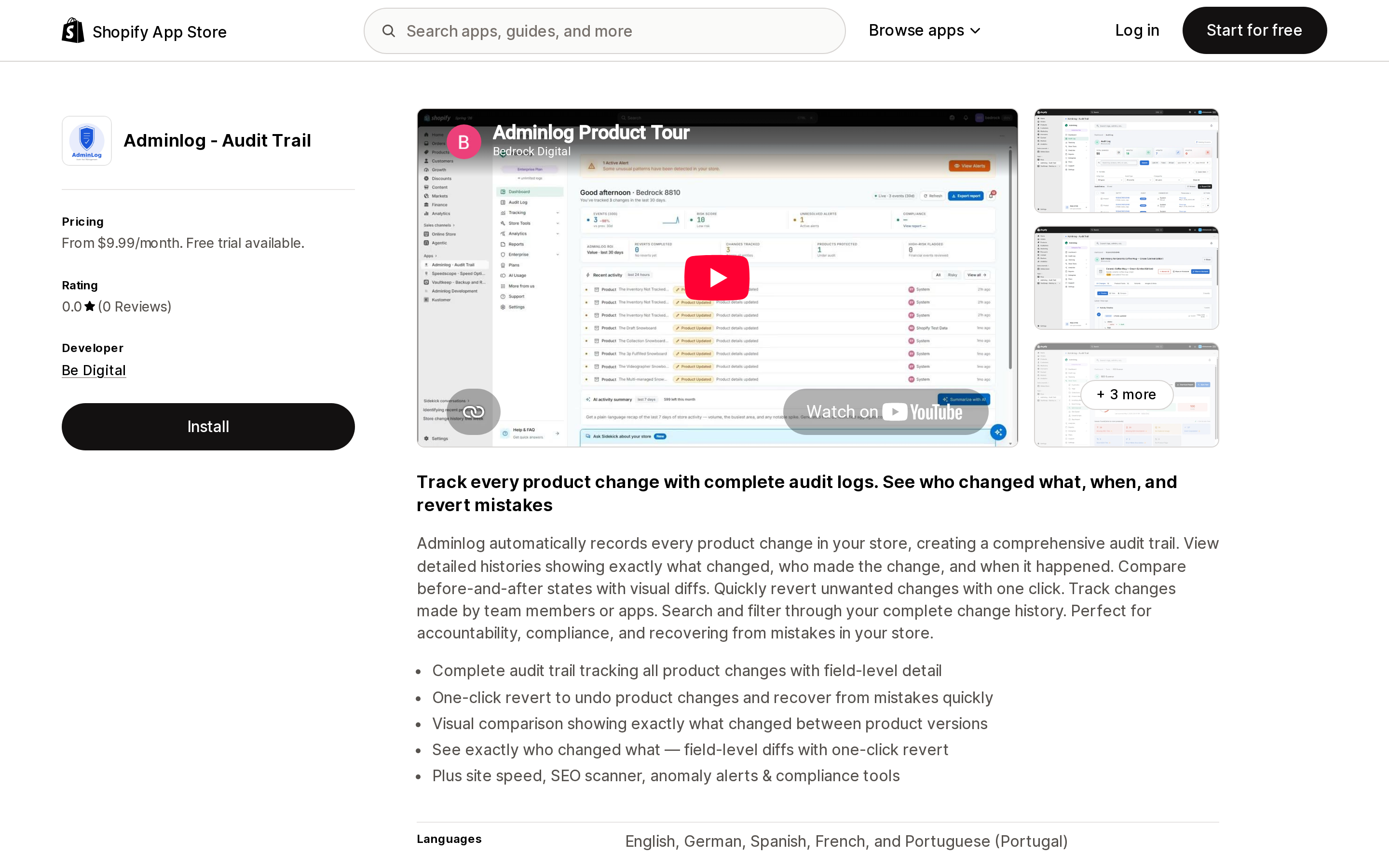
Source: Shopify App Store (Adminlog ‑ Audit Trail), retrieved September 3, 2026
The broadest scope claim among the smaller apps, and one of the few listing order audit trails, refund monitoring, and financial audit logs. Actor attribution starts on the $9.99 Starter plan, but field-level diffs start at Professional, $29.99/month. Starter retains 30 days; retention above that is not stated. Launched November 21, 2025 with no reviews, so the trial is the only way to verify the claims.
Logify: Activity & Staff Logs
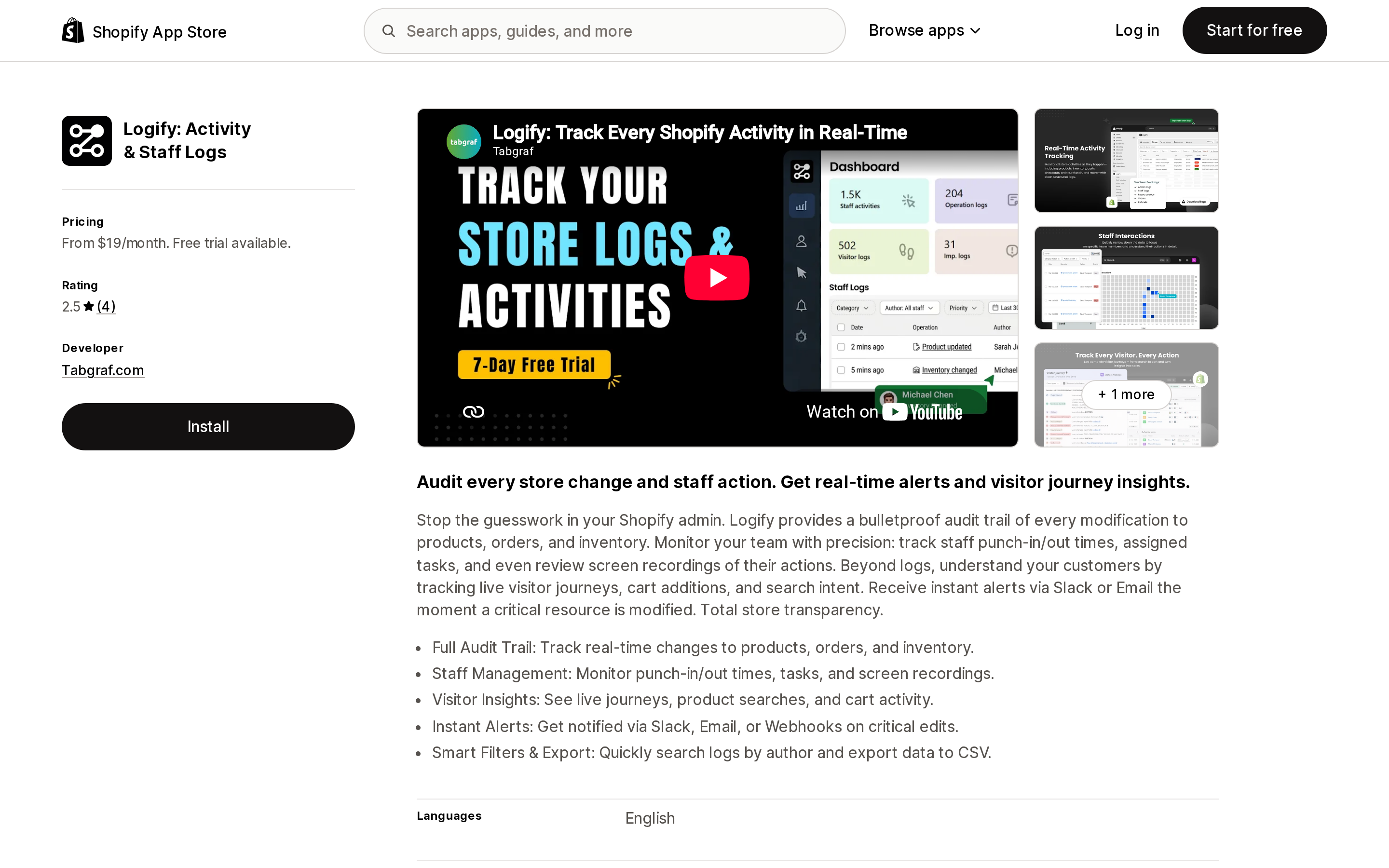
Source: Shopify App Store (Logify: Activity & Staff Logs), retrieved September 3, 2026
The only app checked advertising Slack, email, and webhook alerts on critical edits, plus CSV export and search by author. Three things weigh against that. All four plans state 60 days of retention, shorter than the year Shopify's own events API keeps. It requests the broadest data access of the apps checked — customer sensitive data including names, emails, phone numbers and addresses, device and activity data, Shopify Payments disputes, and theme editing. And it includes staff screen recording; employee monitoring in the US is governed by federal and state law that varies by state, so that is a question for your counsel, not a default to switch on. Rating: 2.5 from four reviews, two of them one-star.
Inventory History Guardian
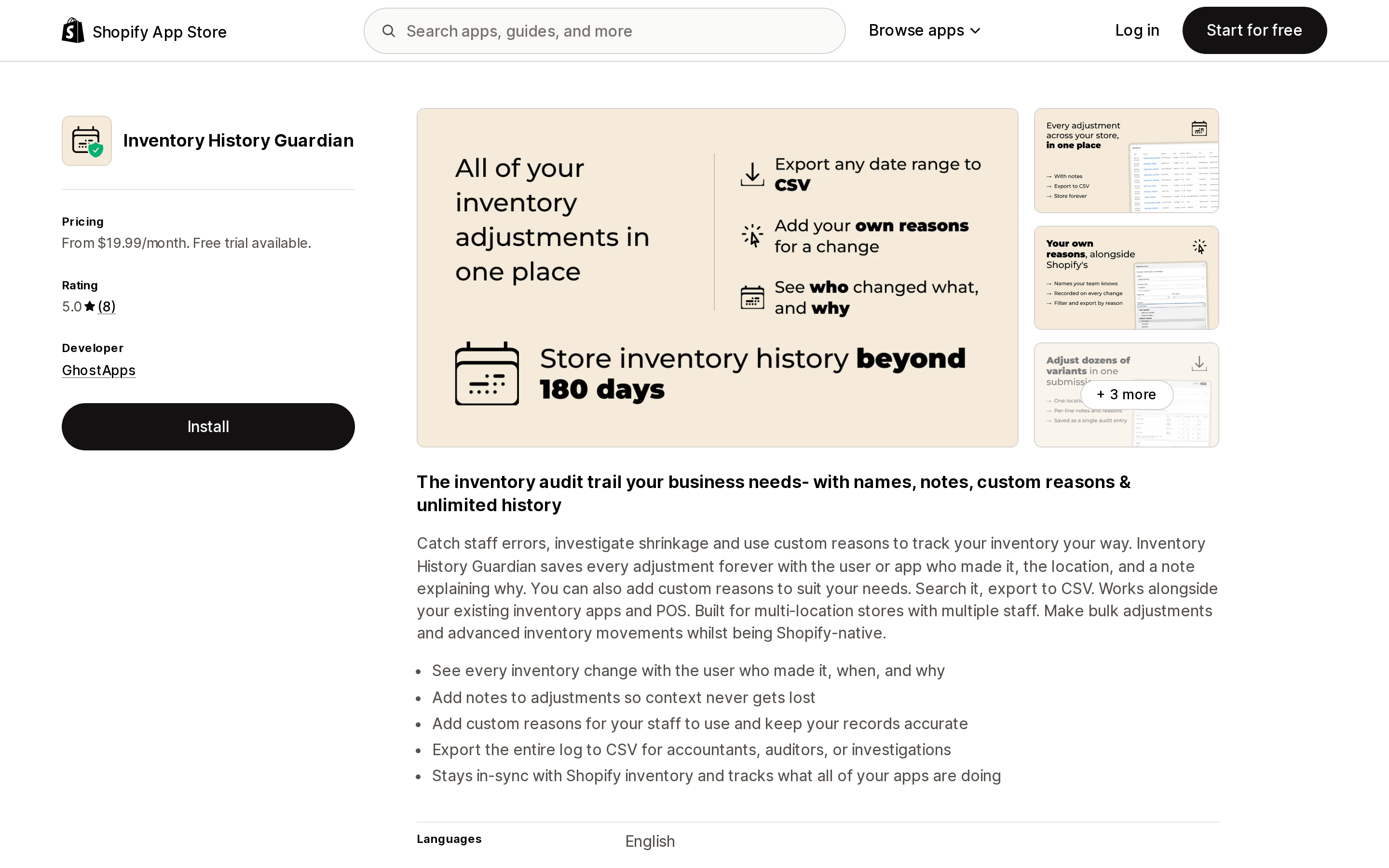
Source: Shopify App Store (Inventory History Guardian), retrieved September 3, 2026
This competes with a native feature, so the question is what it adds beyond the 180-day adjustment history: retention the listing describes as forever, custom adjustment reasons beyond Shopify's fixed set, notes on adjustments, and CSV export. Standard is $19.99/month; stores over 1,000 products or five locations move to Enterprise at $39.99/month. Published data access includes customer sensitive data and 60 days of order history, wide for an inventory tool.
Rewind Backups
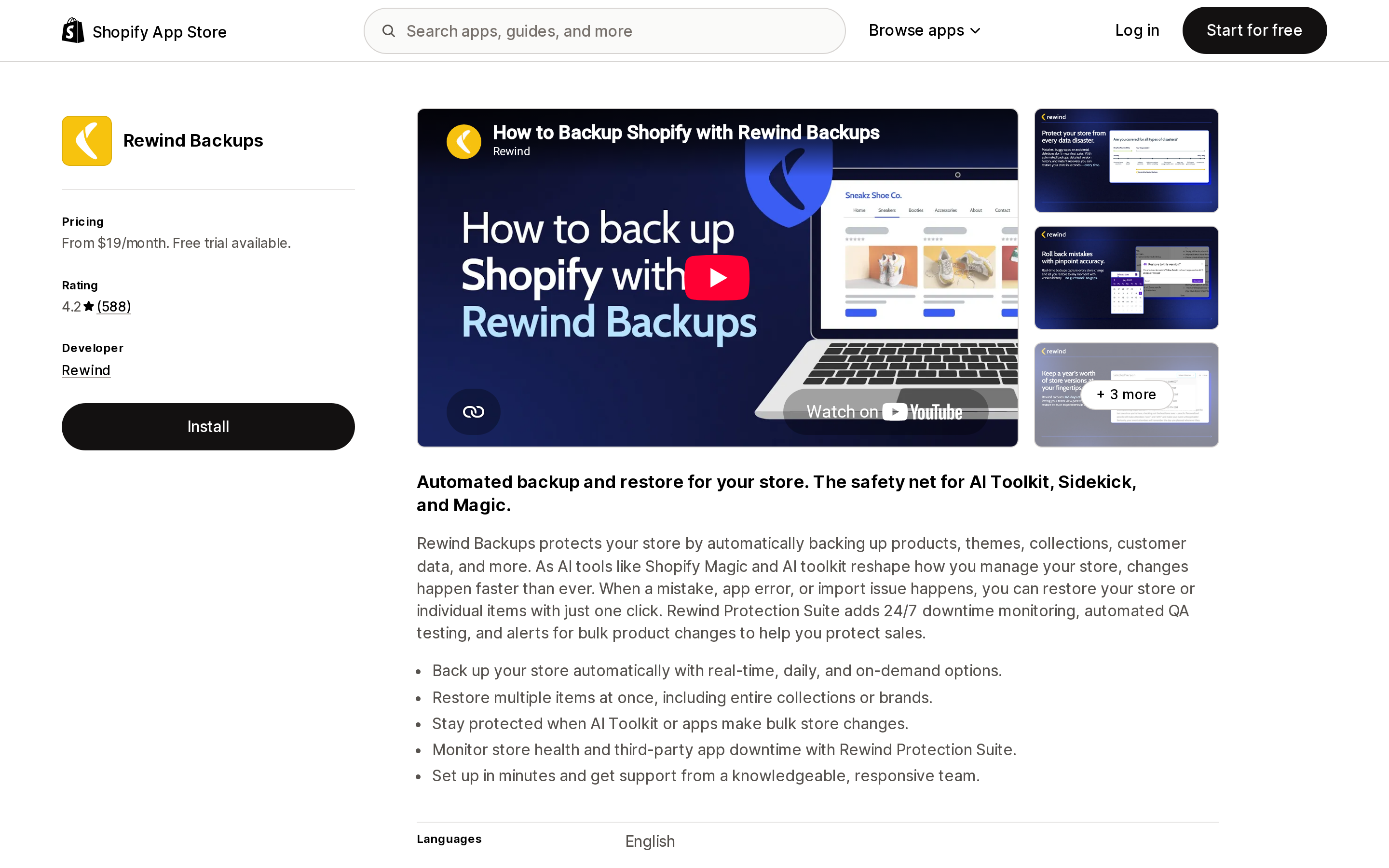
Source: Shopify App Store (Rewind Backups), retrieved September 3, 2026
The most established app here — 4.2 from 593 reviews, live since January 5, 2016 — but it solves a different problem: backup and restore, not attribution. Backup + Restore is $19/month with 365 days of history covering products, themes, collections, customer data, and metafields; Protection Suite at $99/month adds bulk product change alerts. Both are tiered by monthly order volume, and pricing above those tiers is not on the listing. No Data access section is published on its listing — not published, which differs from no permissions requested.
The remaining two, plus two cautions
KiwiSprout Smart Logs at $9/month and ARCS History Tracking at $2.99/month both offer CSV export, and ARCS lets you buy retention directly, 30 to 360 days by plan. Neither states staff attribution, and neither publishes a Data access section on its listing. KiwiSprout starts at 30 days on the $9 plan and tops out at 90 days even on the $54 plan, shorter than the native events API. Log Viewer at $2.99/month is listed, but both published reviews are one-star and report it does not work. Also watch the slug: Loggr:Product History & Revert from CartMind Bridge is a different app with a near-identical name.
Choosing without over-buying
Start by naming the resource, not the app. Users and roles, inventory within 180 days, POS refunds, and order or customer edits are covered natively — install nothing.
Before-and-after values on products are genuinely missing and worth paying for. Loggr Product History & Revert at the $19.99 Advanced tier is the option here with both a Built for Shopify badge and stated staff attribution. If collections are the problem, UndoLog is one of the few covering them. For alerts at the moment of change, Logify is the only app here offering Slack and webhooks, traded against 60-day retention, a 2.5 rating, and the widest permission request in the set. If you need recovery rather than blame, Rewind Backups is the mature choice.
Whatever you shortlist, use the trial to settle two things the listings do not: whether attribution appears for the fields you care about, and what the install consent screen requests for the three apps publishing no Data access section — Rewind Backups, KiwiSprout Smart Logs, and ARCS History Tracking. Pricing, ratings, and badges were checked on September 3, 2026 and move quickly in a category this young.
Sources
- Activity logs in the Shopify admin
- User activity and log in history
- Exporting your user management information as a CSV file
- Timeline
- Activity log for Shopify POS
- Viewing inventory adjustment history
- Maximum number of users for each pricing plan
- Editing theme code
- Export user data in bulk for audits and compliance, October 7, 2025
- events query, GraphQL Admin API
- EventSubjectType
- Event, REST Admin API
- The code editor
App pricing, ratings, review counts, badges, and published data access come from each app's Shopify App Store listing, retrieved September 3, 2026.
Sidekick app extensions went generally available on June 17, 2026, and Shopify's merchant-facing guide lists 18 apps that use them. The platform cap is 20 apps per user on a store, so supply is the constraint, not the cap. This article reads the developer documentation for what merchants actually get: app data extensions are read-only, app actions navigate you to a pre-filled page and stage the change — Shopify's own walkthrough ends with \"Click Save in the form. The change is committed by your app, not by Sidekick.\" App actions are also limited to 13 declared intent types, and an unsupported type fails at deploy with no silent fallback. Four of those types — FAQ, quote, ticket, shipment — have no matching app on Shopify's list. Three build requirements explain the short list: existing MCP servers can't be reused, legacy OAuth installs are excluded, and each app gets 5 intents, 20 tools, and a 4,000-token response budget. Two of the guide's own cards show only \"Free trial available\" for apps that list at $49.99 and $299 a month. And no app listing shows a Sidekick badge at all: Seguno had to put \"Sidekick-able\" into its 62-character tagline. Ratings, pricing, and the app list verified on the Shopify App Store on September 8, 2026.