
What you will learn
On this pageContentsCloseOpen
Your Meta Ads Manager dashboard says the campaign drove 180 purchases. Shopify credits Meta with 96. Nobody can explain the other 84, and the media buyer and the finance lead are now arguing about which number goes into the budget model.
This is not a bug, and it is usually not a tracking failure either. Shopify and Meta are running different rules over the same orders. Before you spend anywhere from $99 to $750 a month on an attribution app, it is worth knowing exactly what rules Shopify applies — because Shopify's documentation is more specific than most merchants realize, and in one place it contradicts itself.
Two things here are hard to find elsewhere. Shopify's help center names two different default attribution models depending on which surface you are on, so "Shopify uses last click" is only half right. And the eight apps compared below bill against six different units, so near-identical sticker prices produce very different invoices at the same store size. A worked example follows.
What Shopify's built-in attribution actually does
Shopify Analytics ships five attribution models you can switch between at no cost: Last non-direct click, Last click, First click, Any click, and Linear. They apply to reports including Performance by referring channel, Performance by marketing activity, and Performance by UTM campaign, plus Top channel performance and Channel performance in the Growth section. An Attribution menu appears in the report configuration panel whenever a report contains both a sales metric and a marketing dimension.
Four properties of that system matter for reconciliation.
All five models are click-based. There is no view-through model in the documentation, and no setting that gives credit to an impression.
The lookback window is 30 days. Shopify states that "the Shopify marketing activity report attributes the sale only to the source of the ad that was clicked most recently within the past 30 days." The same boundary resets first-touch data: "If a visitor doesn't buy anything within 30 days of a session, then the first interaction referrer is reset to be whatever the next referrer is." For a product with a 60-day consideration cycle, First click in Shopify is not showing you the true first touch.
UTM traffic is classified as marketing automatically. Traffic arriving with utm_campaign parameters is attributed to marketing, and referrer sources are bucketed into Direct, Search, Email, Social, and Unknown. Campaigns you forgot to tag do not vanish; they land in one of those buckets, most often Direct.
The reports count orders your ad platform does not. Shopify states plainly that "Canceled, pending, and unpaid orders are included in the reports," while test and deleted orders are not, and order value is reported before returns. Growth report metrics can also take up to 24 hours to update, as can ad spend syncs — so a same-day comparison pits a settled number against an unsettled one.
Shopify's help center names two different defaults
Here is the detail that undermines most published advice on this topic.
On the page covering marketing performance, Shopify describes Last non-direct click and says:
"This is the default attribution model when viewing your marketing activity data"
On the marketing reports page, describing the report configuration panel, Shopify says:
"When the metric and dimension conditions are met, the Last click model is selected by default."
Both passages are current Shopify documentation, retrieved September 3, 2026. They describe different surfaces — marketing activity data in Growth versus the Attribution menu in Analytics reports — and they name different defaults. Worth noting that the marketing reports page carries both statements: the same model table, with the same "This is the default attribution model when viewing your marketing activity data" line against Last non-direct click, sits directly below the sentence naming Last click as the default. The consequence is not cosmetic: Last click gives full credit to Direct when Direct is the final touch, while Last non-direct click gives credit to "the last channel that the customer interacts with before making a purchase, excluding direct visits." Run the same date range under both and your paid channels will not look the same.
So the honest statement is neither "Shopify defaults to last click" nor "Shopify defaults to last non-direct click." It is: check which model is selected in the specific report you are quoting. That check costs nothing, since Shopify notes default reports can be edited and saved as custom data explorations "regardless of your Shopify subscription."
Why Shopify and Meta will not agree
View-through. Shopify's five models are click-based. Meta documents attribution settings that include view-through and engaged-view windows alongside click-through windows, so conversions Meta credits to an impression have no equivalent bucket in Shopify at all. If your Meta strategy leans on broad prospecting and video, this gap is permanent.
Window length. Shopify's window is 30 days. Meta's attribution settings are configured per ad set and are shorter than that, combining a click-through window with a separate view-through window. This research could not retrieve Meta's English-language help page for the current windows or the current default, so treat any specific figure you have been told as unverified and read the actual setting inside your own Ads Manager before comparing anything to Shopify's 30 days.
What counts as a sale. Even inside Shopify, "Sales" is defined two ways: in the campaign attribution report it is the value after discounts and sales reversals, excluding tax and shipping; in the installed marketing app activities report it includes gross sales, shipping, and taxes, and excludes discounts and sales reversals. Compare a Shopify figure to a Meta figure without knowing which you pulled, and you are off before attribution enters the picture.
The free reconciliation step most merchants skip
Shopify documents a model specifically for this job. On Any click, which distributes more credit than the number of orders received, Shopify writes:
"You can also use this model to reconcile attribution reported by each channel."
That is Shopify telling you to use a deliberately over-crediting model as a diagnostic. Switch Performance by referring channel to Any click, see how many orders Meta touched at any point in the window, and compare to Ads Manager. If Meta's number sits between your Last non-direct click figure and your Any click figure, the discrepancy is a modeling difference — explained for $0.
Two more free checks: confirm the attribution setting in Ads Manager so you know which windows you are comparing against Shopify's 30 days, and pull data at least 24 hours after the fact. Then look at your consent banner. Shopify's pixel manager "will only load your pixel if there is visitor permission for all of the settings that your pixels declares as required," so on a store with low consent rates every app in this category measures a reduced population before it does anything clever.
If those checks explain your gap, stop. No app is required.
What an attribution app actually adds
Apps in this category do three distinguishable things, and merchants often buy the wrong one because the marketing copy blurs them.
- Different models — multi-touch, position-based, time-decay, or view-inclusive models Shopify does not offer.
- A different measurement substrate — a first-party or server-side pixel plus server-to-server event delivery back to ad platforms, which addresses signal loss rather than modeling. Shopify already offers a native path here for Meta: setting Facebook data sharing to Enhanced or Maximum sends the purchase event through Meta's Conversions API.
- A configurable lookback window — Shopify's 30 days is not adjustable in the documented UI.
None of these produce agreement. Installing an app usually means you now have a third number: Shopify's window is 30 days, the default attribution window in Triple Whale is 28 days, and the default lookback window in Polar: AI‑Analytics Platform is 10 days. Polar's own documentation is unusually direct about the ceiling:
"attribution is quite complex, and should be used for directional purposes rather than as an exact science since view-through data is never provided by ad platforms"
Eight apps, compared on the same axes
Figures below come from the Shopify App Store ?locale=en listings on September 3, 2026, except where a row says the vendor's own pricing page differs. None of these eight apps displays a Built for Shopify badge on its listing header, so that signal is not available as a filter in this category. Northbeam is not covered here: we could not find a Northbeam listing on the Shopify App Store on September 3, 2026, which is not the same as confirming there is none.
| App | Pricing tiers (USD) | Billing denominator | Free tier | Model type | Server-side delivery | Rating (reviews) |
|---|---|---|---|---|---|---|
| Triple Whale | Free / $219/month (or $2,190/year) / $749/month (or $7,490/year) | Fixed feature tier | Free tier limited to First Click and Last Click; no stated volume cap | Single-touch plus multi-touch, incl. deterministic, modeled-view, and survey-weighted | Not stated on the listing | 4.1 (84) |
| Elevar Conversion Tracking | $225 / $650 / $1,250 per month (vendor page adds Elite from $3,000/month) | Monthly orders plus destination count (overage $0.50 / $0.15 / $0.10 per extra order) | None; 15-day free trial | Not a modeling product — event delivery infrastructure | Yes (Meta Conversions API and many other destinations) | 4.6 (138) |
| Polar: AI‑Analytics Platform | Core Plan, from $750/month | Online GMV | None; no free-trial badge on the listing, and Polar's help states Free Trial accounts cannot use the Polar Pixel | First Click, Last Click, Linear, U‑Shaped, Full Paid Overlap; default lookback 10 days | Yes (server-side first-party pixel) | 4.9 (104) |
| Lifetimely Profit Analytics | Free / $49 / $149 / $299 per month (+ $75/month for Amazon data) | Monthly orders (50 / 500 / 3,000 / 7,000) | Up to 50 orders/month; Profit Agent excluded | Channel-level; the app does not publish its attribution model or lookback window | Not stated on the listing | 4.9 (474) |
| Fairing Post Purchase Surveys | Free / $49 / $99 / $149 per month on the listing (vendor page adds a "+30,000 transactions" Enterprise tier at custom pricing and a $299/month Data Sync add-on) | Monthly transactions (200 / 500 / 1k / 5k on the listing) | Up to 200 orders/month with all features included | Self-reported (survey) attribution | No | 5.0 (180) |
| ATB: Attribution Reports | $199/month (vendor page also lists Pro $399/month and Custom) | Monthly tracked visitors, 10K included, $10 per 1,000 above | None; 7-day free trial on the listing (vendor page says 14-day) | First touch, last touch, linear, time decay, position-based | Yes (Conversion API, no extra charge) | 5.0 (8) |
| Kendall Analytics | $99 / $199 / $249 / $299 per month | Yearly GMV ($1M / $5M / $10M / over $10M) | None; 30-day free trial | First-party pixel; the app does not publish its attribution model or lookback window | Not stated on the listing | 3.9 (28) |
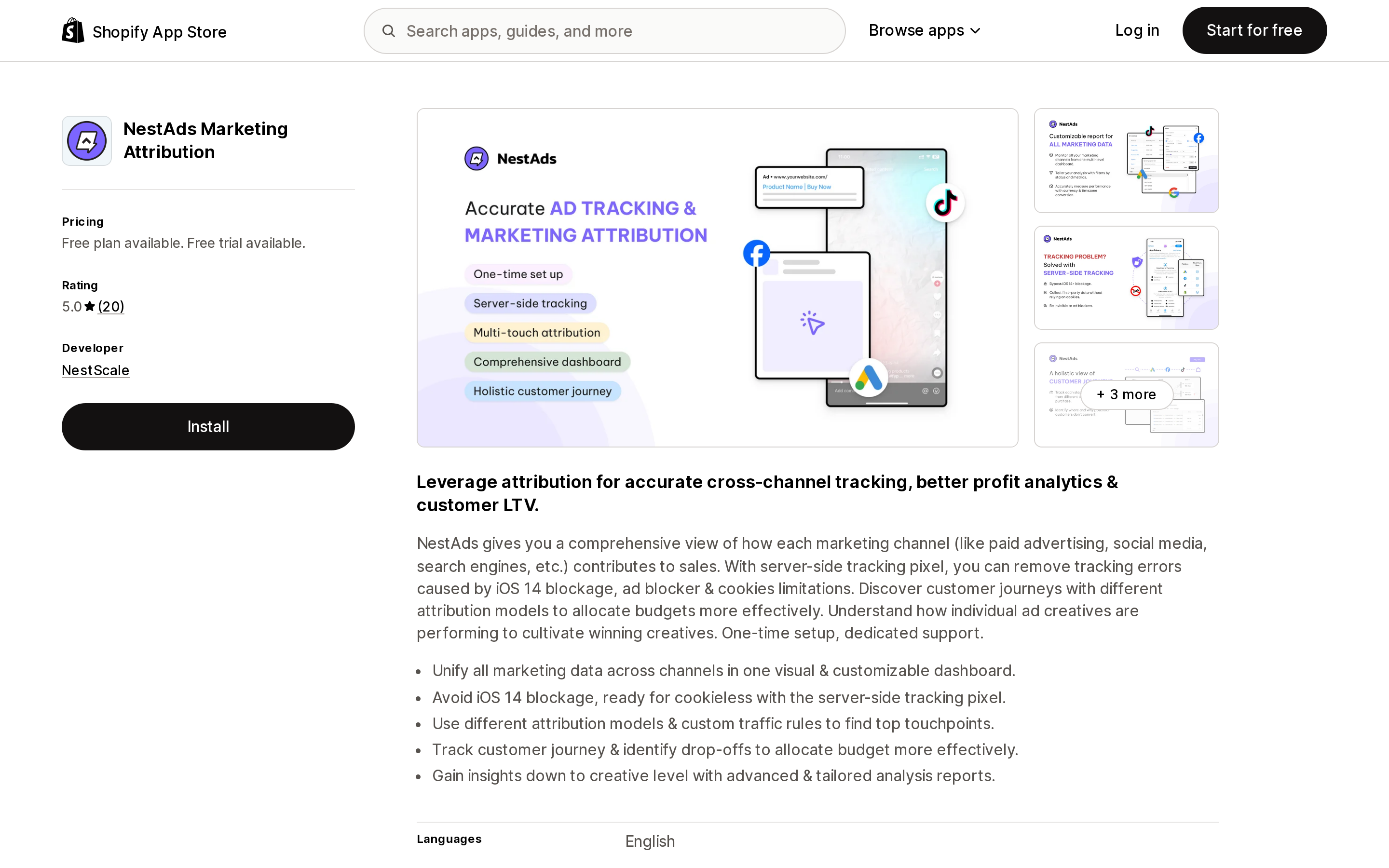
| NestAds Marketing Attribution | Free / $129.99/month | Fixed feature tier; no volume cap stated | Free tier does not include attribution features | Server-side pixel with multiple models; the app does not publish its model names or lookback window | Yes (server-side tracking pixel) | 5.0 (20) |
A note on the last column: 8 reviews and 474 reviews are not the same evidence base, even when both averages are high.
The part nobody prices out: what your bill scales with
Six different denominators appear in that table. This is where two stores of comparable size get very different invoices from the same app.
| Denominator | Apps | Bill grows when | Bill does not grow when |
|---|---|---|---|
| Monthly orders | Elevar Conversion Tracking, Lifetimely Profit Analytics | Order count rises | Traffic rises, or AOV rises |
| Monthly transactions | Fairing Post Purchase Surveys | Order count rises | Traffic rises, or AOV rises |
| Monthly tracked visitors | ATB: Attribution Reports | Traffic rises, even with flat orders | Orders rise within the 10K visitor allowance |
| Online GMV | Polar: AI‑Analytics Platform | Revenue rises | Order count is flat and AOV falls |
| Yearly GMV | Kendall Analytics | Annual revenue crosses a step | Month-to-month volume swings; caps at $299 above $10M |
| Fixed feature tier | Triple Whale, NestAds Marketing Attribution | You add features | Volume grows (as listed) |
Apply that to two store shapes with similar annual revenue and opposite profiles. Store A is high-velocity and low-AOV: 3,000 orders/month, $60 AOV, 100,000 monthly visitors, roughly $2.16M yearly GMV. Store B is content-heavy and high-AOV: 1,000 orders/month, $220 AOV, 250,000 monthly visitors, roughly $2.64M yearly GMV. The figures below apply each vendor's published tiers and overage rates to those profiles; they are our arithmetic, not vendor quotes.
| App | Store A (3,000 orders, 100K visitors) | Store B (1,000 orders, 250K visitors) |
|---|---|---|
| Elevar Conversion Tracking | $725/month ($225 Core + 1,000 extra orders at $0.50) | $225/month (within the 2,000-order allowance) |
| Lifetimely Profit Analytics | $149/month (M tier, up to 3,000 orders) | $149/month (M tier) |
| Fairing Post Purchase Surveys | $149/month (1,001–5k tier) | $99/month (501–1k tier) |
| ATB: Attribution Reports | $1,099/month ($199 + 90,000 extra visitors at $10 per 1,000) | $2,599/month ($199 + 240,000 extra visitors at $10 per 1,000) |
| Kendall Analytics | $199/month (Gold, up to $5M yearly GMV) | $199/month (Gold) |
| Triple Whale | $219/month (Foundation) | $219/month (Foundation) |
| NestAds Marketing Attribution | $129.99/month | $129.99/month |
| Polar: AI‑Analytics Platform | From $750/month; GMV tiers above the entry price are not published | From $750/month; same caveat |
The single line that drives the largest number in that table is easy to skim past on the listing itself:
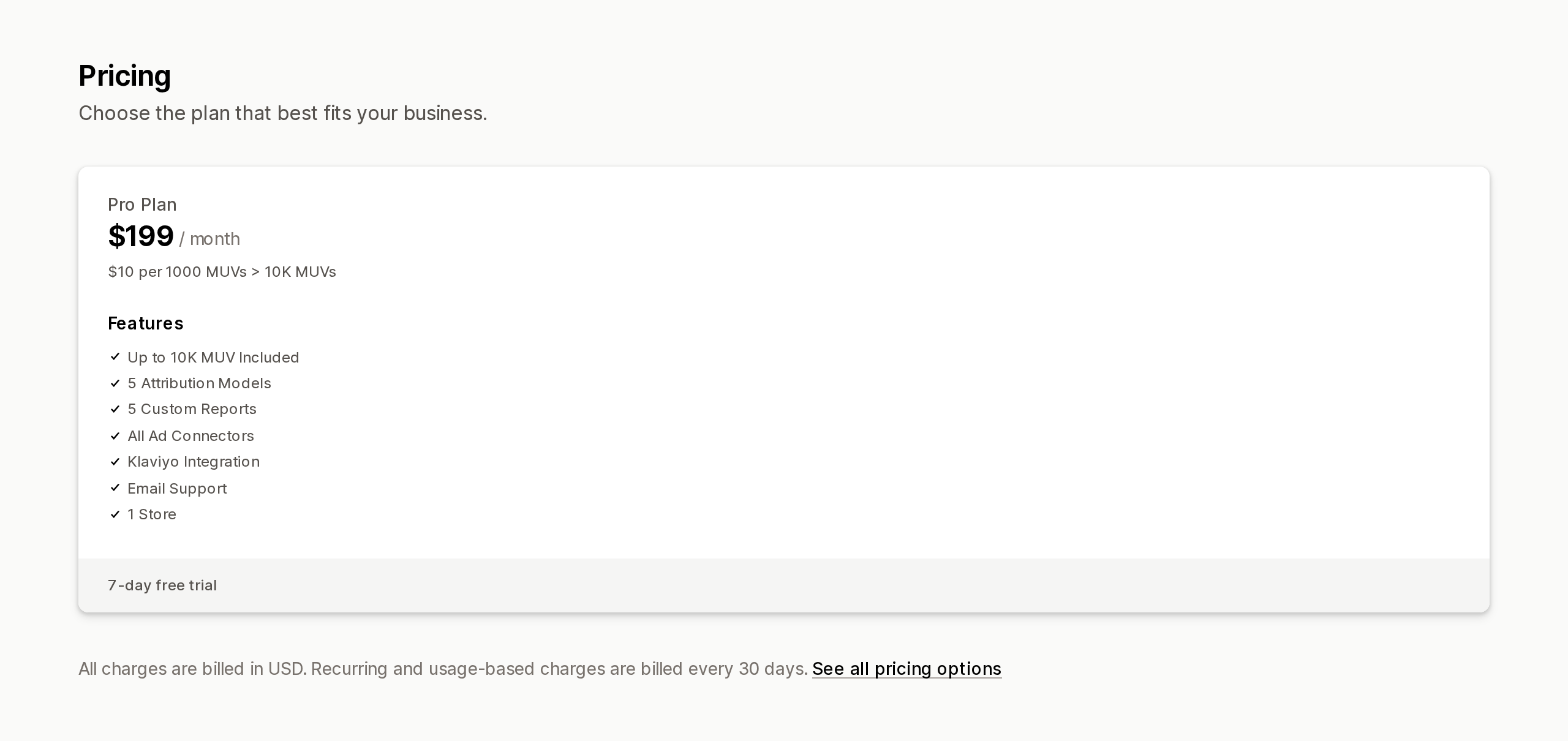
Source: Shopify App Store (ATB: Attribution Reports), retrieved September 3, 2026
The spread is the point. ATB: Attribution Reports lists at $199/month and still produces the largest bill for both stores, because it meters visitors rather than orders. Elevar more than triples between two stores with similar revenue. Kendall, Triple Whale, and NestAds are flat across both. Work out which denominator matches the shape of your store before you compare monthly prices.
App-by-app notes
Triple Whale
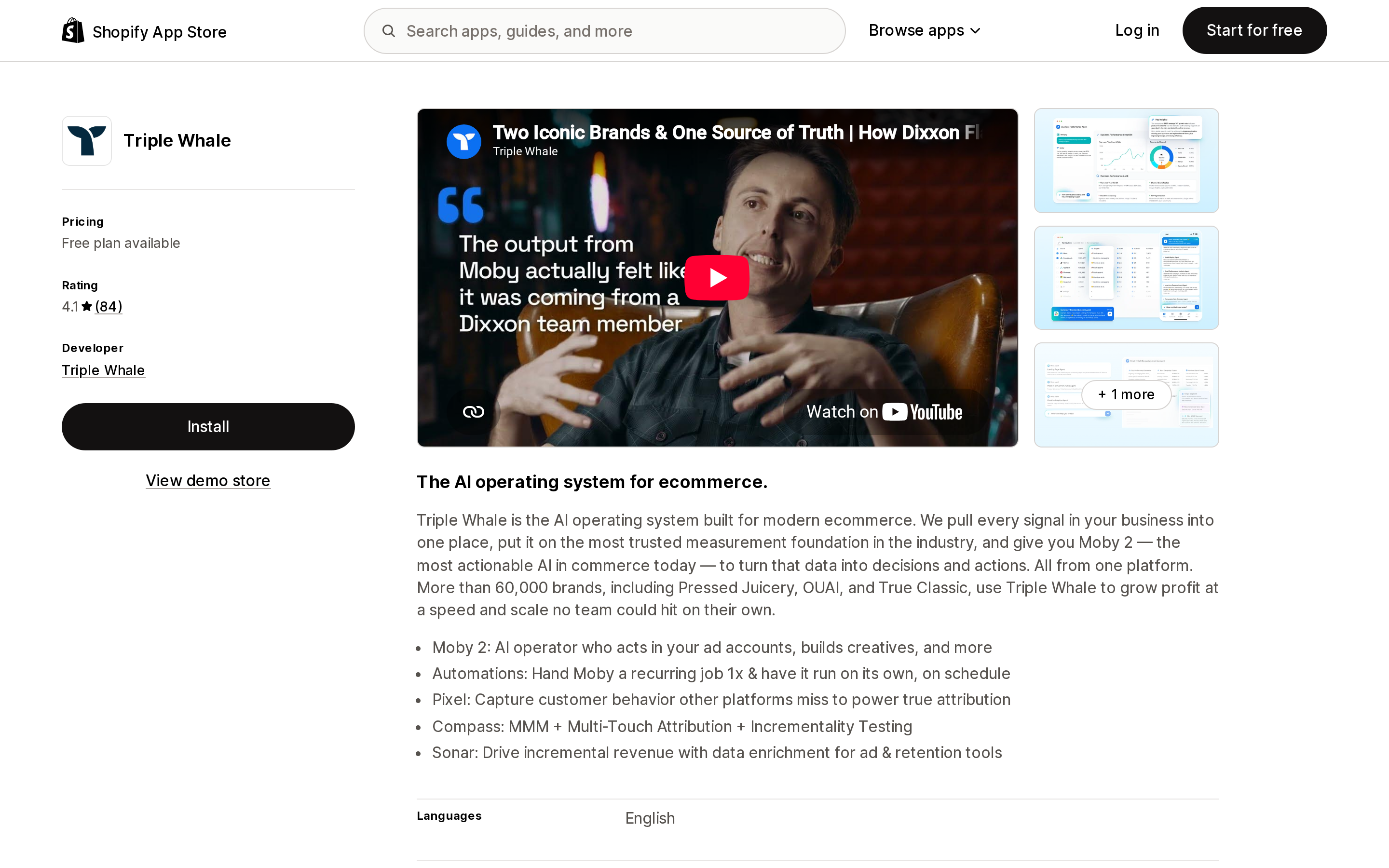
Source: Shopify App Store (Triple Whale), retrieved September 3, 2026
Triple Whale's knowledge base says seven models but names eight: First Click and Last Click as single-touch, then Clicks & Deterministic Views, Linear (All), Linear (Paid), Triple Attribution, Triple Attribution + Platform Views (labelled "+ Modeled Views" in the same article's summary table), and Total Impact. Windows are 1, 7, 14, or 28 days or Lifetime — 28 days is the default. Total Impact weights channels using post-purchase survey responses.
Usefully, Triple Whale documents its own limits: "Because each platform receives 100% credit independently, total attributed revenue across all channels will exceed actual revenue," and it instructs users not to use Triple Attribution for financial reporting. That model is for platform benchmarking, not for reconciling to Shopify. The listing also warns that external charges may be billed separately from your Shopify invoice.
Elevar Conversion Tracking
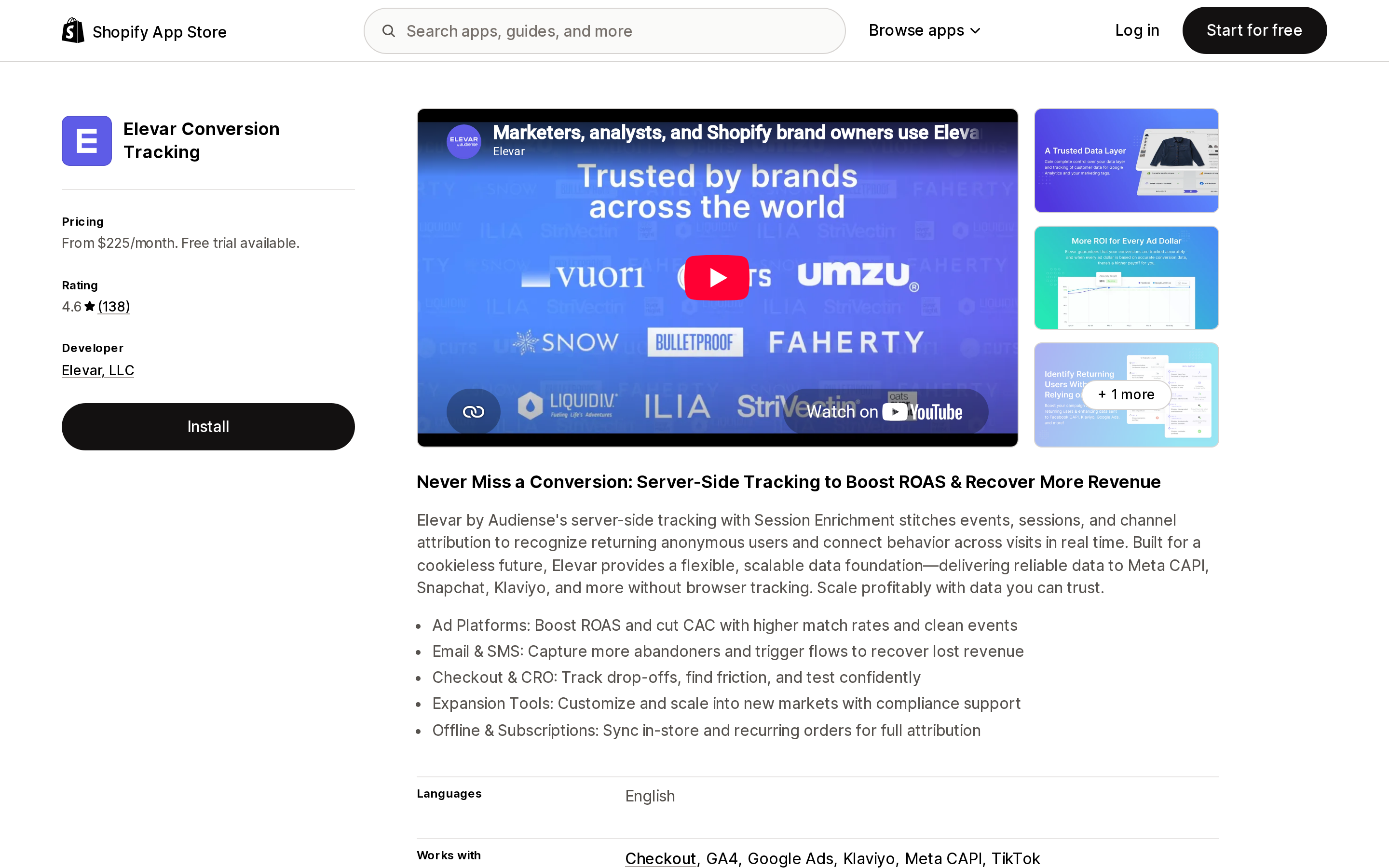
Source: Shopify App Store (Elevar Conversion Tracking), retrieved September 3, 2026
Categorically different: it does not sell you a model, it fixes the signal. Server-side event delivery to Meta Conversions API, GA4, Klaviyo, affiliate networks, and BI destinations, with session enrichment that stitches events and sessions to recognize returning anonymous visitors. At the entry tier the destination cap matters as much as the price — Elevar Core covers 2 destinations, which Meta and Klaviyo alone consume. The listing describes the product as "Elevar by Audiense" and the vendor pricing domain redirects to Audiense, though the App Store name and developer remain Elevar Conversion Tracking and Elevar, LLC. Choose this if your question is whether your events are arriving, not which model to trust.
Polar: AI‑Analytics Platform
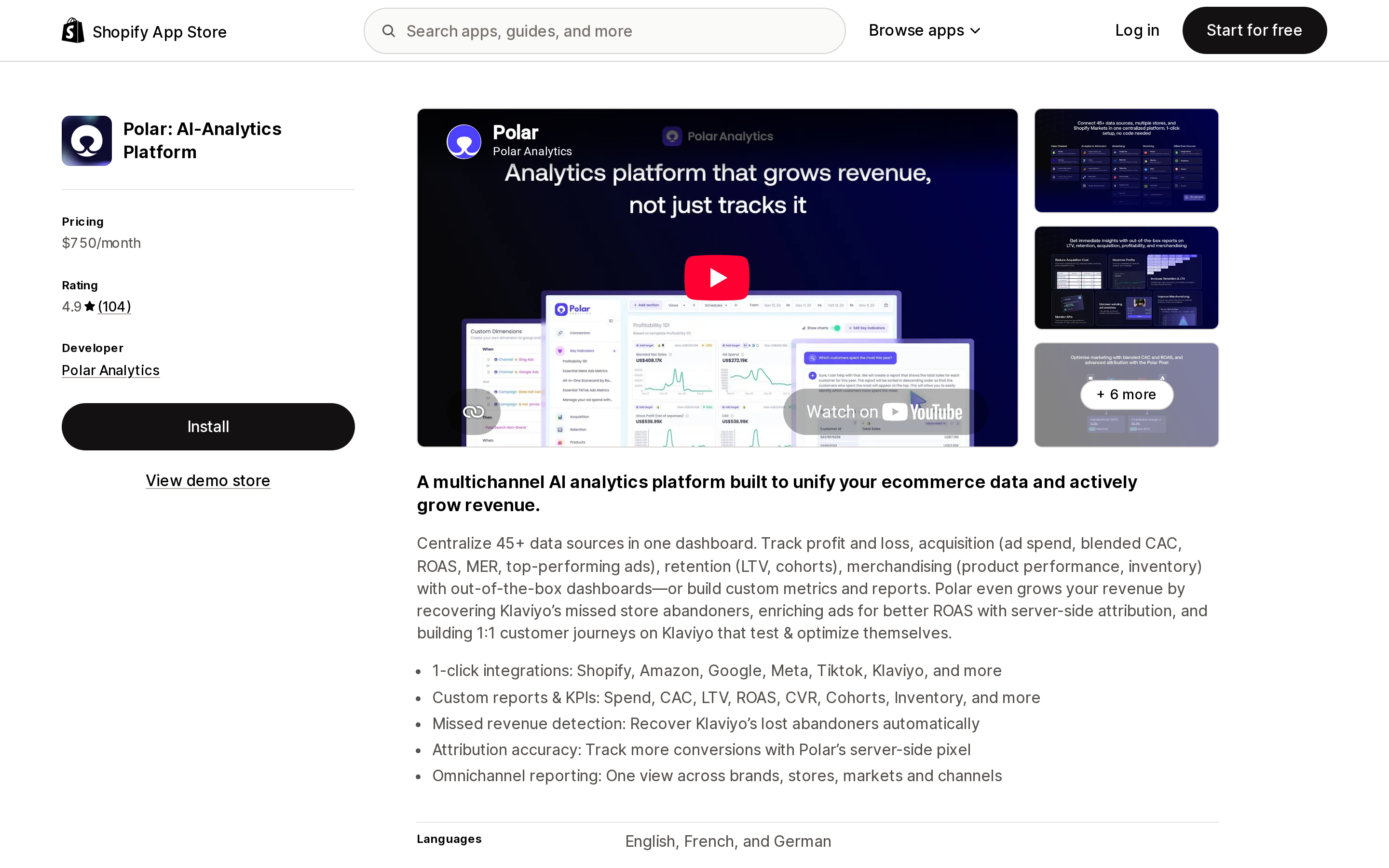
Source: Shopify App Store (Polar: AI‑Analytics Platform), retrieved September 3, 2026
A BI layer with attribution attached, priced on online GMV from $750/month. It adds U‑Shaped and Full Paid Overlap models Shopify does not have, plus a Lifetime ID that joins journeys across devices. Three deployment facts belong in the plan before you sign: the default lookback window is 10 days; "the model is not retroactive," so roughly two weeks of accumulation is needed before the data is usable; and Polar's help states that accounts on the Free Trial do not have access to the Polar Pixel — meaning the attribution capability is not what you evaluate during the trial.
Lifetimely Profit Analytics
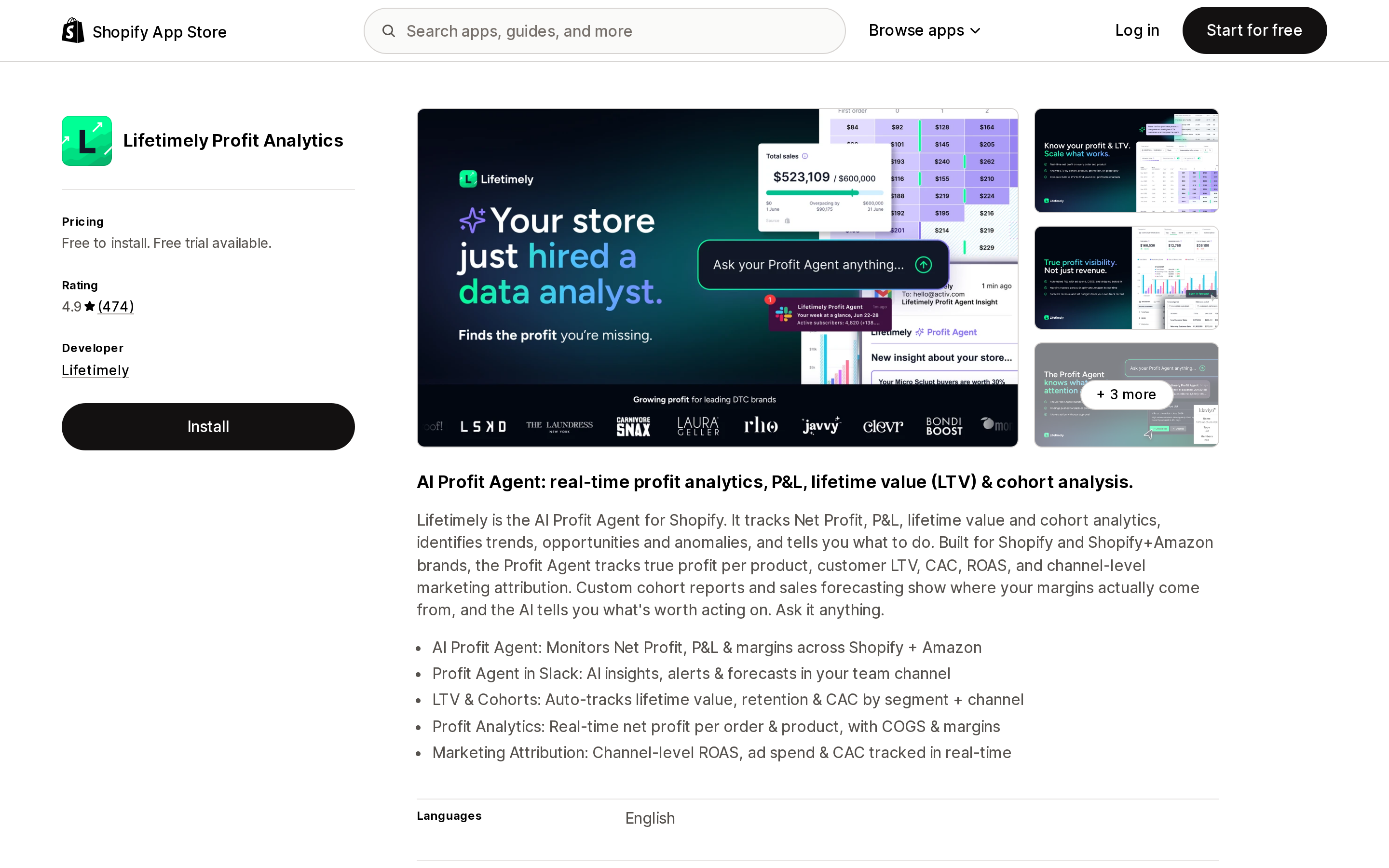
Source: Shopify App Store (Lifetimely Profit Analytics), retrieved September 3, 2026
Profit and LTV analytics first, attribution second. The listing advertises channel-level ROAS, ad spend, and CAC tracked in real time, and carries the heaviest review base in this set at 474 reviews. The free tier is usable at 50 orders/month, though the Profit Agent is excluded. One limit matters here: the app does not publish its attribution model or lookback window, so it is not the tool for comparing models side by side.
Fairing Post Purchase Surveys
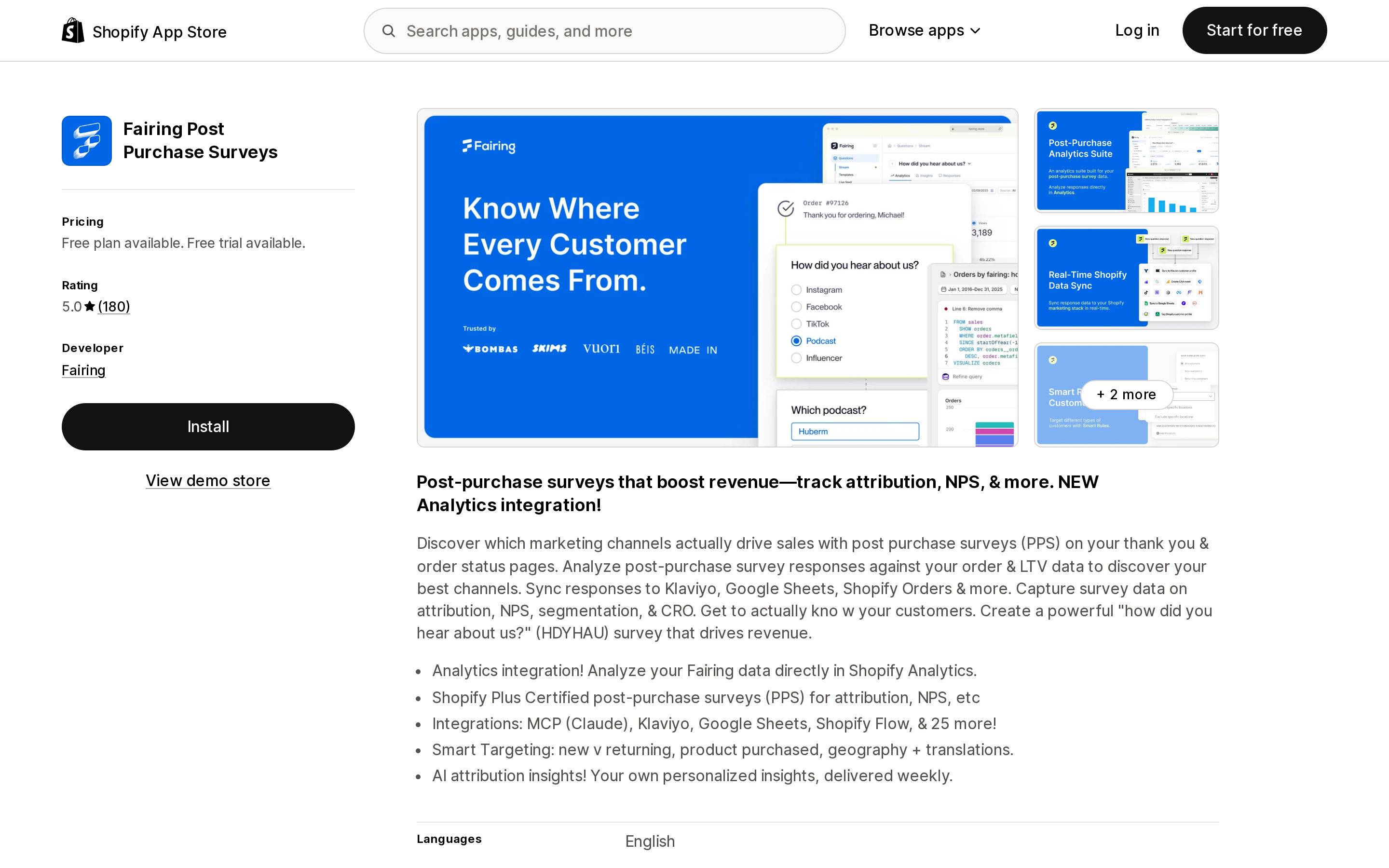
Source: Shopify App Store (Fairing Post Purchase Surveys), retrieved September 3, 2026
A third category alongside deterministic and modeled attribution: self-reported. It answers a question no pixel can, because podcast, TV, out-of-home, influencer, and word-of-mouth channels generate no click to attribute. The free tier runs to 200 orders/month with all features included, and results can be analyzed inside Shopify Analytics. There is no server-side event delivery back to ad platforms, and responses are subject to recall error, so treat it as a cross-check on deterministic tools rather than a replacement. Triple Whale's Total Impact model can consume Fairing responses to weight channels, so the two are designed to coexist.
ATB: Attribution Reports
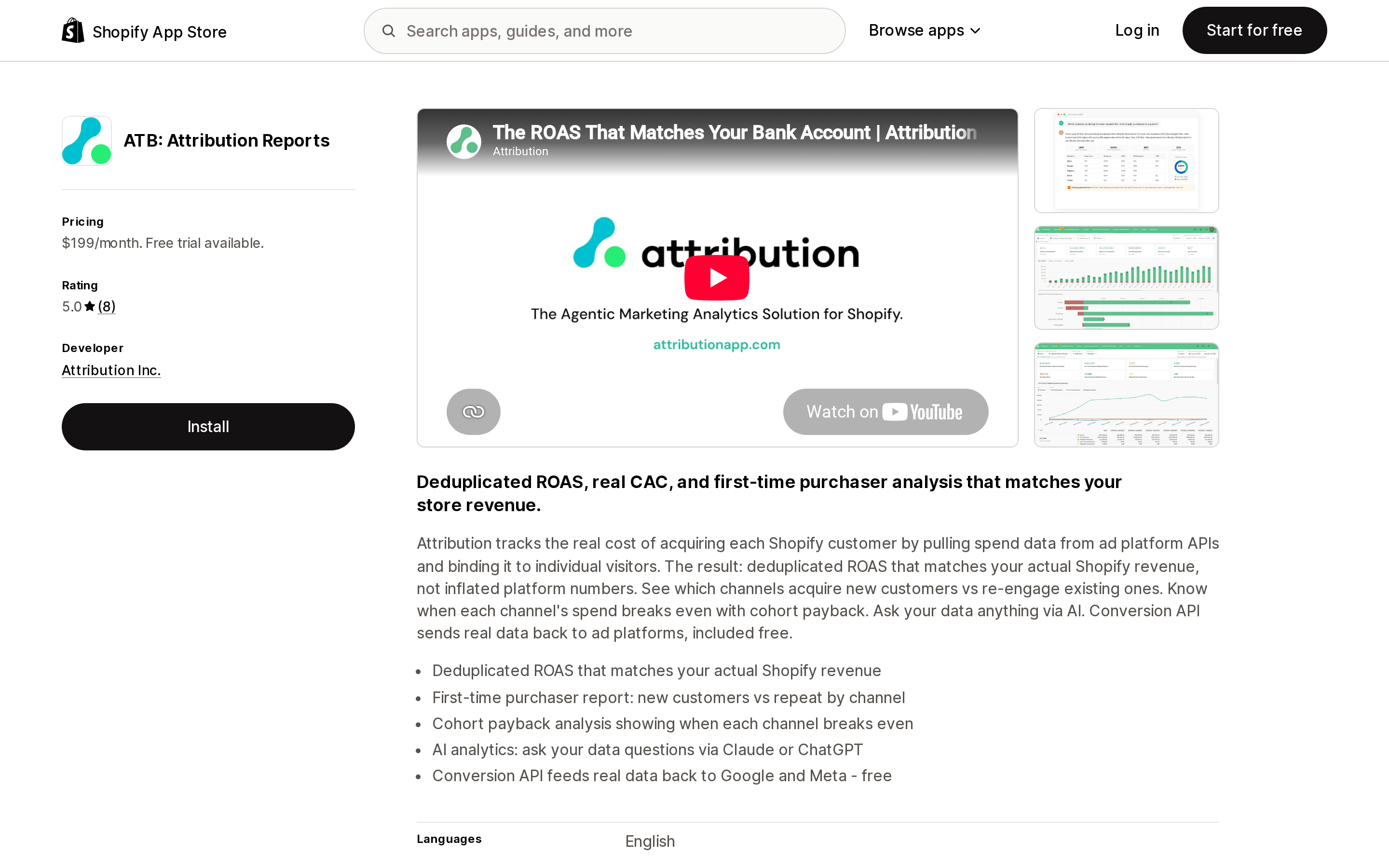
Source: Shopify App Store (ATB: Attribution Reports), retrieved September 3, 2026
An attribution-first product: five named models — first touch, last touch, linear, time decay, position-based — plus a Conversion API at no extra charge, for $199/month. The listing promises "Deduplicated ROAS that matches your actual Shopify revenue." Three caveats. Billing is on monthly tracked visitors, which penalizes traffic-heavy stores as shown above. Custom lookback windows are available only on the vendor's Custom tier, so the entry plan does not solve the fixed-window problem. And the listing carries 8 reviews — a thin base. One of them, dated April 23, 2026, describes this article's problem exactly: "While platforms like Meta suggested significant ROI, we were not seeing those results in our Shopify sales." That is a single review, not a pattern. The App Store also shows a 7-day free trial while the vendor page says 14 days.
Kendall Analytics
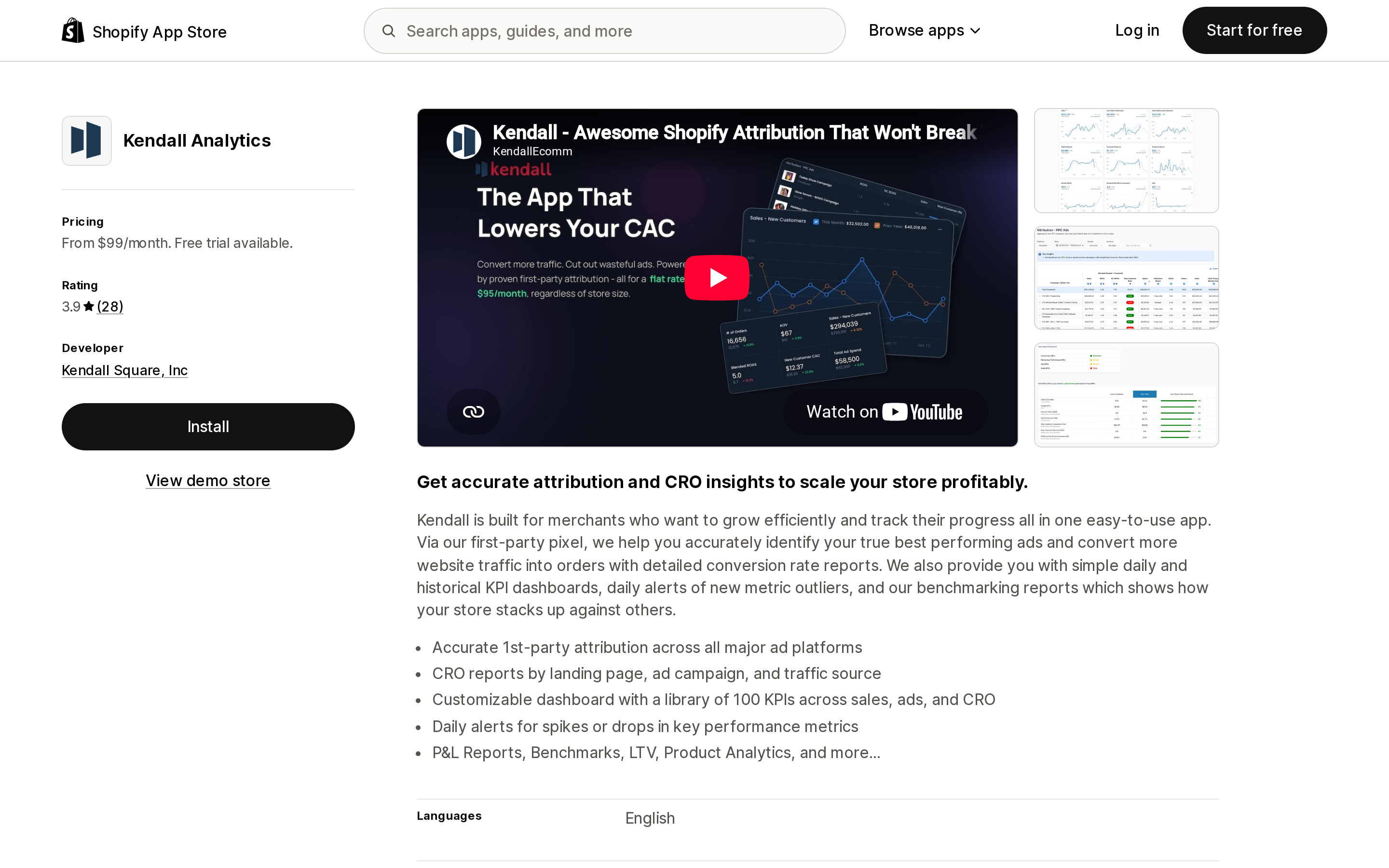
Source: Shopify App Store (Kendall Analytics), retrieved September 3, 2026
Attribution, CRO reports, P&L, LTV, and benchmarking in one app, with every tier including all features and pricing stepped on yearly GMV from $99 to $299. Its 30-day free trial is the longest among these eight. Two things to weigh. The listing does not state which attribution models or lookback window the app uses, and does not mention server-side conversion delivery — absence of a statement, not evidence of absence. And the rating is 3.9 across 28 reviews: a review from a US merchant dated August 4, 2026 alleges undisclosed recurring billing over two years and a denied refund. That is a single review reflecting one merchant's account, and no vendor response to it is published on the listing.
NestAds Marketing Attribution
Source: Shopify App Store (NestAds Marketing Attribution), retrieved September 3, 2026
The PRO plan is $129.99/month — below Lifetimely's M tier at $149, ATB at $199, Triple Whale's Foundation at $219, Elevar Core at $225, and Polar's entry at $750 — and includes a server-side tracking pixel, attribution reporting, customer journey tracking, and cohort analytics. Read the free tier carefully: the STARTER plan provides a centralized ad dashboard, performance reports, and creative analytics, and does not include attribution features. The listing states multiple attribution models are available but does not name them or state a lookback window, and publishes no volume cap — so the flat price is attractive, but the future terms are hard to model.
Choosing by situation
| Your situation | Where to go |
|---|---|
| You have not compared anything yet | Switch a Shopify report to Any click, check your Ads Manager attribution setting, wait 24 hours, compare. Free, and it settles many of these disputes |
| Events are not arriving — blocked pixels, low match rates, subscription or offline orders missing | Elevar Conversion Tracking, $225/month up to 2,000 orders. It gives no model comparison, so budget an analysis layer separately |
| You want view-through in your allocation decisions | Triple Whale from $219/month, keeping the reconciling models and the platform-benchmarking models in separate reports |
| You want side-by-side model comparison and your traffic is modest relative to revenue | ATB: Attribution Reports at $199/month, after checking your visitor count against the $10 per 1,000 overage |
| You want profit-aware channel evaluation more than a new model | Lifetimely Profit Analytics at $149/month, free up to 50 orders |
| You want one predictable annual price across attribution, CRO, P&L, and benchmarking | Kendall Analytics from $99/month, with the documentation gaps and review signal above factored in |
| Part of your revenue comes from channels that produce no clicks | Fairing Post Purchase Surveys, free to 200 orders/month, as a complement rather than a substitute |
| $750/month is a rounding error against your ad spend and you want BI in the same place | Polar: AI‑Analytics Platform, with the 10-day window, the two-week ramp, and the Free Trial pixel exclusion in your rollout plan |
And if your actual goal is making Shopify and Meta agree: None of these will do that. The vendor best positioned to sell you the opposite already said so: attribution should be used "for directional purposes rather than as an exact science since view-through data is never provided by ad platforms." Decide which system answers which question — Shopify for what you banked, the ad platform for in-flight optimization — and stop trying to close a gap the two designs guarantee.
Sources
- Shopify Help Center — Marketing reports: https://help.shopify.com/en/manual/reports-and-analytics/shopify-reports/report-types/default-reports/marketing-reports
- Shopify Help Center — Measuring marketing performance: https://help.shopify.com/en/manual/promoting-marketing/analyze-marketing/marketing-performance
- Shopify Help Center — Overview of the new Shopify reports: https://help.shopify.com/en/manual/reports-and-analytics/shopify-reports/report-types/reports-overview
- Shopify Help Center — Viewing order conversion summary: https://help.shopify.com/en/manual/fulfillment/managing-orders/analytics/conversion-summary
- Shopify Help Center — Facebook data sharing: https://help.shopify.com/en/manual/promoting-marketing/analyze-marketing/meta-data-sharing
- Shopify.dev — Web Pixels API: https://shopify.dev/docs/api/web-pixels-api
- Shopify.dev — Pixel privacy: https://shopify.dev/docs/api/web-pixels-api/pixel-privacy
- Triple Whale Knowledge Base — Understanding and utilizing attribution models: https://kb.triplewhale.com/en/articles/5960333-understanding-and-utilizing-attribution-models
- Polar Analytics Help — Understanding Polar Pixel attribution: https://intercom.help/polar-app/en/articles/6706026-understanding-polar-pixel-attribution
- Polar Analytics Help — How does attribution work on Polar: https://intercom.help/polar-app/en/articles/6996030-how-does-attribution-work-on-polar
- Fairing pricing: https://fairing.co/pricing/
- Attribution app pricing: https://www.attributionapp.com/pricing/
- Audiense Online (Elevar) pricing: https://www.audiense.com/products/audiense-online/pricing/
- Shopify App Store listings, all retrieved September 3, 2026: Triple Whale, Elevar Conversion Tracking, Polar: AI‑Analytics Platform, Lifetimely Profit Analytics, Fairing Post Purchase Surveys, ATB: Attribution Reports, Kendall Analytics, NestAds Marketing Attribution
All pricing, ratings, and review counts verified on September 3, 2026. App Store terms change frequently; confirm on the listing before committing.
Shopify's free link-in-bio page, Linkpop, retired on July 7, 2025 — linkpop.com now redirects to shopify.com. On August 15, 2026 Shopify's Help Center began saying the $5 Starter plan, the plan built around sharing product links on social, isn't available to new stores. And Shopify's own July 21, 2026 blog post on link-in-bio tools links to exactly two Shopify App Store listings: LinkShop, and Linktree — an app in the Marketplaces category, billed outside your Shopify invoice, rated 3.6 across 18 reviews. We priced seven link-in-bio apps on September 18, 2026. The dimension that matters isn't the monthly fee, which runs from $0 to $15. It's where the page lives: four apps serve it from your own storefront through a Shopify app proxy, which means it sits behind your store password — and on the new $0 Agentic plan, that password never comes off. Verified against the Shopify Help Center, shopify.dev, the Shopify App Store, and live store pages.