What you will learn
On this pageContentsCloseOpen
Two assumptions sink most first dropshipping setups, and both of them look reasonable.
The first is that the monthly fee scales with sales. It does not. Across the seven apps checked for this article on September 3, 2026, not a single one meters on order volume. Two of them advertise "unlimited orders" as a feature. What they all charge for is how many products you have connected to your store.
The second is that installing a US-focused app makes your shipping fast. It does not do that either. Delivery speed is a property of the individual SKU, not of the app you installed, and the vendors that document this honestly say so in their own help centers.
This article covers what each plan is actually metered on, what the official delivery windows are and where they come from, which apps ask for edit access to your theme, and what happens when you uninstall. Every price is from the Shopify App Store at the en locale or the vendor's own pricing page, checked on September 3, 2026. This category changes pricing often — confirm before you install.
Start with what Shopify already does
The fulfillment half of dropshipping is entirely native. Locations, order routing, shipping profiles, carrier-calculated or flat rates, and the estimated delivery dates shown at checkout are all configured under Settings > Shipping and delivery. No app adds capability there.
What Shopify does not do natively is pull a supplier's catalog into your store and push your orders back out to them. That is the actual job of every app below.
There is one important exception, and it is free.
Shopify Collective
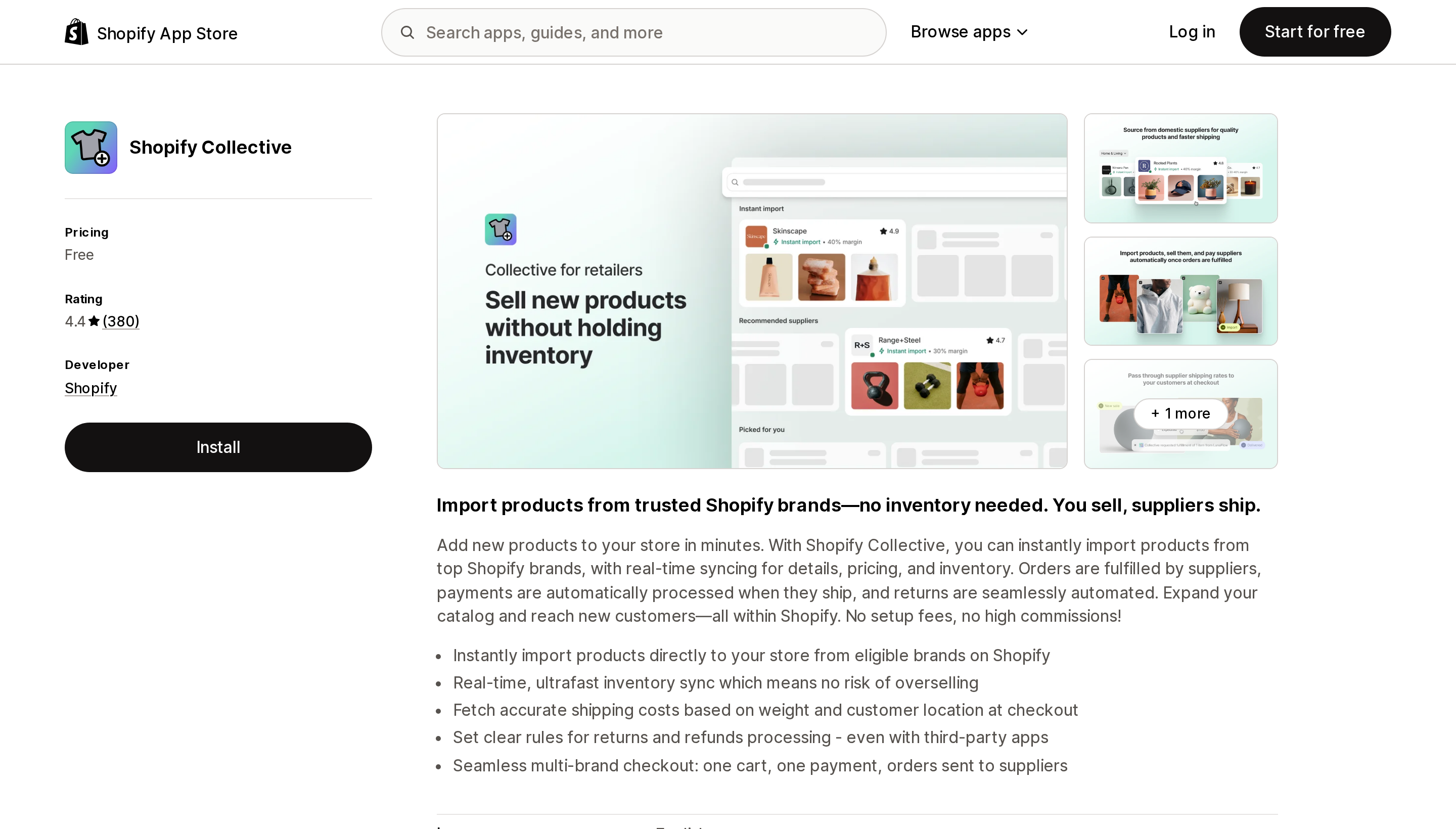
Source: Shopify App Store (Shopify Collective), retrieved September 3, 2026
Shopify Collective lets you import products from other Shopify brands, sync their inventory in real time, and pay the supplier automatically when an order is fulfilled. The Help Center states it is "free to use with all Shopify plans, subject to store eligibility" with no minimum sales requirement. It carries a 4.4 rating across 380 reviews.
A widely repeated claim is that Collective is US and Canada only. That is wrong — it covers 38 countries and regions and 18 currencies. The real constraints are narrower and harder:
- Shopify Payments must be active, with a payout currency matching your store currency.
- Retailer and supplier must be in the same country and use the same currency. A US/USD store cannot connect to a Canada/CAD supplier.
- Suppliers must be Shopify stores. There is no AliExpress-style long tail here.
- It is incompatible with Managed Markets, Shopify POS in-person, Pickup in store, and metafields. It is compatible with Shopify Flow, Bundles, Subscriptions, and Combined listings.
One margin trap is documented explicitly: discount codes do not reduce what you owe the supplier. The Help Center's own example is a product retailing at $100 with a $70 cost — a $20 discount code turns $30 of profit into $10.
Shopify's Help Center names four recommended dropshipping apps: Shopify Collective, DropCommerce, Dropship, and Syncee. It also warns readers about apps that rank high on installs without prioritizing shipping speed or quality. DSers, CJdropshipping, Zendrop, Spocket, and AutoDS are not on that list.
What each plan is actually metered on
This is the table that most comparisons skip.
| App | Free plan reality | Starting paid price | Metered on |
|---|---|---|---|
| Shopify Collective | Entirely free | — | Nothing |
| DSers: Dropship+AliExpress+AI | 3,000 products, 3 stores — but no inventory or price auto-sync | $19.90/mo | Products (3K/20K/75K/100K) + stores |
| CJdropshipping: Much Faster | Free to install, no subscription tier | — | Product and service fees only |
| Zendrop: AI Dropshipping & POD | 0 linked products — cannot import or process orders | $29/mo | Peak linked products in the cycle |
| Spocket: US & EU Dropshipping | Chat support only | $39.99/mo | Unique products (25/250/10,000) |
| Syncee Premium AI Dropshipping | 25 product imports | $39.99/mo | Products to import + import lists |
| Auto DS: AI Dropshipping & POD | None | $26.90/mo | Products importable (200/500/1K) + stores |
Three consequences fall straight out of this.
Growing order volume does not raise your bill. Spocket advertises unlimited orders and a 0% transaction fee; Syncee charges 0% transaction fee on all paid plans. If your model is a narrow catalog with high repeat volume, your app cost is effectively fixed.
Growing your catalog does raise it, sometimes faster than you expect. DSers counts products you have hidden inside DSers and products you deleted from your store toward the product limit. The count is not what a merchant would intuitively call "products I'm selling."
"Free to install" is not the same as a usable free plan. Zendrop's Help Center is blunt about it: on the Free plan "You can browse the catalog, but you can't import products or process orders." Syncee's 25 free imports are the only free tier here that lets you test a full order flow with inventory and price syncing intact — DSers' free plan imports far more products but cannot auto-update either.
Zendrop bills on your peak, not your current count
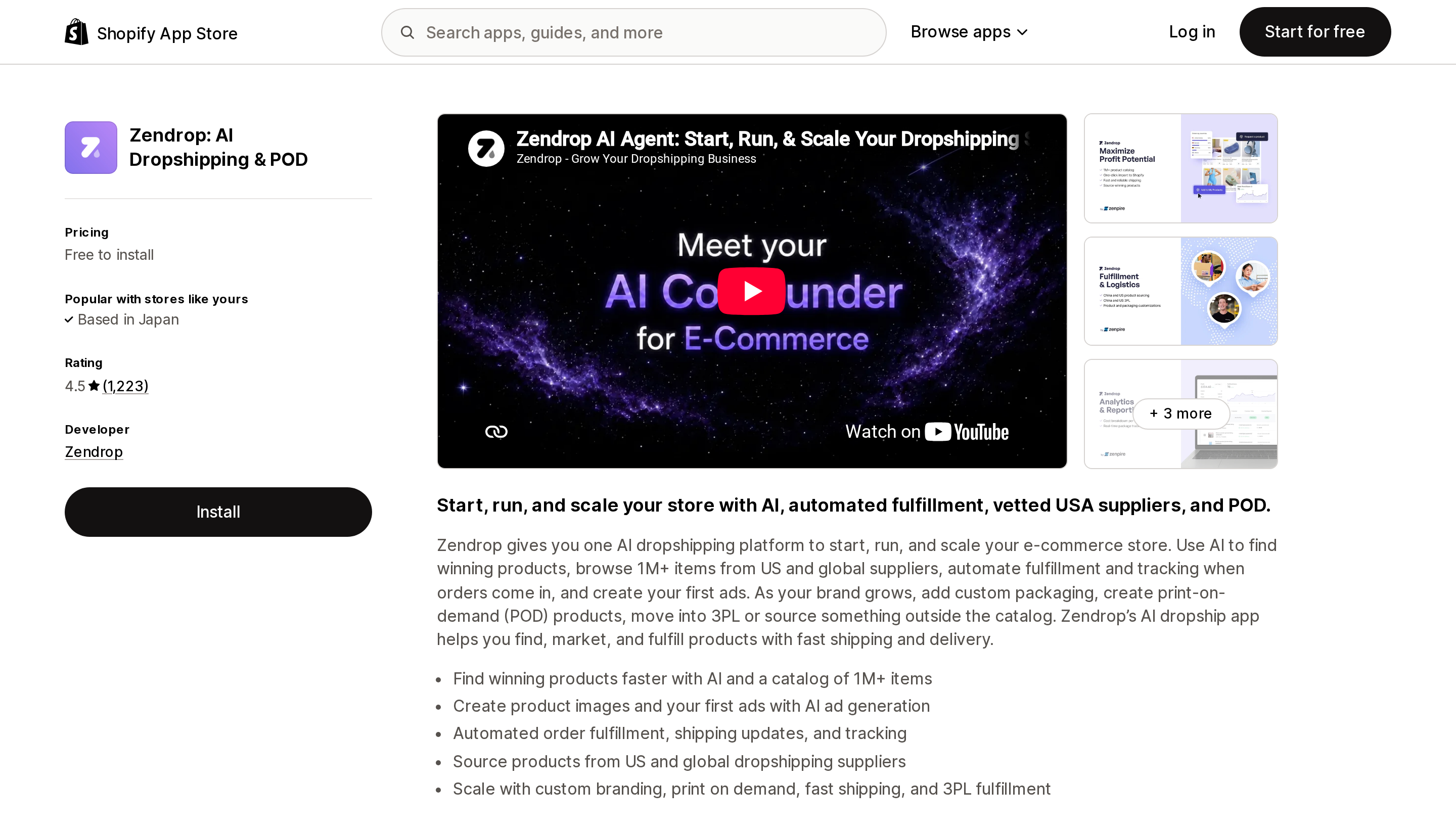
Source: Shopify App Store (Zendrop: AI Dropshipping & POD), retrieved September 3, 2026
Zendrop's usage-based billing tiers are $0 for zero linked products, $29 for 1–20, $49 for 21–100, and $79 for 101 and up. The mechanic underneath is unusual and worth understanding before you start importing:
Your monthly charge is based on the highest number of products linked at any point during the billing cycle, not your current product count at billing time.
So the common workflow of importing 150 candidate products, testing them for a week, and unlinking the 130 that flopped puts you on the $79 tier for that entire cycle. Unlinking everything drops you to Free from the next cycle, not the current one.
There is a second Zendrop billing path — legacy Standard plans billed directly rather than through Shopify — and for those, uninstalling the Shopify app does not stop the charges. You have to downgrade to the Free plan inside Zendrop. Refund requests must be made within five days of a charge and approval is discretionary.
Zendrop is also the only vendor here headquartered in the US (Boca Raton, FL) other than AutoDS (Denver, CO).
Delivery speed belongs to the SKU, not the app
Zendrop's Help Center explains its own product pages better than any third-party review does. The app displays an average US shipping estimate of 8.5 business days. That number is a blend:
- US-to-US shipments from their US warehouse: usually 3–5 business days
- China-to-US shipments: typically 10–15 business days
"Because these two routes are averaged together, the system displays 8.5 days, but the actual delivery time will depend on where the product is shipped from." Their recommendation is to check the "Ships From" location before you list anything, and to publish different windows for different products.
That is the honest shape of this whole category. Every app below lists both the United States and China among its sourcing locations. The question is never "does this app ship from the US" — it is "does this SKU ship from the US."
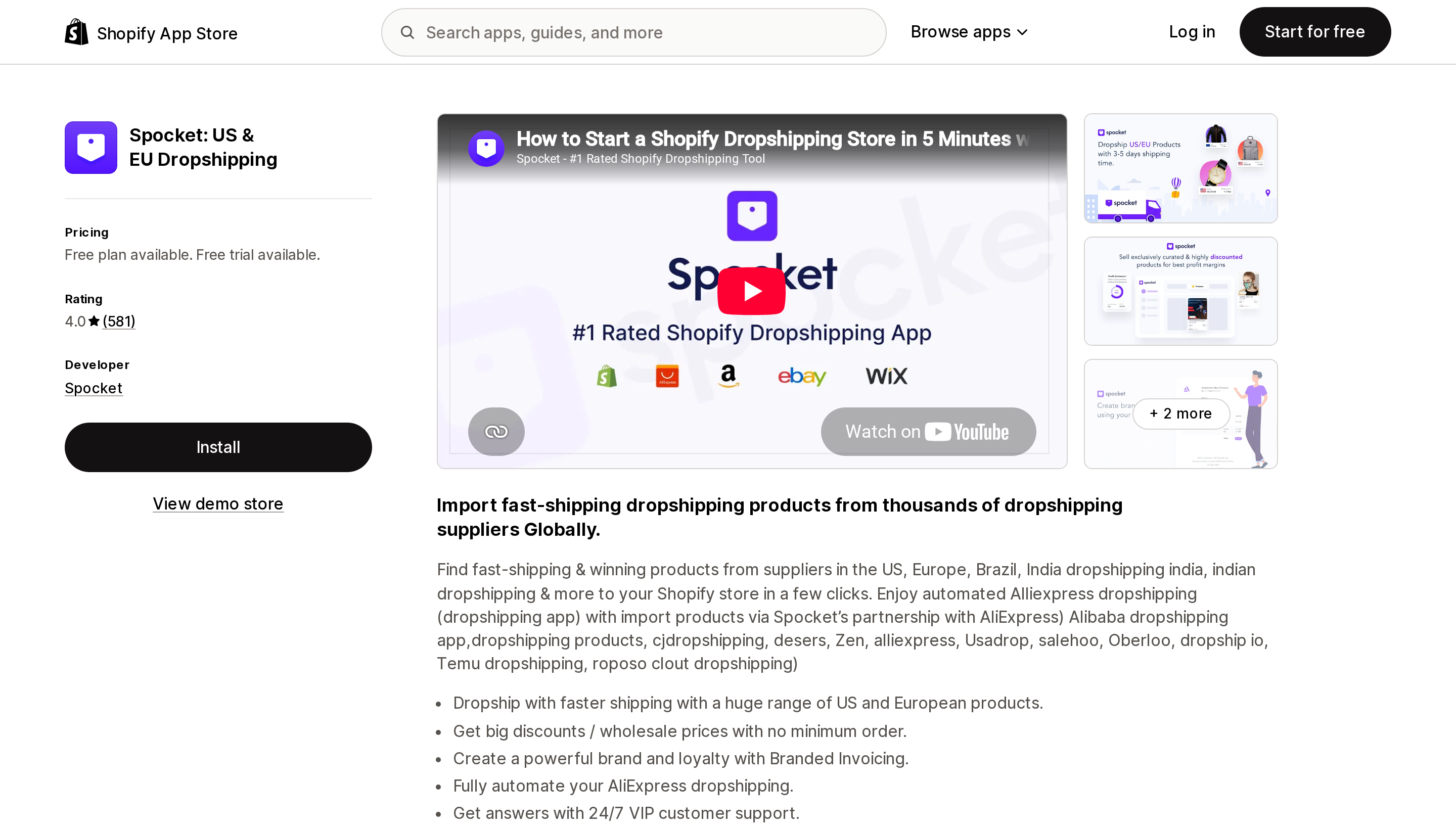
Source: Shopify App Store (Spocket: US & EU Dropshipping), retrieved September 3, 2026
Spocket handles this by publishing two separate numbers per product — order processing time and order shipping time, both in business days — and instructing merchants to add them. Their own example works out to a minimum of 6 and a maximum of 10 days to a US customer. If you quote 2–5 days on your product pages because that is what the marketing page said, you are quoting the shipping leg and ignoring processing.
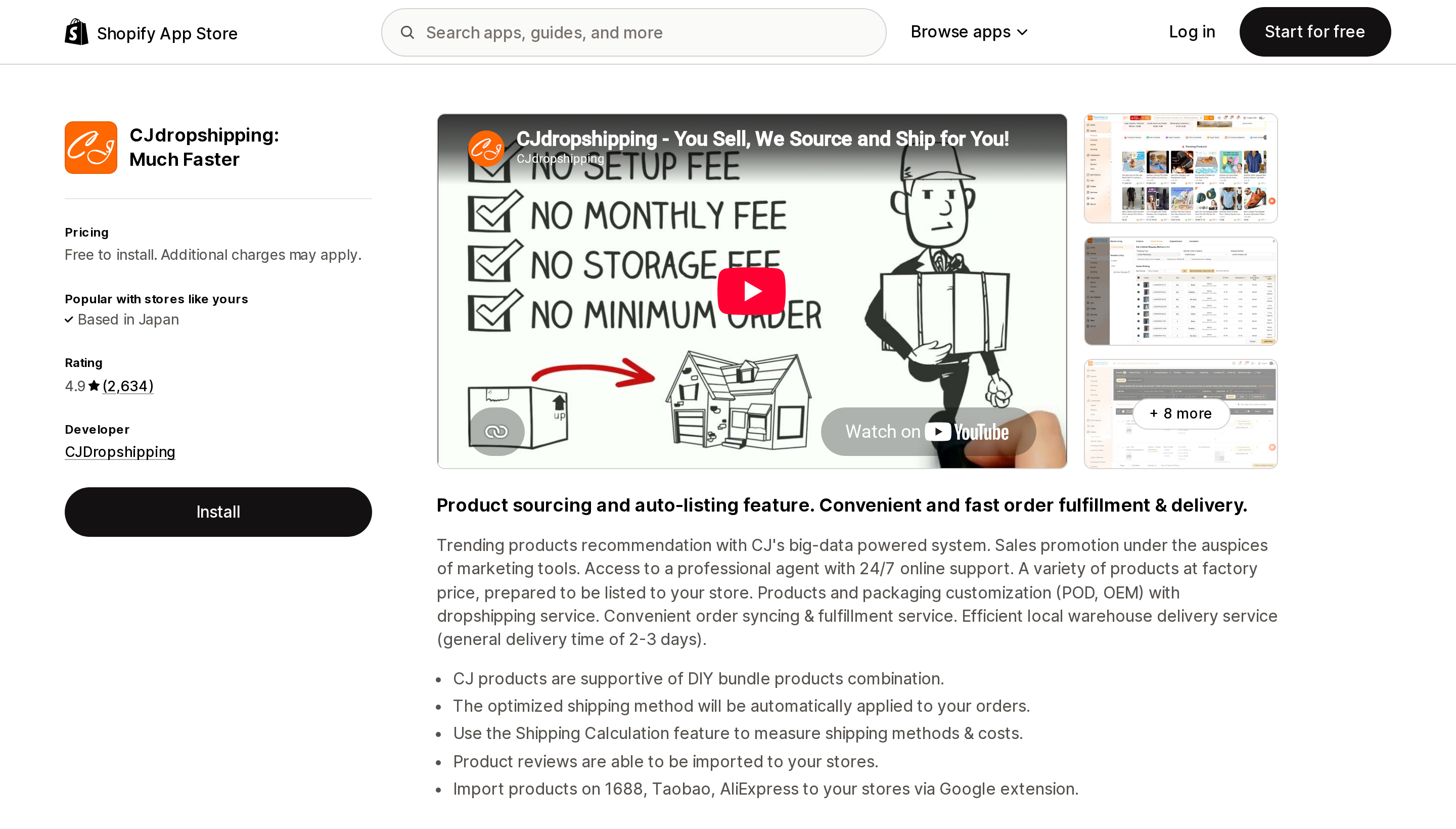
Source: Shopify App Store (CJdropshipping: Much Faster), retrieved September 3, 2026
CJdropshipping's own sources disagree with each other. Its App Store listing claims local warehouse delivery with a "general delivery time of 2-3 days," while a CJ company blog post describes US warehouse stock as reaching customers "in as little as 3-6 days." Both are first-party. Use the wider one when you write your shipping policy.
CJdropshipping is the only third-party app here with no subscription tier at all — you pay product cost, shipping, and service fees. (Its listing also links to a paid tier called CJ Prime, whose pricing is not published on the App Store.) For a store that has not validated demand yet, that matters more than any feature list.
Permissions vary more than the marketing does
The Data access section of an App Store listing is public — where it is published. Four of these seven listings show one (Collective, Zendrop, Syncee, AutoDS); DSers, CJdropshipping, and Spocket do not, so their scopes cannot be compared here. Among the four that do publish, the differences are substantial.
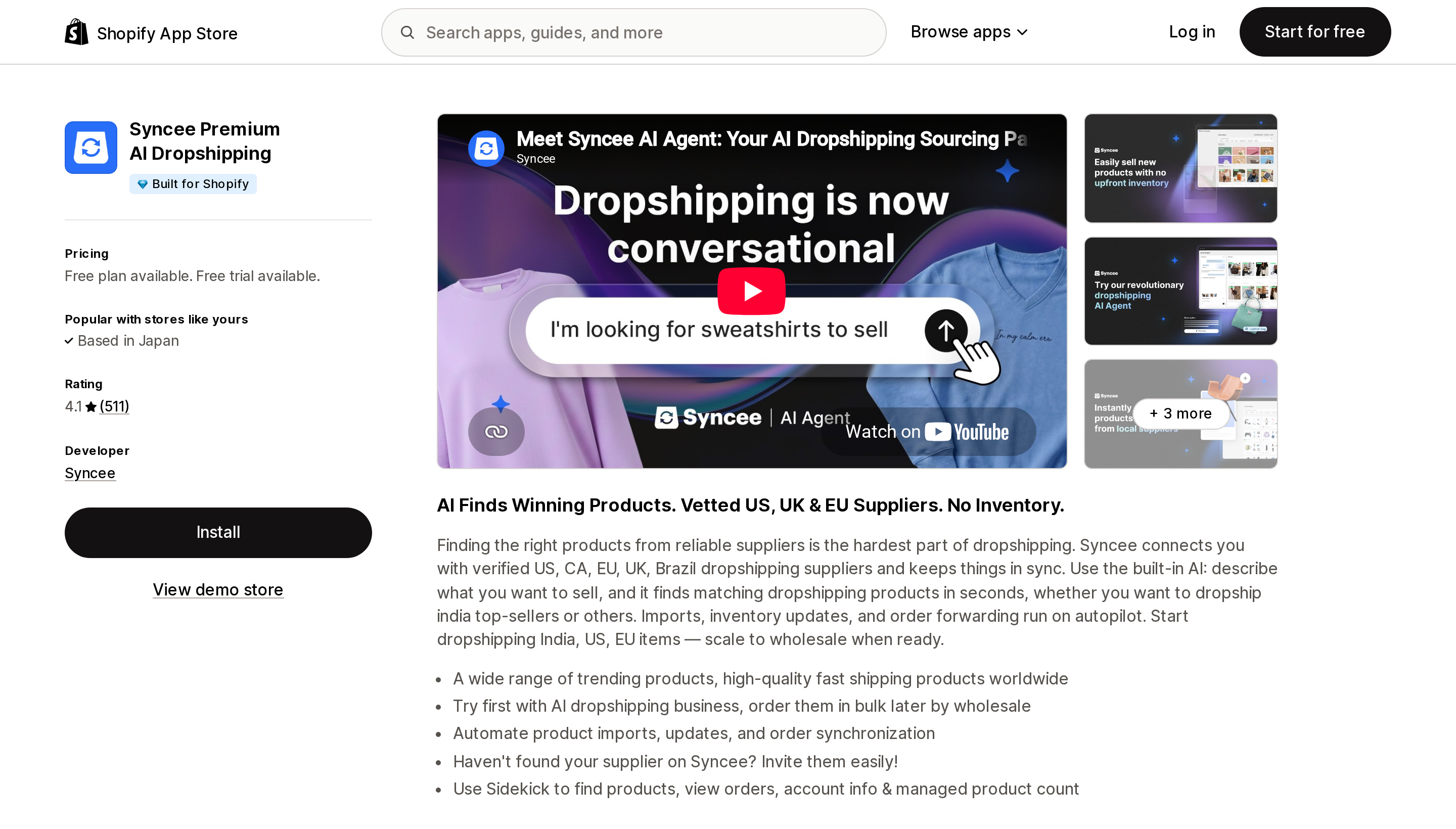
Source: Shopify App Store (Syncee Premium AI Dropshipping), retrieved September 3, 2026
Syncee Premium AI Dropshipping is the only app in this group carrying the Built for Shopify badge, and of the four listings that publish a Data access section it asks for the least. It does not request theme edit access, and its order history access is scoped to the last 60 days rather than all history. It is also one of Shopify's four recommended apps, and its free tier allows 25 product imports. Supplier contact is gated behind the $39.99 Basic plan.
Syncee is explicit about the limit of its own role. Its public response to a fulfillment complaint states: "Syncee does not collect these payments or participate in the fulfillment and shipment of the products. These are managed directly by the supplier, who is also responsible for any related refunds." That is true of every marketplace-model app here, but Syncee is the one that says it out loud.
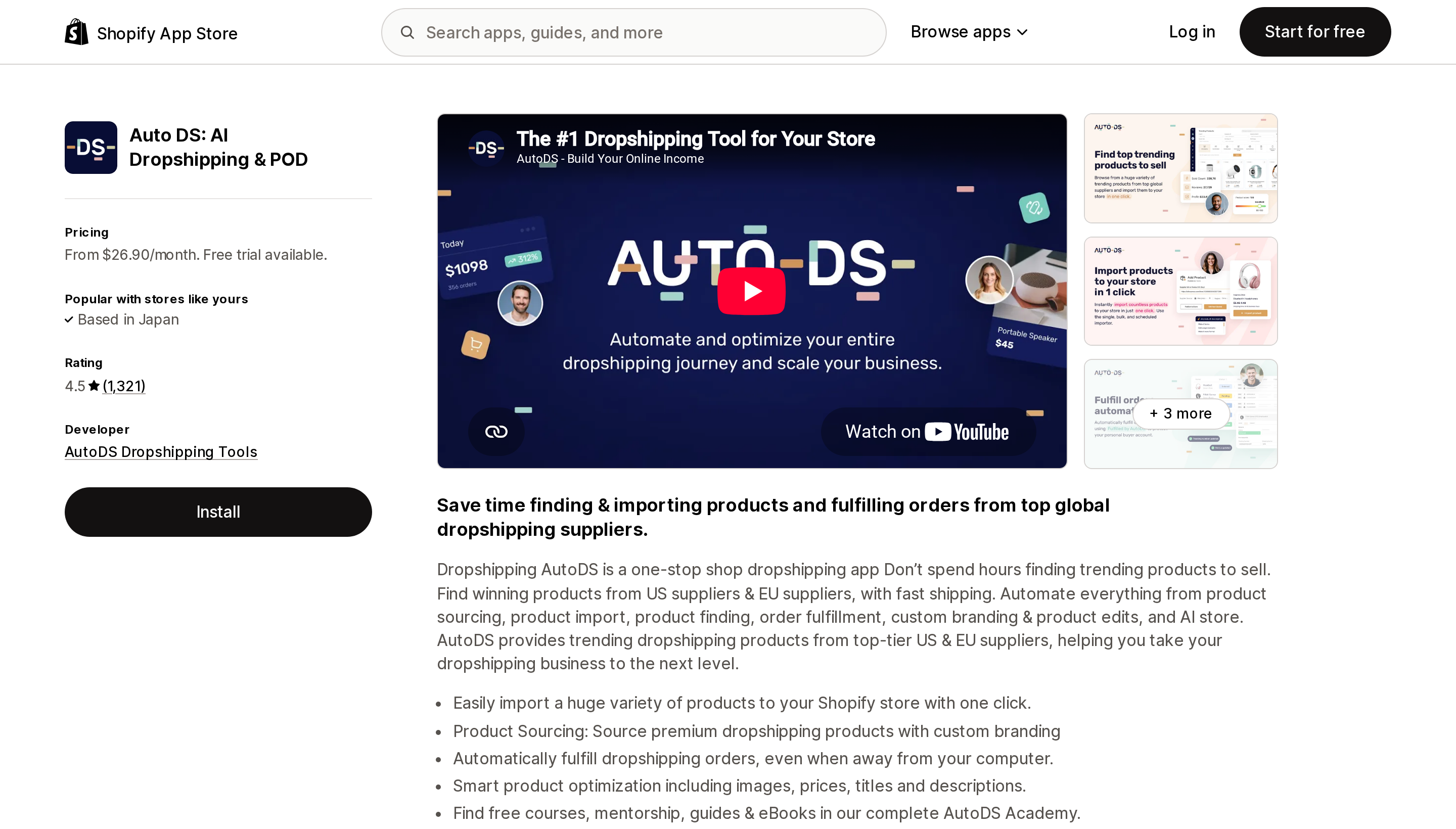
Source: Shopify App Store (Auto DS: AI Dropshipping & POD), retrieved September 3, 2026
At the other end, Auto DS: AI Dropshipping & POD requests the broadest set: theme editing, Online Store pages, navigation, web pixels and reports, blog contributors, and customer browsing behavior. Zendrop also requests theme edit access — and one August 2026 review reports the app publishing its own demo theme over a live store immediately after install, which the vendor apologized for publicly. That is a single review and should not be generalized, but it is consistent with the permission the app genuinely holds.
AutoDS is the only app here with no free plan. Its $26.90 entry tier excludes price and stock monitoring, which starts at $39.90, and its own site sells automatic order fulfillment as a separate $9.90/month add-on. It is also the only one here that lists Walmart among its supplier sources, which is a structural advantage for US domestic delivery. (Amazon appears on DSers' and Zendrop's listings too.) Either way, sourcing from those platforms is a terms-of-service question you need to answer for yourself.
DSers, if catalog width is the point
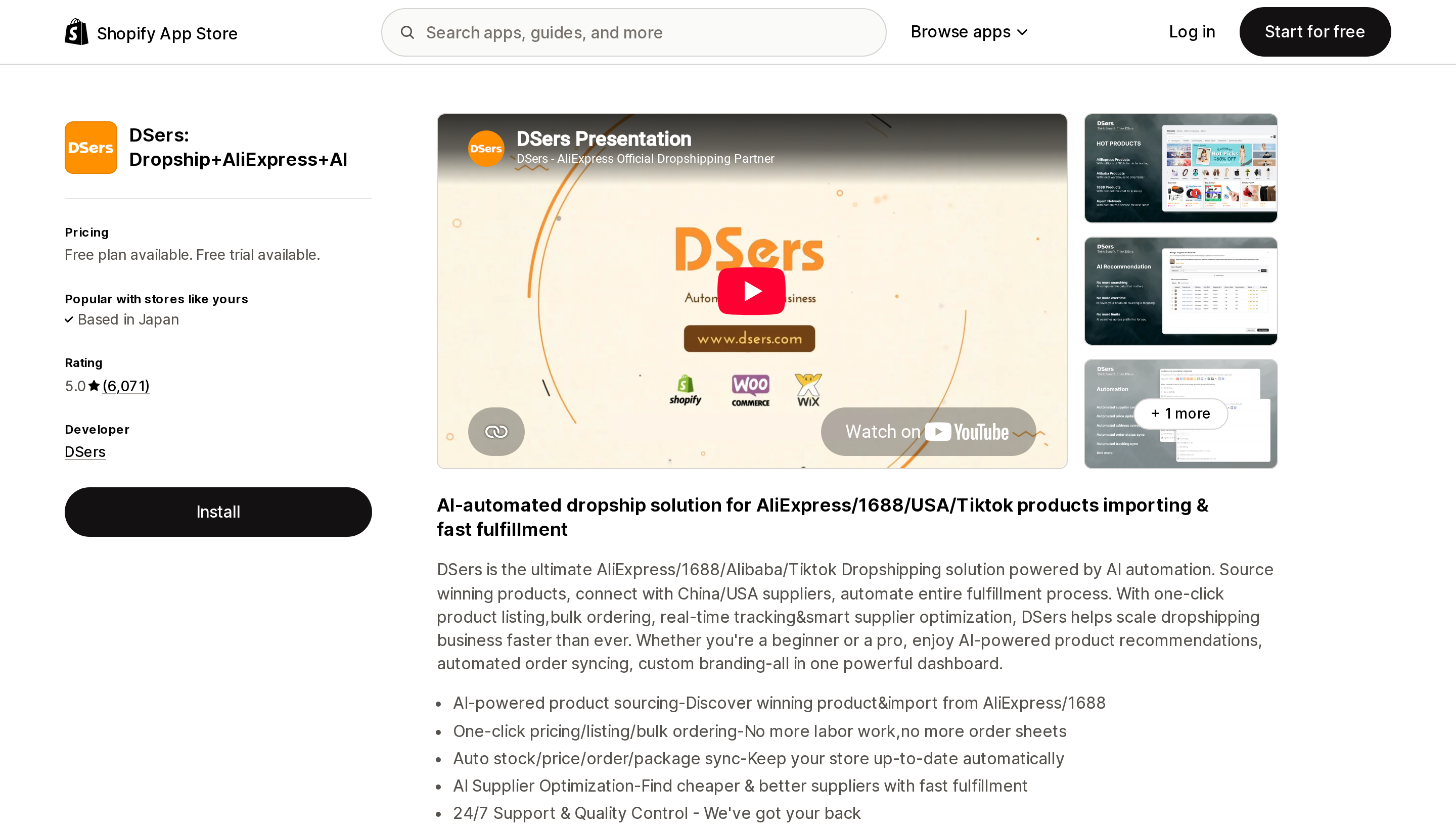
Source: Shopify App Store (DSers: Dropship+AliExpress+AI), retrieved September 3, 2026
DSers has the largest review base in the category at 5.0 across 6,071 reviews, and the most generous free product ceiling at 3,000. The catch is functional rather than numeric: inventory auto-update, automatic price update, and tracking sync are all unavailable on the free Basic plan. Running a real store on Basic means manually watching for stockouts and supplier price increases.
Worth noting when you read those reviews: the overwhelming majority praise a named support agent rather than the product. High ratings in this category measure support responsiveness more than they measure the software.
The App Store lists three DSers plans. The vendor's own pricing page lists four, including an Enterprise tier at $499.9/month. Spocket has the same problem in reverse — its site lists a Unicorn plan at $299.99 that the App Store does not show, and does not list the Free plan the App Store does.
Choosing
- Shopify Payments active, want domestic brand-name goods — start with Shopify Collective. It is free, Shopify recommends it, and inventory is read-only so overselling is structurally unlikely. Rule it out if you use Managed Markets, metafields, or pickup in store.
- Want the lowest possible cost of entry — CJdropshipping, which has no subscription at all, or Syncee's free 25 imports if you want a vetted supplier pool.
- Want to minimize what you hand over — Syncee. No theme access, 60-day order scope, Built for Shopify.
- Need catalog width and lowest unit cost — DSers, budgeting $19.90/month from day one because the free tier cannot sync inventory.
- Promising 3–5 business days to US customers on a tight catalog — Zendrop, sized carefully around the peak-count billing.
- High order volume on a narrow catalog — Spocket, whose unlimited orders and 0% fee mean volume growth is free. Verify inventory sync on a few SKUs first; its 4.0 rating with 12% one-star reviews is the lowest here.
- Sourcing from Walmart or Amazon for domestic speed — AutoDS, at a realistic $39.90 plus $9.90 rather than the advertised $26.90.
The most common working setup is two apps: one domestic source for the products you promise fast on, one long-tail source for testing — with different delivery windows published per product. Just remember that every additional sync app adds locations and shipping profiles you have to keep straight.
Before you commit, check one thing that no listicle will tell you: what happens on uninstall. Only two vendors document it. Collective sets imported inventory to zero and disconnects, leaving the products in your store but requiring a re-import if you come back. Zendrop's legacy Standard plans keep billing after uninstall. For DSers, CJdropshipping, Spocket, Syncee, and AutoDS, no first-party documentation of uninstall behavior was found — ask support in writing before you build a catalog you cannot afford to lose.
Sources
- Shopify Help Center — Dropshipping
- Shopify Help Center — Shopify Collective
- Shopify Help Center — Shopify Collective: requirements and considerations
- Shopify App Store — Shopify Collective
- Shopify App Store — DSers: Dropship+AliExpress+AI
- Shopify App Store — CJdropshipping: Much Faster
- Shopify App Store — Zendrop: AI Dropshipping & POD
- Shopify App Store — Spocket: US & EU Dropshipping
- Shopify App Store — Syncee Premium AI Dropshipping
- Shopify App Store — Auto DS: AI Dropshipping & POD
- DSers pricing
- Spocket pricing
Shopify added a Bin name column to the inventory CSV on August 25, 2025. It holds one bin per variant per location, it is created only by CSV import, and it prints on Order Printer pick lists. What it does not do is leave Shopify. Shopify staff confirmed on the developer forum in October 2025 and again in January 2026 that there is no public API access to the field, and the developer forum was still reporting the gap in June 2026. That single fact shapes the whole category: EasyScan and iPacky store bins in metafields, Bins-USA and ShelfPilot store them in their own databases, and a free app called Simple Bin Locations copies metafield bins into order notes so packing slips can show them. Shopify's own multi-bin model, with per-bin quantities and an unbinnedQuantity field, exists today only as a feature preview on development stores. Pricing, plan gates, and where each app keeps the bin data, verified on the Shopify App Store, the Shopify Help Center, shopify.dev, and the Shopify community forums on September 18, 2026.