
What you will learn
On this pageContentsCloseOpen
A US brand adding wholesale wants three things: a retailer applies on the storefront, someone reviews the application, and once approved that buyer sees wholesale pricing while everyone else sees nothing. Most advice on how to do it says Shopify B2B requires Shopify Plus, and that Shopify has no native wholesale signup form.
Both are out of date as of September 2026.
Shopify's changelog entry of April 2, 2026 states that "Merchants on Basic, Grow, and Advanced plans can start selling wholesale using native B2B features", and the Help Center's plan features page lists B2B on Basic, Grow, Advanced and Shopify Plus. Separately, the free Shopify Forms app supports company account requests: a form containing the Company and customer fields creates a company, a company location and a customer on submission, and that company cannot place orders or see B2B pricing until you approve it.
So the question is narrower than which wholesale app to buy: what the native flow does, where it stops, and which app closes the gap you hit. All prices in USD, verified on the App Store on September 3, 2026.
What is native in September 2026
B2B is not Plus-only
Shopify's Help Center lists companies, company locations, location-level permissions, quantity rules, quantity price breaks, net terms, ACH, vaulted credit cards, PO numbers, the Trade theme and Shopify Flow with B2B objects as available on Basic, Grow, Advanced and Shopify Plus.
Four things stay higher up. Catalogs assigned to a B2B market cap at three on Basic, Grow and Advanced, and are unlimited on Plus. Direct company catalogs — assigning a catalog straight to a company or company location, which is how you get per-customer pricing — are Plus only, as are deposit requirements, partial payments and payment requests per fulfillment. Contextual checkout and contextual storefront require Advanced or Plus. And B2B catalog features on Basic, Grow or Advanced require new Shopify Markets.
Company account requests are the native application form
You install Shopify Forms, which Shopify publishes for free, and select the Company and customer field group — company name and email address are what let Shopify generate the company record. Custom inputs support text, dropdown, radio buttons, multiple choice, date, number and file upload, and file upload takes a single file of 20 MB or less, accepting PDF.
You review each submission under Customers > Companies on the Ordering not approved tab, read the values in the company's Metafields section, then use Manage permissions to assign a location and permission level, optionally ticking the box that notifies the customer they can start placing B2B orders. Submissions are also recorded under Content > Metaobjects > Recent entries.
Shopify Flow is free on all four plans and ships templates for this, including "Allow ordering for companies created by company account requests", which approves every submission automatically. For a merchant whose application is a company name, an EIN, a website and a resale certificate PDF, reviewed by hand, that is the whole job at no additional cost.
The five gaps that remain
All five are documented by Shopify rather than inferred.
You cannot add a buyer to an existing company. The Help Center states: "This feature doesn't allow customers to be added to an existing company." Every submission makes a new company, so the second buyer at a retailer you already sell to has to be added by you in the admin.
Rejecting means deleting. There is no rejected state — to turn down an application you delete the company. The submission survives in Metaobjects; the company record does not.
A gated store cannot collect requests. With Restrict access to B2B customers only turned on under Online Store > Preferences > Store access, prospects who are not logged in never reach the form. Shopify's documented workaround is to remove the gate and hide products, prices and buy buttons in the theme instead.
That workaround has a plan requirement. Per the Help Center, "Theme editor customizations for B2B context are available on the Advanced and Plus plans." On Basic and Grow that means custom Liquid work or a third-party app.
Application data can be hard to find. Custom inputs saved as local fields do not appear on the company or customer profile — you open Metaobjects to read them. Saving them as metafields puts them on the profile, but Shopify documents that the conversion cannot be reversed and does not apply retroactively.
Two platform constraints sit underneath all of this: "You can't use legacy customer accounts for B2B orders and customers", and accelerated checkouts (Shop Pay, Apple Pay, Google Pay, Amazon Pay) along with Subscriptions are listed as incompatible with B2B.
Two architectures, and why it decides everything else
These five apps do not compete on one axis. They split into two camps, and the split matters more than any feature list.
One camp extends native Shopify B2B. Onboard B2B: Company Profiles creates and edits the same company records Shopify does — its App Store data access section lists "Edit companies — Companies". Pricing still comes from Shopify catalogs, checkout is Shopify's B2B checkout, payment terms live on the company location. You inherit the native capabilities and the native limits.
The other runs its own wholesale pricing beside it. SparkLayer, BSS B2B Wholesale Pricing and Wholesale Gorilla use their own customer groups or price lists driven by tags. That is how they deliver per-customer pricing on Basic, which native B2B reserves for Plus. The cost is that Shopify's catalogs, company records and payment terms are not what drives the order. SparkLayer's documentation states that "SparkLayer and Shopify's native B2B checkout cannot run simultaneously for the same customer session", and that SparkLayer "does not currently read from or write to Shopify's company, company location, or catalog records" for pricing — though it does now associate the draft orders it creates with the matching Shopify company, contact and location so the orders are attributed correctly in the admin. Helium Customer Fields sits outside both camps: it creates ordinary Shopify customers and sets no prices.
The consequence is migration: a price book built in a tag-based app does not come with you if you later want native companies, catalogs and net terms.
Comparison
| Native (Forms + Companies + Flow) | Onboard B2B: Company Profiles | SparkLayer B2B & Wholesale | BSS B2B Wholesale Pricing | Wholesale Gorilla | Helium Customer Fields | |
|---|---|---|---|---|---|---|
| Price for approval | $0 | $50/month | $0 (Free plan) | $29/month | $34.95/month | $60/month |
| Free plan | n/a | No | Yes, 5 orders/month | Yes | No | No |
| Free trial | n/a | 14 days | 14 days | 14 days | 21 days | 14 days |
| Architecture | Native B2B | Extends native B2B | Own tag-based groups | Own tag-based groups | Own tag/price lists | Ordinary Shopify customers |
| Requires Shopify Plus | No | No | No | No | No | No |
| Built for Shopify badge in header | n/a | Yes | No | Yes | No | No |
| Rating (reviews) | Forms 4.5 (679) | 5.0 (13) | 4.9 (363) | 4.9 (1,113) | 4.7 (305) | 4.5 (314) |
None of the five requires Shopify Plus. Where Plus appears in an app's own pricing, it unlocks features Shopify itself restricts to Plus.
Onboard B2B: Company Profiles
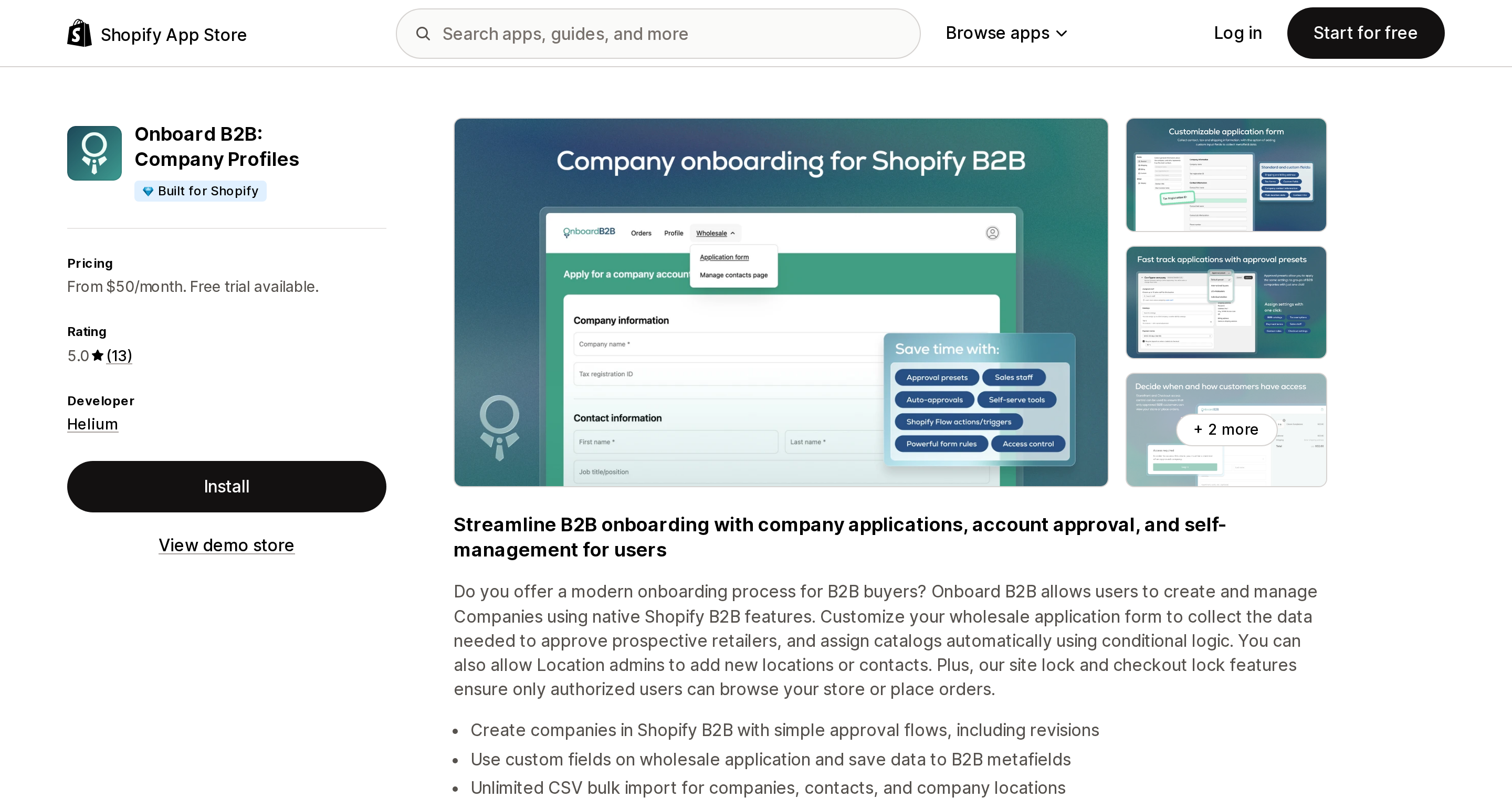
Source: Shopify App Store (Onboard B2B: Company Profiles), retrieved September 3, 2026
Built by Helium of Gig Harbor, Washington and launched February 20, 2025, this is the only one of the five whose listing discloses the Edit companies data access scope, and its stated design is to create and manage Shopify's own B2B companies rather than replace them. It carries the Built for Shopify badge and rates 5.0 across 13 reviews as of September 3, 2026 — too small a base to generalize from.
It targets the native gaps directly: an application form with conditional rules, an approval flow supporting revisions so you can send an application back rather than delete it, custom fields written to B2B metafields, and a self-manage portal where a company adds its own locations and contacts. That last one answers the native flow's inability to add a buyer to an existing company, and requires the contact to hold the Location admin role.
Pricing is Basic at $50/month, Plus at $150/month and Premium at $300/month, with a 14-day free trial and no free plan. Company-specific catalog assignment and deposit requirements appear only on the $150 tier, mirroring where Shopify draws the Plus line.
Two constraints. The app sets no wholesale prices, so on Basic or Grow you still live with the native catalog limits. And the vendor's setup guide states that Shopify's native B2B access control setting must be disabled to use the app's application form or its storefront lock.
SparkLayer B2B & Wholesale
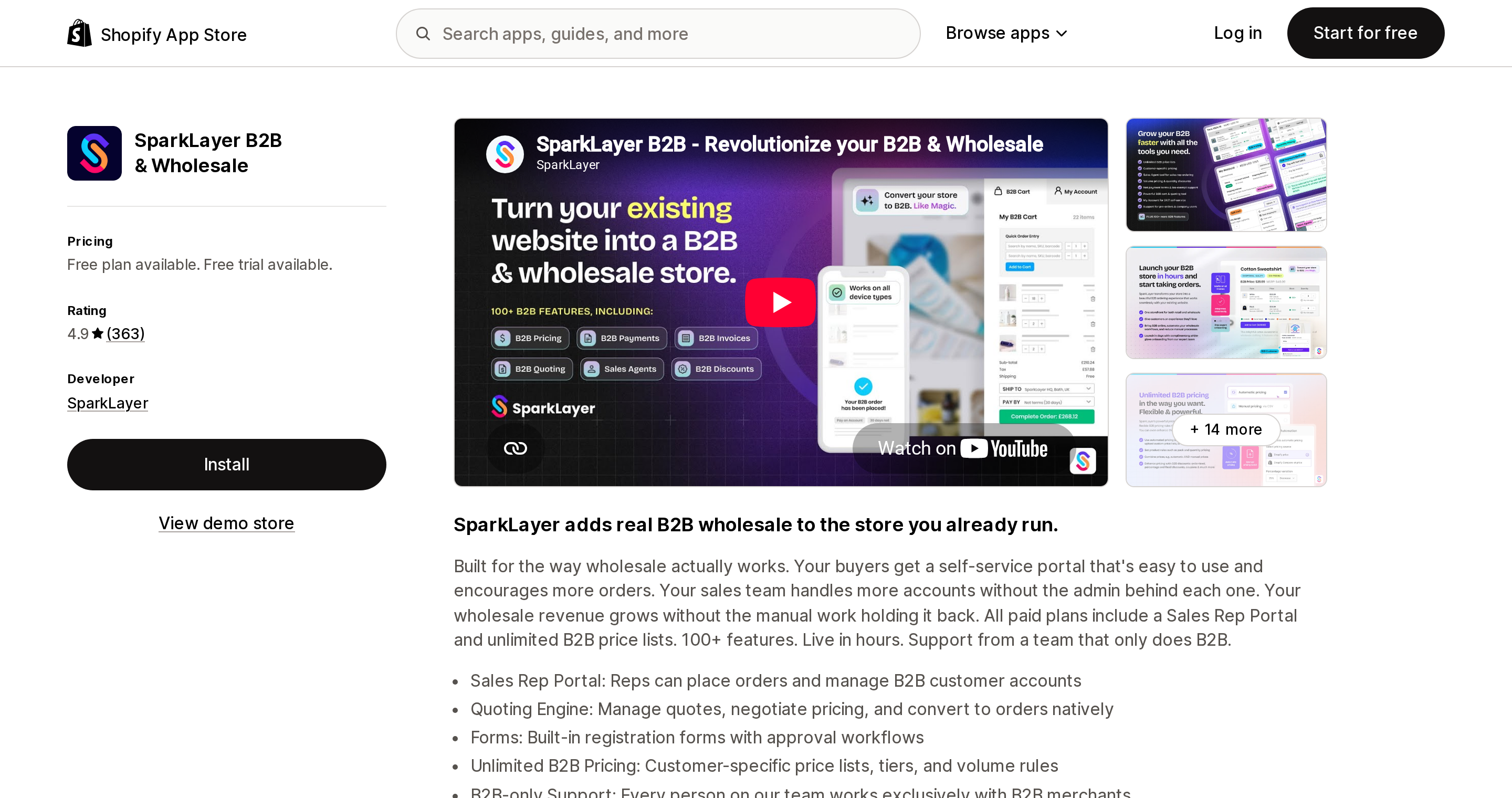
Source: Shopify App Store (SparkLayer B2B & Wholesale), retrieved September 3, 2026
SparkLayer, based in Bath, UK, launched April 28, 2021 and rates 4.9 across 363 reviews as of September 3, 2026, without the Built for Shopify badge in its listing header. Its documentation states it works on all Shopify plans, Basic through Plus.
For this topic the notable feature is the Free plan, which includes forms with review-and-approve alongside three price lists, net payment terms and company users, capped at five orders per month. Paid tiers are Starter at $49/month, Growth at $149/month and Pro at $299/month, with a 14-day free trial, defined by monthly order caps of 50, 100 and 150 — a billing axis none of the other four here publish.
Its Forms builder is drag-and-drop with file uploads and conditional logic, and adds internal fields visible only to staff whose values can trigger workflows: assigning a customer group, applying tags, mapping metafields, calling an external API. Sales rep ordering starts at Starter and quoting is on Pro. Its Works with section names accounting and ERP systems the other four listings here do not — Cin7, Katana, Linnworks, Unleashed, Xero and QuickBooks Online — though the Xero and QuickBooks Online connection is listed on the $299 Pro plan.
Order company association has conditions: the company must already exist in Shopify, and a customer mapped to multiple companies or locations will not be associated. One US review dated August 31, 2026 reports that new wholesale account setup stopped working, with a multi-day delay before it was resolved — a single report, but one that lands on this article's subject.
BSS B2B Wholesale Pricing
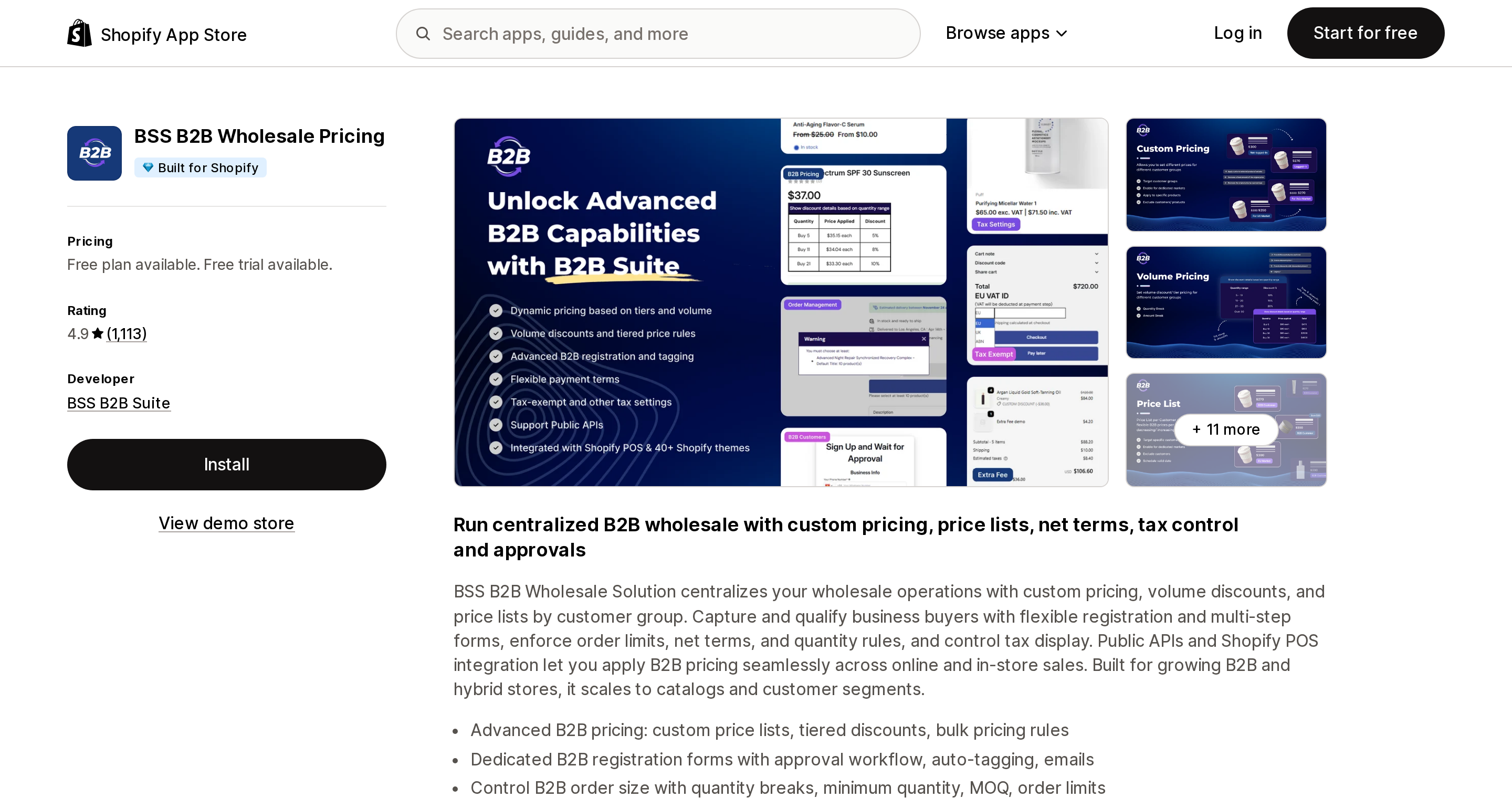
Source: Shopify App Store (BSS B2B Wholesale Pricing), retrieved September 3, 2026
BSS B2B Wholesale Pricing, from BSS B2B Suite in Ha Noi, Vietnam and formerly listed as B2B Wholesale Solution, launched September 18, 2020. It rates 4.9 across 1,113 reviews as of September 3, 2026 — the highest review count of the five apps here — and carries the Built for Shopify badge.
Pricing is a Free plan, Essential at $29/month, Advanced at $49/month and Platinum at $99/month, with a 14-day free trial. "Review and approve B2B applications" and "Auto-tag wholesale customers on approval" first appear on Essential, making $29/month the entry price for a working approval queue here — though SparkLayer's Free plan includes review-and-approve forms at no cost, capped at five orders a month.
Registration management supports manual, automatic and conditional approval — the conditional mode auto-approves by rule, such as a matching email domain. Uploaded tax exemption and business license files can be previewed in the app without downloading, and you get search by approval status, CSV and Excel export, and customizable notification emails. Advanced at $49 adds the commerce rules native B2B lacks: wholesale-only shipping rates, extra fees, order limits, quantity increments and a tax toggle. Conditional logic on forms is Platinum only, so a form that branches by industry effectively costs $99/month.
Its listing also names a Shopify POS extension under Works with, which the other four listings here do not. Before installing, weigh the published support hours of 8:00 AM to 5:00 PM (GMT+7), Monday to Friday, which barely overlap the US business day.
Wholesale Gorilla
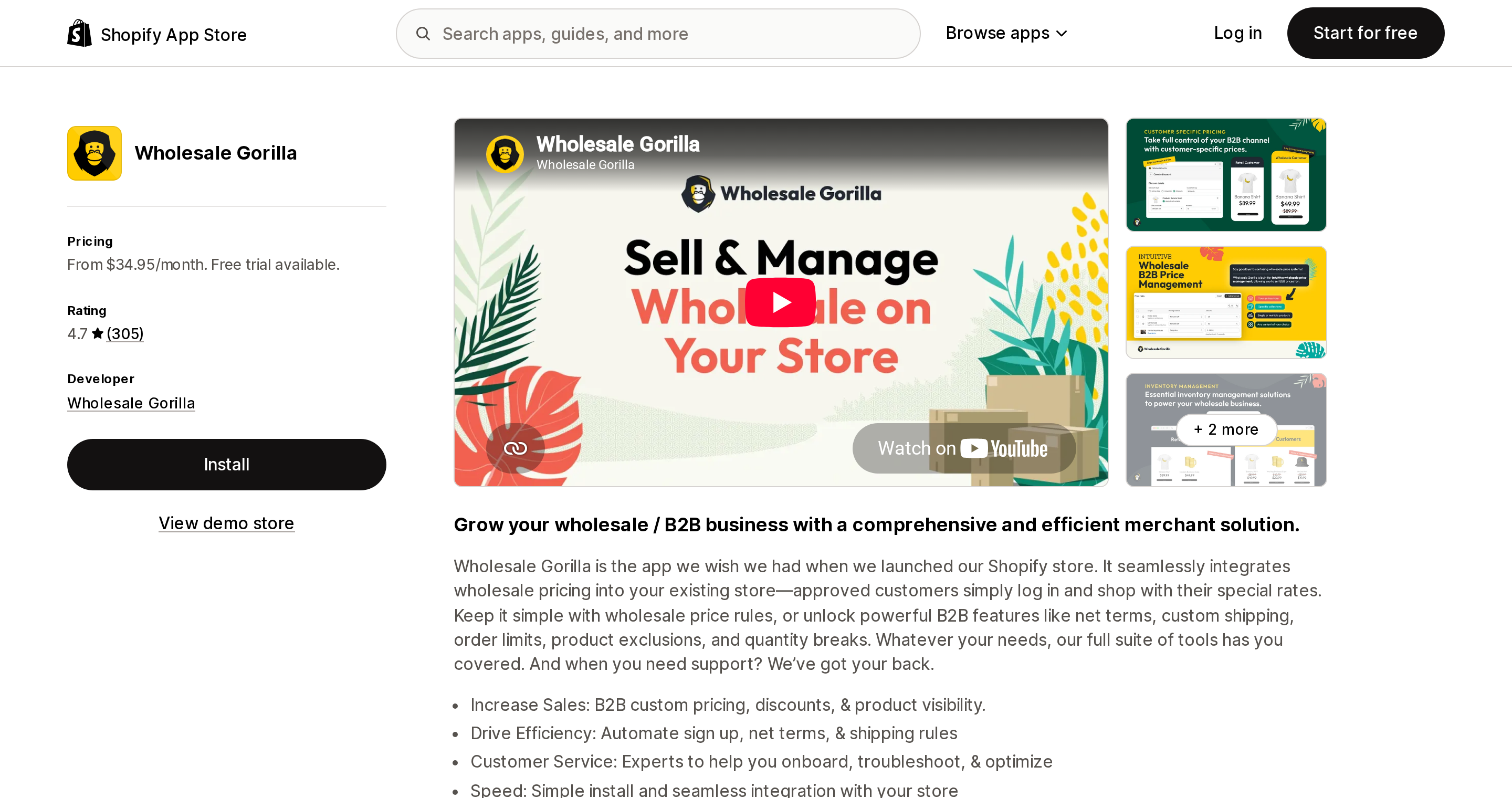
Source: Shopify App Store (Wholesale Gorilla), retrieved September 3, 2026
Wholesale Gorilla launched September 26, 2018 and lists its developer address in Asheville, North Carolina. It rates 4.7 across 305 reviews as of September 3, 2026, with 12 of those 305 at one star, and does not display the Built for Shopify badge. Its 21-day free trial is the longest of the five.
Plans are Lite at $34.95/month, Advanced at $69.95/month and Premium at $149.95/month, with no free plan. The detail that decides this app is the form: Lite and Advanced include a standard signup form that cannot be customized, while the customizable registration form — custom fields, document uploads and a terms and conditions checkbox — is Premium only, as are store and page locks. If collecting a resale certificate through the application is the requirement, the real price is $149.95/month.
Approval works from a new customer notifications section in the app dashboard, and means assigning a price list. A setting to mark new signups tax-exempt automatically is documented, which fits US resale exemption handling.
Two behaviors need planning. Under customer accounts, after you tag a customer manually, the vendor's documentation states "a secondary confirmation will not be emailed to them after the tagging step is completed" — you notify the approved buyer yourself. Switching to customer accounts also retires the app's own login page. Prepaid orders pass through the app's cart but land back in Shopify's Orders tab, while net terms and international draft orders appear under Drafts.
Helium Customer Fields
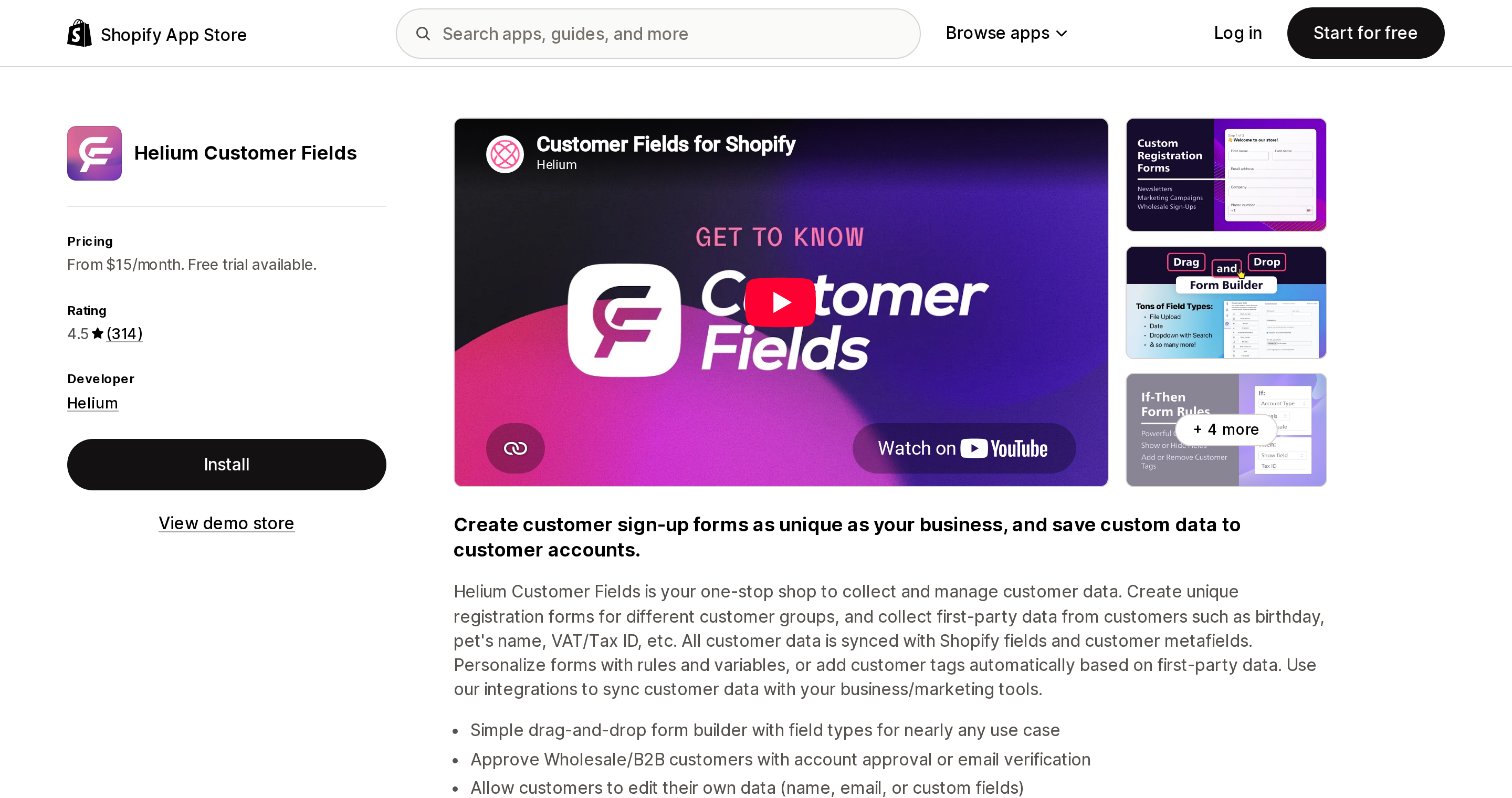
Source: Shopify App Store (Helium Customer Fields), retrieved September 3, 2026
Also from Helium, Customer Fields launched July 22, 2015 — the longest track record of the five — and rates 4.5 across 314 reviews as of September 3, 2026, without the Built for Shopify badge. It is a form and account app, not a pricing app.
Plans are Basic at $15/month, Pro at $30/month, Advanced at $60/month and Plus at $200/month, with a 14-day free trial. Account Approval is listed only from Advanced, so the header price of $15 does not buy the feature this article is about.
Its distinguishing behavior is where pending applicants live. Per Helium's documentation, an unapproved applicant exists only inside Customer Fields and is not created in Shopify until you approve; a denied applicant never receives a Shopify customer record or tag, and can be approved later. If you want rejected applications to leave no trace in the Shopify customer list, that behaviour is documented here and not on the other four. The builder handles multi-step forms, conditional logic, file uploads and validation.
Two limits. Approval sends Shopify's account invite email and is subject to Shopify's rate limit on those, so bulk-approving a backlog can produce failures. And Helium states that "Customer Fields is not a permissions app, and is not able to restrict access to certain parts of your store". Since it sets no prices, budget for a second tool.
We also looked at Addify - Approve New Customers and left it out, because it has no custom application form and the developer acknowledged in a review reply that advanced custom forms are outside the app's scope.
Choosing
Simple application, manual review, pricing per company. Stay native — Shopify Forms, the Ordering not approved tab and a Flow template, at no cost.
Revisions, buyer self-service or a login wall, on native companies. Onboard B2B at $50/month, $150 for company-specific catalogs on Plus.
Lowest cost, plus wholesale shipping rates and extra fees. BSS B2B Wholesale Pricing at $29/month, $49 with the commerce rules — if the GMT+7 support window works for you.
Form complexity, with denied applicants kept out of Shopify. Helium Customer Fields at $60/month, with native catalogs for pricing.
Sales rep ordering, quoting, ERP sync, or a free pilot. SparkLayer, free up to five orders a month, once you have settled the native-checkout question.
A US developer address and the longest trial. Wholesale Gorilla from $34.95/month, $149.95 if the form must be customizable. Its support hours are not published, so confirm coverage before you commit.
For more on which B2B features remain Plus-only after the April 2026 change, see Shopify B2B on every plan.
What we could not verify
Support hours are published only by BSS among these five, so treat any assumption about US-hours coverage elsewhere as unconfirmed. Integrations beyond each listing's Works with section are likewise not stated, which is not the same as unsupported. SparkLayer's behavior when a monthly order cap is exceeded, and whether the BSS Free plan includes the approval action, were not confirmed.
Sources
- B2B on Shopify — Shopify Help Center
- Getting started with B2B — Shopify Help Center
- B2B plan features — Shopify Help Center
- B2B considerations — Shopify Help Center
- Company account requests — Shopify Help Center
- B2B customer login and accounts — Shopify Help Center
- B2B automations — Shopify Help Center
- Customer accounts — Shopify Help Center
- Shopify Flow — Shopify Help Center
- Key B2B features now available on non-Plus plans — Shopify Changelog
- Shopify Forms — Shopify App Store
- Shopify Flow — Shopify App Store
- Onboard B2B: Company Profiles — Shopify App Store
- SparkLayer B2B & Wholesale — Shopify App Store
- BSS B2B Wholesale Pricing — Shopify App Store
- Wholesale Gorilla — Shopify App Store
- Helium Customer Fields — Shopify App Store
- Addify - Approve New Customers — Shopify App Store
- Onboard B2B setup guide
- SparkLayer on Shopify — SparkLayer docs
- SparkLayer and Shopify companies — SparkLayer docs
- SparkLayer Forms — SparkLayer docs
- Manage, approve and notify your wholesale customers — BSS docs
- BSS B2B Wholesale Solution general FAQs
- Wholesale signup forms: standard vs premium — Wholesale Gorilla docs
- Using Shopify's new customer accounts with Wholesale Gorilla
- How do wholesale customers pay for their orders? — Wholesale Gorilla docs
- How does Account Approval work? — Helium docs
Two things about Shopify app charges are documented and almost never read together. First, a free trial is not a countdown that restarts when you reinstall: Shopify App Pricing tracks trial days over a 180-day window, per plan, and previously consumed days are subtracted from new totals. Second, the refund is not Shopify's to give. The Help Center is explicit that refunds for third-party app charges are managed by the developer, that refund decisions are at the developer's discretion, and that Shopify can't remove a pending charge once it has been added to your invoice. The developer's own limits are narrower than most merchants expect: they can't refund anything above $1,000.00 USD, can't touch invoices older than 12 months, and on ACH-paid invoices are capped at 90 days. Verified against Shopify's Help Center, shopify.dev, and the App Store listings for Matrixify, Loox, and Klaviyo on September 13, 2026.