
What you will learn
On this pageContentsCloseOpen
Shopify will happily print $5.32/ft on a product page. It will not let a customer type 37.5 into the quantity box. The distance between those two facts is the whole problem with selling by the pound, the linear foot, the square foot, or the yard.
Older guides often describe unit pricing as an EU compliance feature, or say you need an app just to display a price per unit. That is out of date. Shopify's changelog post "Unit pricing is now available globally" is dated October 2, 2025, and its own examples are $10.49/oz, $5.32/ft, and $2.99 each. The Storefront API's measured-unit enum includes FT, FT2, IN, LB, OZ, YD, GAL, FLOZ, PT, and QT.
Shopify solved the display side. Input, charging, and inventory are untouched. That changes what you should shop for: not the nicest calculator widget, but which mechanism the app uses to set the final price, because the mechanism decides whether sales tax, discount codes, checkout, and POS still behave. Listing data checked September 3, 2026; prices are USD as shown on the Shopify App Store.
What unit pricing actually does
Unit pricing lives on the product under Pricing. You enter a Total amount (the total measurement and its unit) and a Base measure (the unit you want the price expressed in). Shopify displays the price divided by the total measure, multiplied by the base measure. Enter a $266.00 spool as 50 ft with a base measure of 1 ft and the storefront shows $5.32/ft.
Three details matter more than the formula:
- It runs one way. Shopify's documentation states that unit prices update dynamically based on changes to the Price field. Changing the total or base measure changes only the number that displays, never the amount charged. It is a label.
- It is a comparison aid, not an input. Shopify frames unit pricing as a way to help customers compare prices of different-sized packages. Nothing in the documentation gives a shopper a field to enter 37.5 linear feet and get a price back.
- Units follow your store's Unit system setting, one unit price is allowed per product or variant, and the same unit type displays across all markets.
Online Store 2.0 themes render this automatically; vintage themes and customized order confirmation templates need manual work with the unit_price_with_measurement filter. Shopify's own help page also notes that displaying a price per unit is a legal requirement in some regions and that you need to determine whether your business is subject to it. If all you need is a comparison label, stop here.
Where it stops: the quantity box is an integer
The Storefront API's CartLineInput.quantity is typed Int, default 1. There is no decimal to pass, and editing your theme's quantity input will not change that.
Inventory is the same. In a Shopify Developer Community thread on decimal quantities for fabric dated July 17, 2025, the Shopify Staff account Liam-Shopify stated that native inventory supports whole number quantities only, and that fields and mutations such as inventorySetQuantities expect integers. Their suggested workaround is to hold stock in your smallest sellable unit and decrement accordingly.
Native quantity rules do not rescue this. Minimum, maximum, and increment rules live under Markets, then Catalogs, and they are a B2B catalog feature. The help page is blunt: increment quantity rules must be a positive whole number of 1 or more. Half-yard increments are unavailable even in B2B.
That same page quietly invalidates a lot of older tutorials: Shopify Scripts reached end of life on August 28, 2025. Any guide that solves measurement pricing with a line-item script describes a platform that no longer exists.
Charging a measured price with no app at all
Shopify does let you charge an arbitrary amount, three ways. Order editing adds a custom item with your own name, price, and quantity after the order is placed, then refunds or invoices the difference. Draft orders accept custom items too, and separately let you set a custom price directly on a normal product line item. A Shopify POS custom sale rings in a title, price, quantity, and tax setting at the counter, for staff holding the "Add custom sales" permission.
For a butcher filling a few orders a week, that is a real answer. But Shopify's considerations page carries one line that dominates the rest: "Duties and taxes aren't calculated on custom items." The order-edit dialog does offer an Item is taxable checkbox, so read that sentence carefully against your own setup; whether it matters to your business is a question for your tax advisor. Shopify also states that custom items aren't tracked as inventory, don't affect stock levels, don't appear in product sales reports, and can't be used with automated fulfillment or shipping apps — which is why the draft-order custom line-item price is worth knowing about.
The rest of that page is nearly as consequential. Orders using local delivery and orders paid with Shop Pay Installments cannot be edited, fulfilled items cannot be removed or have their quantity changed, and app-created orders cannot be edited by a different app. Edits made after the order date appear as separate orders in the Orders over time, Sales over time, and Average order value over time reports. Shipping is not recalculated, and customers paying a post-edit balance cannot use accelerated checkouts.
Why the mechanism is the axis
Four patterns cover almost everything on the App Store, and they fail in different places. Cart transform, a Shopify Function, sets the price on the cart line before checkout, so the adjusted price is what carries into checkout rather than being bolted on afterwards — a documented first-party API, not a workaround. Shopify's compatibility table lists Cart, Draft Order, Storefront, Shopify Admin, and B2B as supported, checkout and POS as partially supported, and the Create Order API and admin order editing as not supported. A custom line item means the app writes an order edit or draft order, inheriting the native constraints above. POS-side insertion puts a priced, fractional-quantity item into the POS cart and does nothing for your online store. A display-only widget computes a number that nothing downstream enforces, which is sometimes visible from the listing: Advanced Price Calculator publishes a Data access section covering only products, collections, and files, with no cart transforms and no order permissions. A fifth pattern, auto-generating a variant per size, is suggested by the wording on IzyUnit: Price Per Unit, whose listing does not state the implementation.
Here is the part no listing answers. Cart Transform's update and lineUpdate operations, which override the price of an existing cart line, carry an explicit restriction: only development stores or stores on a Shopify Plus plan can use apps with them. lineExpand and linesMerge carry no such restriction, and lineExpand lets each expanded component take a fixedPricePerUnit, with the documented final price being the sum of those values (or the bundle product price), plus any adjustment. That is the non-Plus escape hatch.
A listing only ever says "Cart transforms." It never says which operation. So the Plus requirement of any individual cart-transform app is unknown from its listing — ask the developer before installing. Shopify also rejects lineExpand, linesMerge, and lineUpdate when a selling plan is present, so measurement pricing and subscriptions do not coexist on one line item.
The nine apps, keyed on mechanism
| App | Mechanism the listing supports | Starts at | Channel | Listing-stated caveat |
|---|---|---|---|---|
| Price Calculator Quantify | Cart transforms | $0 Demo, $9.99/month | Online | 14 reviews; POS not listed |
| Apippa‑Custom Price Calculator | Cart transforms, orders (60 days), script tags | $19.99/month | Online | Free plan is dev stores only |
| Easify Custom Product Options | Cart transforms, all orders, draft orders | $0; formulas $9.99/month | Online | Not measurement-specific |
| Measura: Sell by Weight & More | Cart transforms, order edits, draft orders | $9.99/month | Online and POS | Fractional stock from $19.99/month |
| SE: Option Price Calculator | Not published on its listing | $14.99/month | Online | Formulas from $29.99/month |
| Ex Custom Price Calculator | Not published on its listing | $9.99/month | Online | Standard product template only |
| PC Price Calculator by Formula | Not published on its listing | $9.99/month | Online | 5 reviews; 7-day trial |
| Filljoy Sell by Weight for POS | Not published on its listing | $25/month | POS-first | DYMO Postal Scales not compatible |
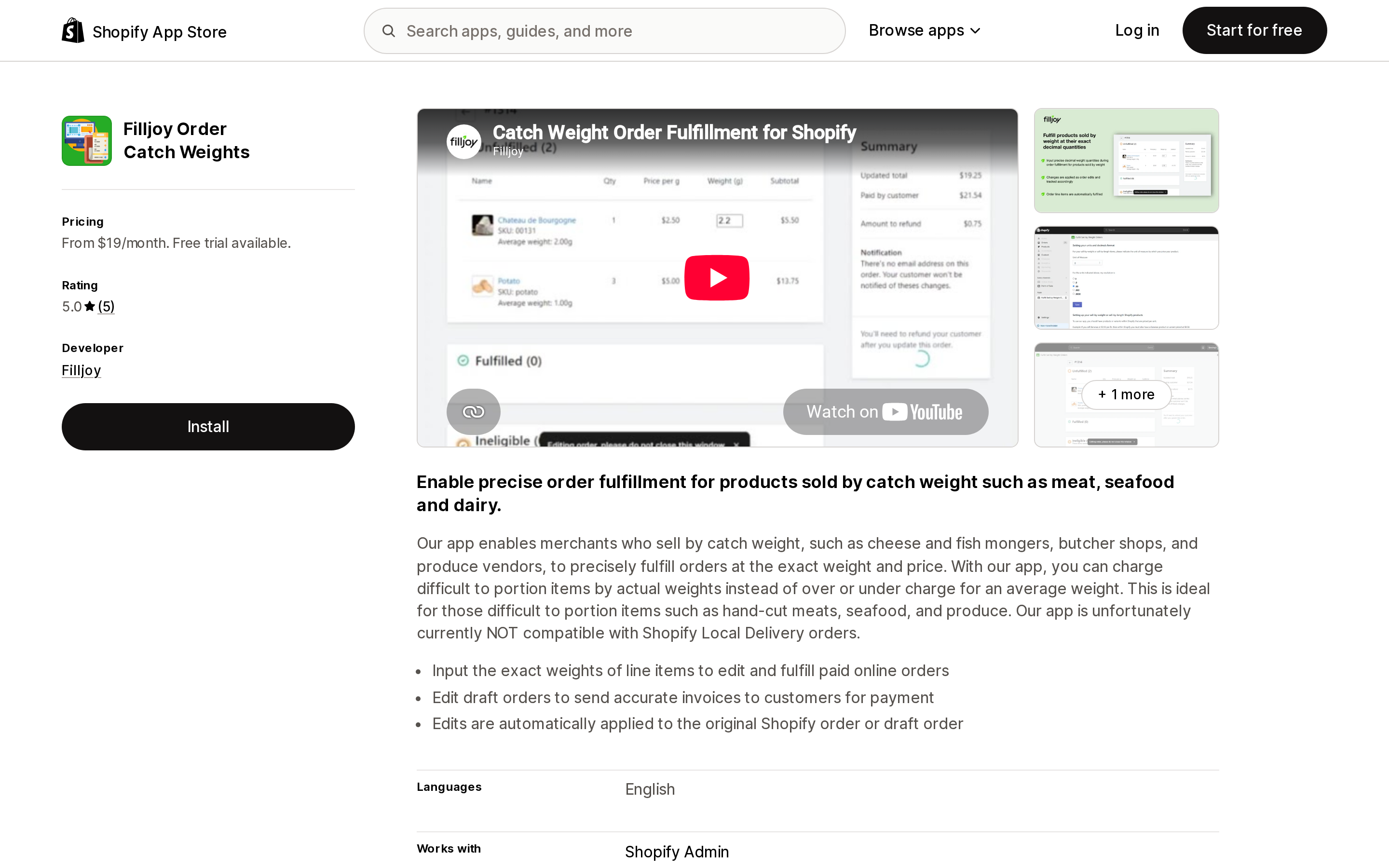
| Filljoy Order Catch Weights | Order and draft order editing | $19/month | Post-order | No Local Delivery orders |
"Not published on its listing" means exactly that. It does not mean the app requests no data, and it does not mean the app lacks the capability.
Cart transform, published on the listing
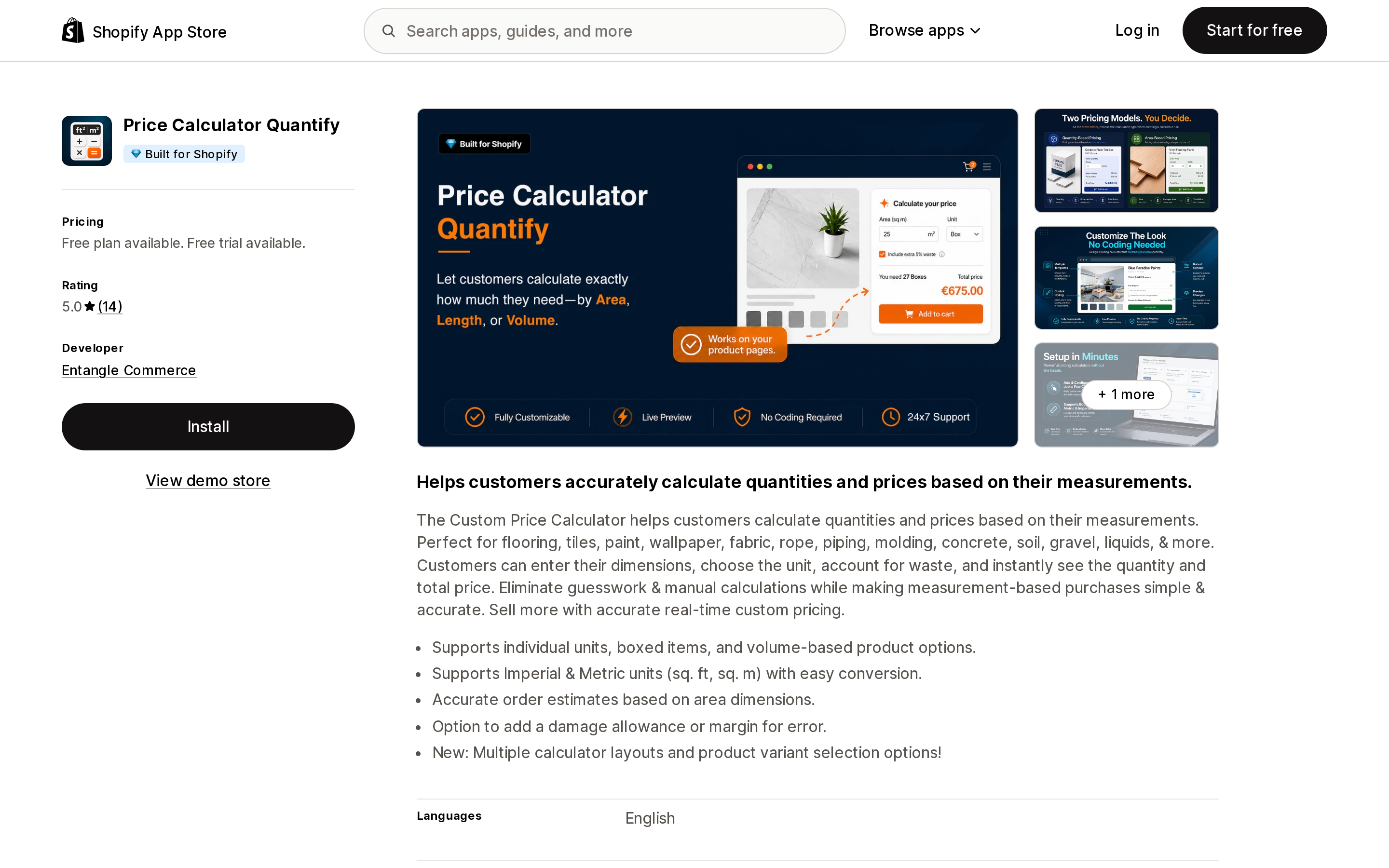
Source: Shopify App Store (Price Calculator Quantify), retrieved September 3, 2026
Price Calculator Quantify from Entangle Commerce is Built for Shopify, and its Data access section lists Cart transforms under Edit Shopify Functions. It covers area, length, and volume, converts imperial and metric, and folds a waste allowance into the calculated quantity — the flooring, tile, and wallpaper case, where nobody orders the exact square footage. The Demo plan is free with five rules and ten products per rule; Standard is $9.99/month with a 14-day trial. Rating is 5.0 across 14 reviews, too small a sample to generalize from.
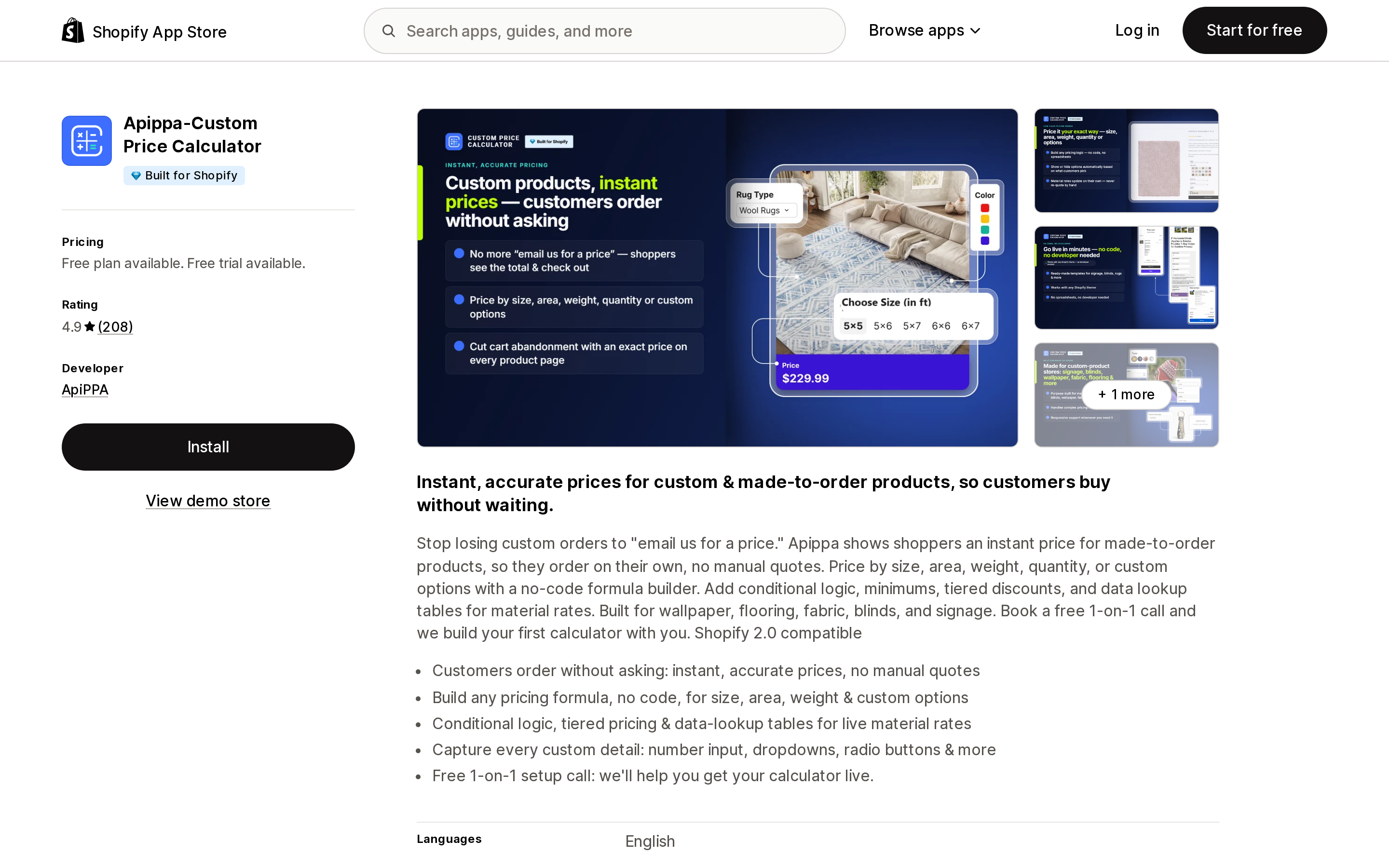
Source: Shopify App Store (Apippa‑Custom Price Calculator), retrieved September 3, 2026
Apippa‑Custom Price Calculator leads the dedicated calculators here on review count, 4.9 across 208, with the developer in Deerfield, IL. Its Data access publishes cart transforms, order editing limited to the last 60 days of order history, Online Store script tags, and Shopify Markets settings. The formula builder handles conditional logic, minimums, tiered discounts, and lookup tables for material rates. Plan around two things: the free plan is for development stores only, so live testing starts at $19.99/month, and the thirteen ratings below five stars are worth reading before you commit. One two-star review describes the calculator stopping after a theme switch and support going quiet; three one-star reviews come from merchants at two, three, and over three years of use who report it failing or becoming hard to maintain. The developer has replied to several of them.
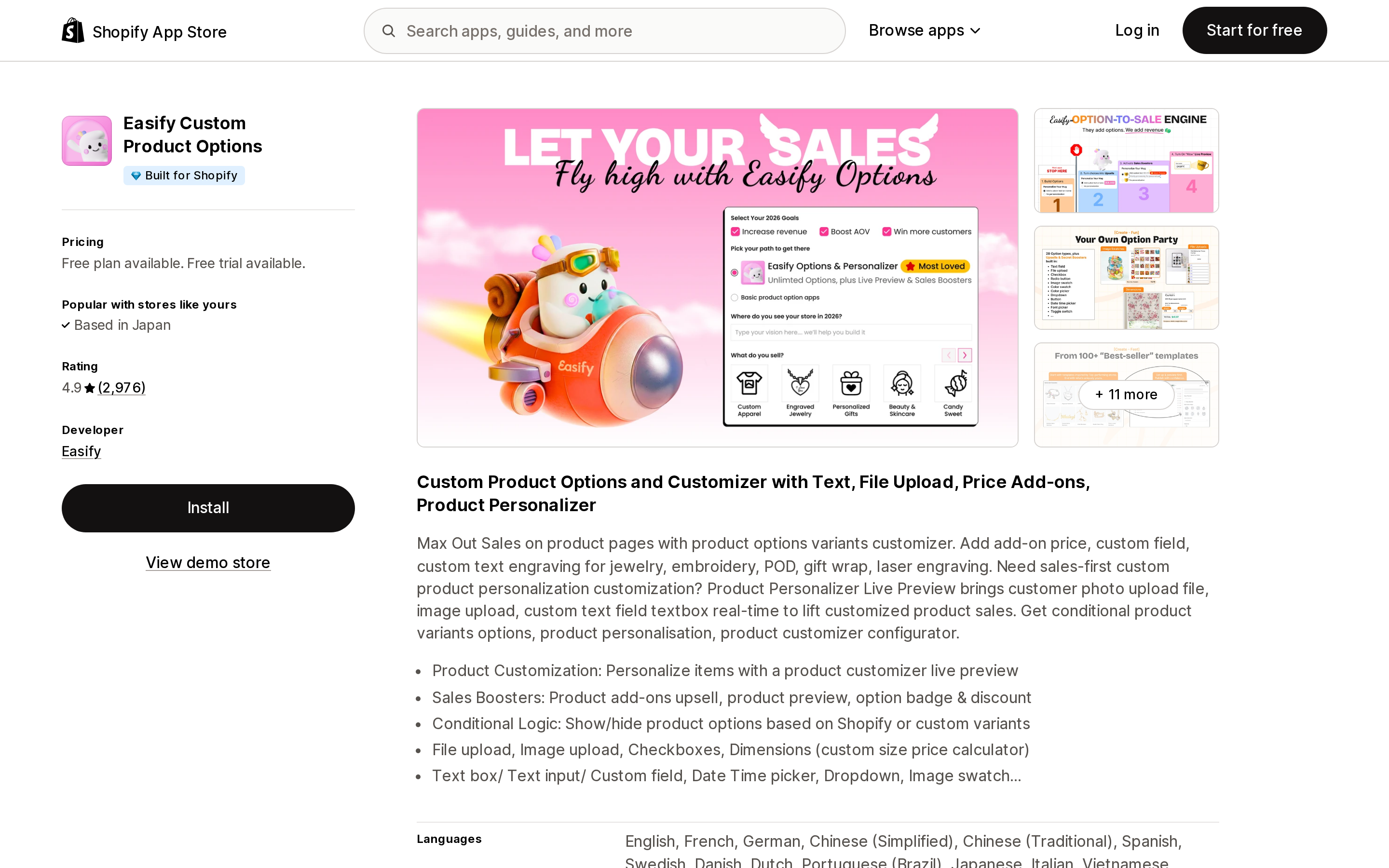
Source: Shopify App Store (Easify Custom Product Options), retrieved September 3, 2026
Easify Custom Product Options is a general options app with a Dimensions option type, not a measurement specialist. It also publishes cart transforms, plus all order history and draft orders. At 4.9 across 2,976 reviews it has by far the largest sample of the nine apps checked, its free plan works on a live store, and the listing states the same price for all Shopify plans, with price formulas starting on Pro at $9.99/month. Waste allowance and box-count conversion are not listed, and its Data access includes customer name, email, phone, and address.
Cart transform plus order edits, online and POS
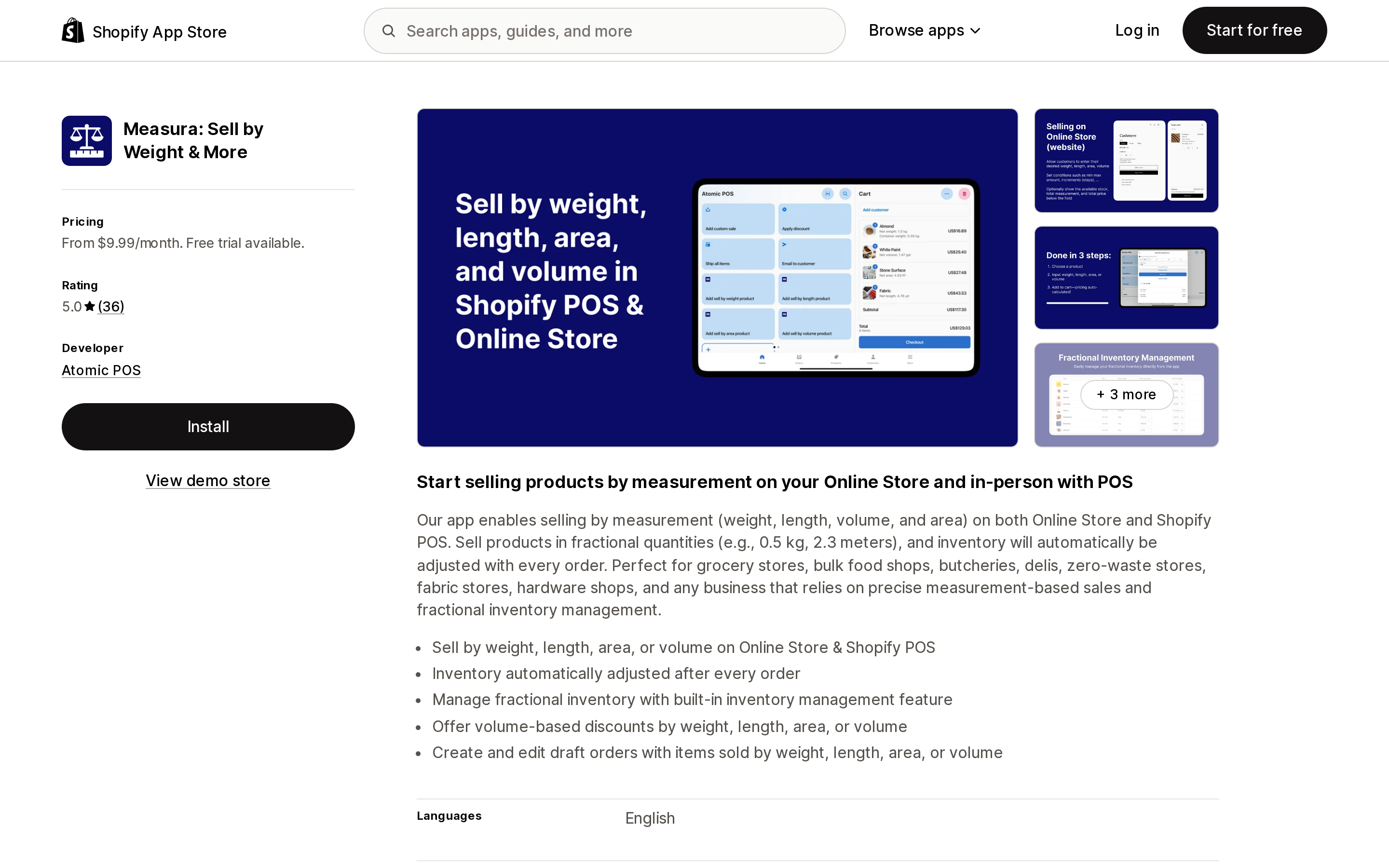
Source: Shopify App Store (Measura: Sell by Weight & More), retrieved September 3, 2026
Measura: Sell by Weight & More is one of two apps here whose listing names Checkout, Shopify POS, and Shopify Admin together — Filljoy Sell by Weight for POS is the other — but it is the only one of the two that markets the online store and the counter as a single product. Its Data access publishes cart transforms alongside order edits, returns, and draft orders. It answers both native gaps directly: fractional decimal stock tracking, and minimum, maximum, and increment rules outside B2B catalogs. Both sit on Pro at $19.99/month rather than Basic at $9.99/month, so on Basic inventory does not follow fractionally. Premium is $29.99/month, Enterprise $39.99/month with extra POS locations at $10/month. Not Built for Shopify; 36 reviews since February 2025.
Mechanism not published on the listing
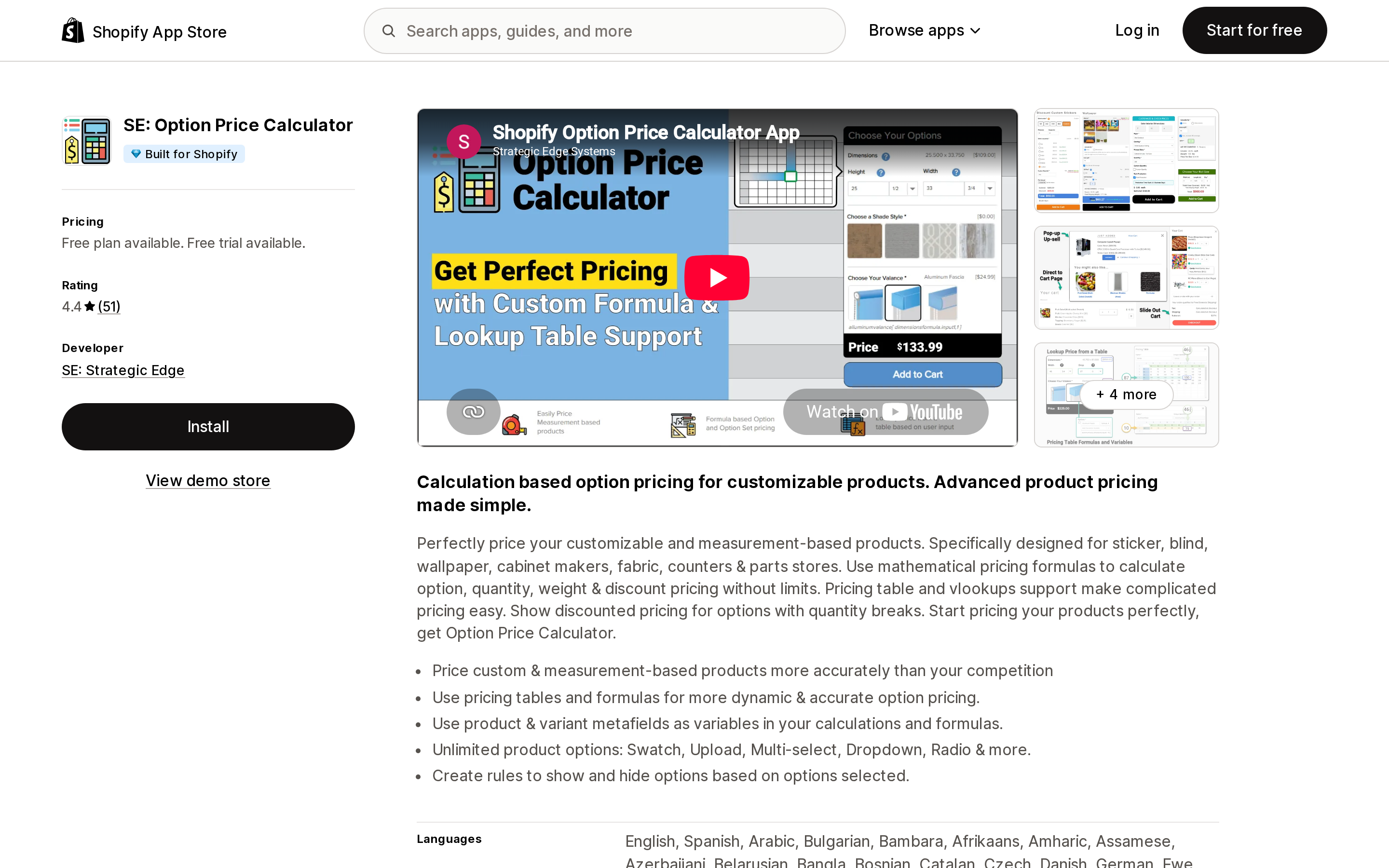
Source: Shopify App Store (SE: Option Price Calculator), retrieved September 3, 2026
SE: Option Price Calculator spreads its features across three paid tiers: Dimension Based Pricing and pricing tables on Basic at $14.99/month, option formulas and lookup tables on Pro at $29.99/month, and Calculate Quantity and Weight by Formula on Elite at $59.99/month. That last one matters, because cut-to-size products can break shipping rates when the shipping weight stays static. Rating is 4.4 across 51 reviews with 8 one-star ratings; reading them, the recurring themes are needing developer-level skill to use the formula features, documentation that does not answer the question, and buyers finding the feature they wanted higher up the ladder than they expected. The developer replies to those reviews in detail.
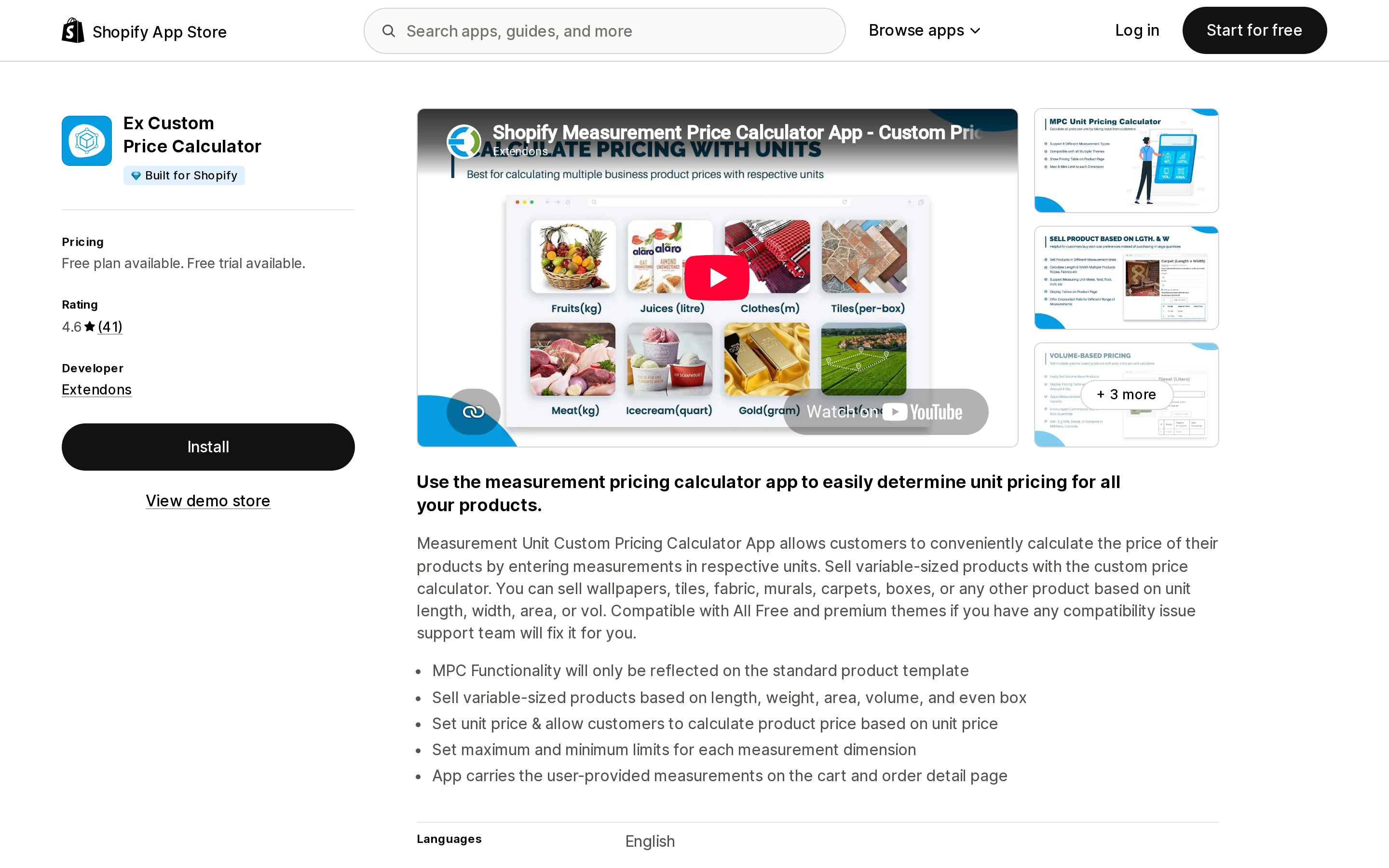
Source: Shopify App Store (Ex Custom Price Calculator), retrieved September 3, 2026
Ex Custom Price Calculator from Extendons is the oldest listing of the nine, launched September 16, 2019, at 4.6 across 41 reviews. It ships nine or more predefined calculators plus a custom one, per-unit price tables, quantity range discounts, and per-dimension minimums and maximums, and carries entered measurements through to the cart and order detail page. Read one bullet on the listing first: "MPC Functionality will only be reflected on the standard product template". Checkout is not in its Works with list, and the $9.99, $19.99, and $29.99/month tiers list identical feature text.
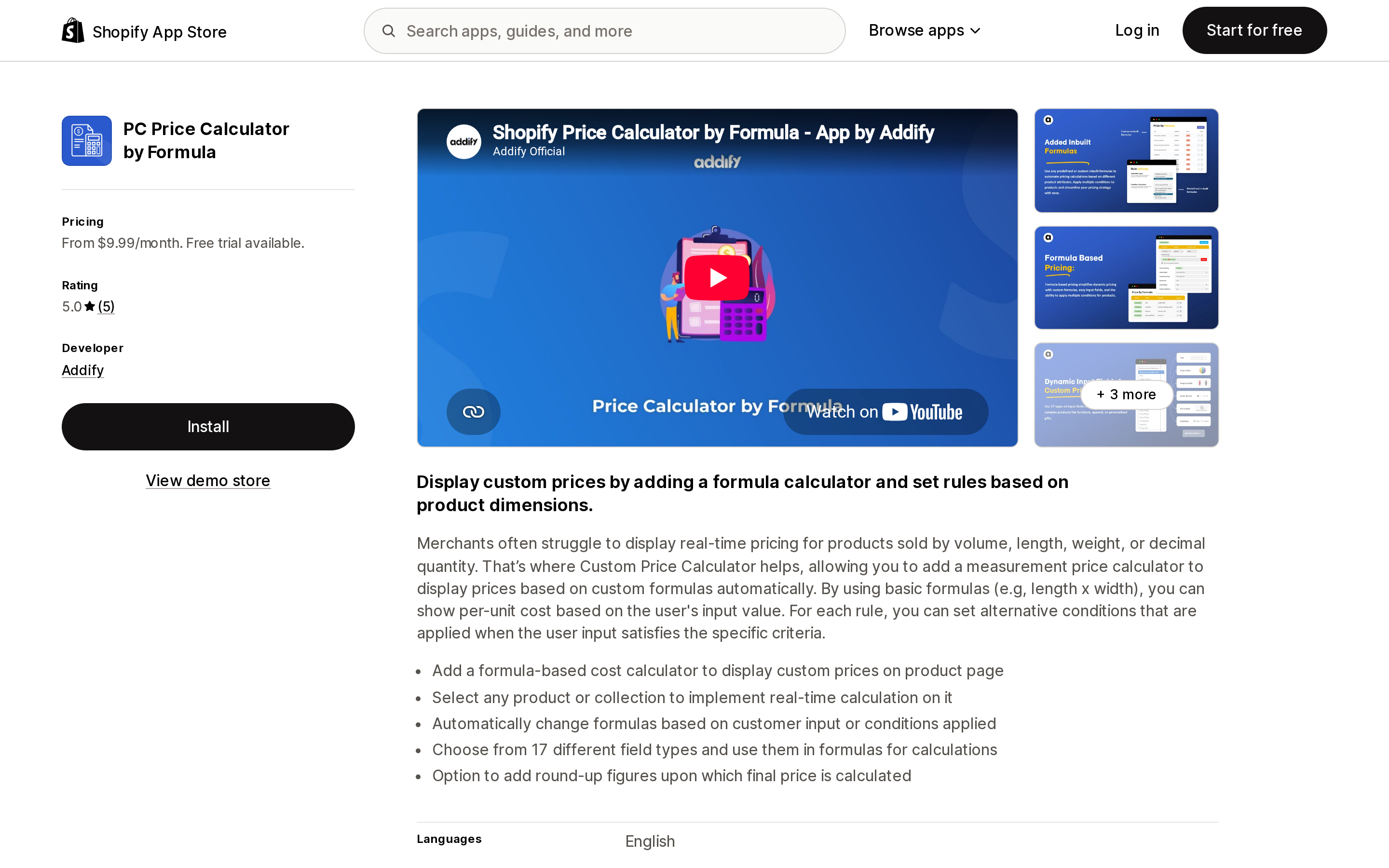
Source: Shopify App Store (PC Price Calculator by Formula), retrieved September 3, 2026
PC Price Calculator by Formula is the newest of the nine, launched March 24, 2025, and the only one of the six online-store calculators here whose listing names decimal quantity outright as the problem it addresses. (Measura and Filljoy's POS app also use the word, but on the POS and inventory side.) It offers 17 field types as formula variables, alternate formulas selected by condition, and a round-up setting that computes the final price from the rounded figure — useful for quarter-yard steps. No free plan, a 7-day trial, 5 reviews, and four tiers from $9.99 to $19.99/month with no feature differences shown.
POS-side weighing
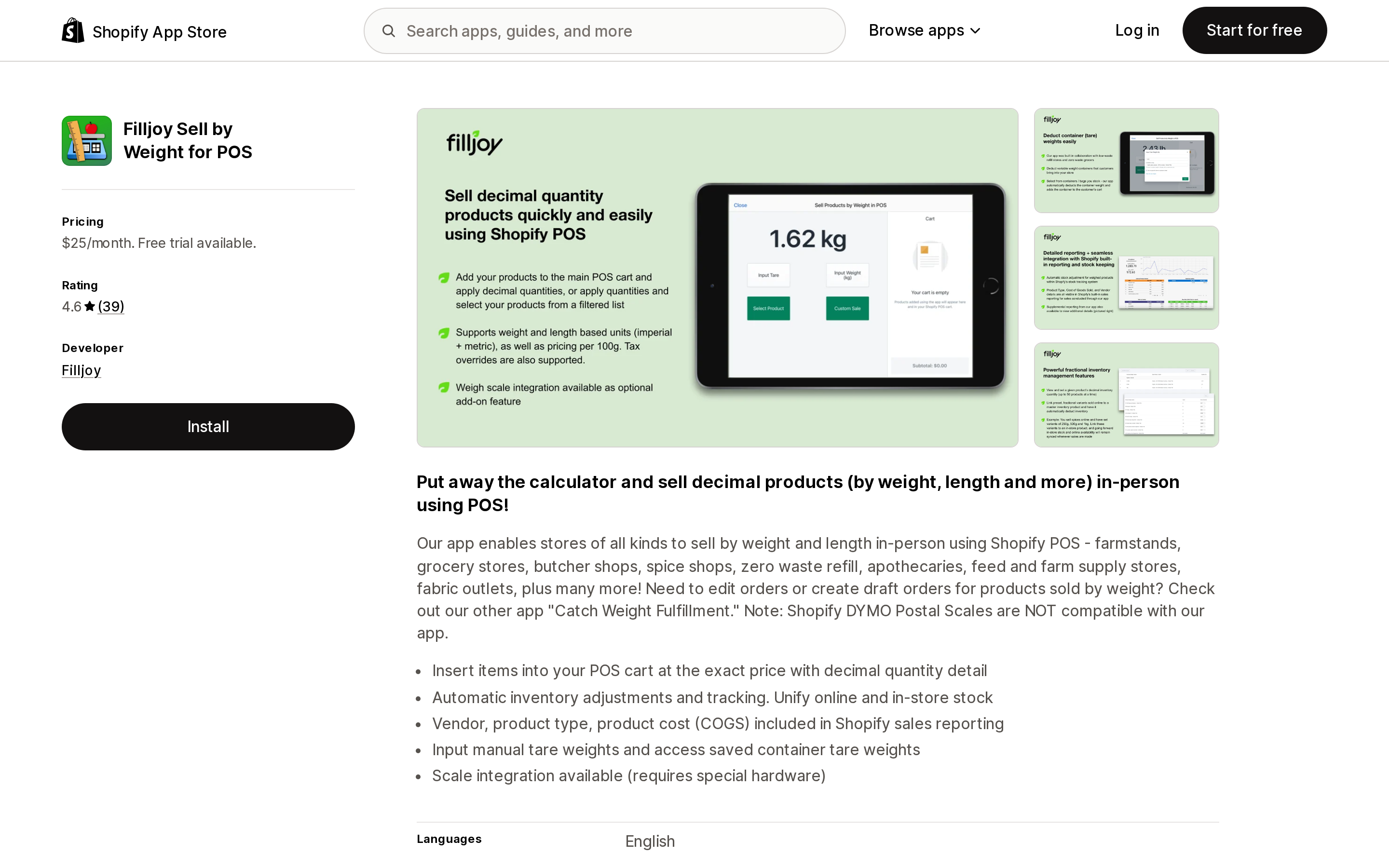
Source: Shopify App Store (Filljoy Sell by Weight for POS), retrieved September 3, 2026
Filljoy Sell by Weight for POS inserts items into the POS cart at an exact price and fractional quantity, adjusts inventory, keeps COGS in Shopify sales reporting, and supports manual and saved container tare weights. The developer is in Berkeley, CA, the listing dates to September 21, 2020, and reviews include US merchants at about five years and over two years of use. Rating is 4.6 across 39 reviews, split between 5-star and 1-star with nothing in between. The listing states that Shopify DYMO Postal Scales are not compatible and that scale integration costs extra hardware. Pricing is $25/month plus $10/month per additional POS location.
Post-order editing
Source: Shopify App Store (Filljoy Order Catch Weights), retrieved September 3, 2026
Filljoy Order Catch Weights is the only one of the nine filed under Order editing. You enter actual weights on line items of paid online orders, then edit and fulfill, or edit a draft order to send an accurate invoice. Billing is by monthly order edits rather than products or revenue: $19/month for up to 100, $49/month for 300, $99/month unlimited, with a 21-day trial. Its listing states it is not compatible with Shopify Local Delivery orders — Shopify's own constraint showing through. It does not state whether it adds custom items or edits existing line items, and that distinction decides how tax behaves, so ask. 5 reviews.
Choosing
- Only need to display a per-unit price? Set unit pricing. No app.
- Customer enters the measurement, price final at add-to-cart? Use a cart-transform app. Prefer one that publishes cart transforms in its Data access, then ask whether it uses
lineExpandorupdate, since that determines whether you need Plus. - Price only known after you weigh or cut? That is order editing. Native custom items work at low volume, with Shopify's stated tax behavior as the deciding factor; Filljoy Order Catch Weights productizes the same workflow.
- Same SKU online and over a counter? Measura covers both in one app; Filljoy splits into two.
- Also selling that product on subscription? Redesign — Shopify rejects
lineExpand,linesMerge, andlineUpdatewhen a selling plan is present.
Prices, ratings, and review counts above are as listed on September 3, 2026, and this is a selection of nine apps, not a survey of the category.
Sources
- Displaying unit prices for products — https://help.shopify.com/en/manual/products/details/product-pricing/unit-pricing
- Unit pricing is now available globally — https://changelog.shopify.com/posts/unit-pricing-is-now-available-globally
- UnitPriceMeasurementMeasuredUnit — https://shopify.dev/docs/api/storefront/latest/enums/UnitPriceMeasurementMeasuredUnit
- CartLineInput — https://shopify.dev/docs/api/storefront/latest/input-objects/CartLineInput
- Unit pricing (themes) — https://shopify.dev/docs/storefronts/themes/pricing-payments/unit-pricing
- Cart Transform Function API — https://shopify.dev/docs/api/functions/latest/cart-transform
- Considerations for editing orders — https://help.shopify.com/en/manual/fulfillment/managing-orders/editing-orders/considerations
- Editing products in an order — https://help.shopify.com/en/manual/fulfillment/managing-orders/editing-orders/products
- Creating draft orders — https://help.shopify.com/en/manual/fulfillment/managing-orders/create-orders/create-draft
- Make a custom sale in Shopify POS — https://help.shopify.com/en/manual/sell-in-person/shopify-pos/order-management/custom-sales
- Quantity rules and volume pricing in B2B — https://help.shopify.com/en/manual/b2b/catalogs/quantity-pricing
- Decimal inventory and cart quantities for fabric products (reply from the Shopify Staff account Liam-Shopify), July 17, 2025 — https://community.shopify.dev/t/how-to-manage-inventory-and-cart-quantity-in-decimal-values-e-g-1-5-meters-for-fabric-products/19320
Shopify added a Bin name column to the inventory CSV on August 25, 2025. It holds one bin per variant per location, it is created only by CSV import, and it prints on Order Printer pick lists. What it does not do is leave Shopify. Shopify staff confirmed on the developer forum in October 2025 and again in January 2026 that there is no public API access to the field, and the developer forum was still reporting the gap in June 2026. That single fact shapes the whole category: EasyScan and iPacky store bins in metafields, Bins-USA and ShelfPilot store them in their own databases, and a free app called Simple Bin Locations copies metafield bins into order notes so packing slips can show them. Shopify's own multi-bin model, with per-bin quantities and an unbinnedQuantity field, exists today only as a feature preview on development stores. Pricing, plan gates, and where each app keeps the bin data, verified on the Shopify App Store, the Shopify Help Center, shopify.dev, and the Shopify community forums on September 18, 2026.