
What you will learn
On this pageContentsCloseOpen
Every demand forecasting app for Shopify learns from the same thing: your sales history. And your sales history has a hole in it.
When a SKU is out of stock, Shopify records zero sales for those days. It does not record how many units customers would have bought. Feed that history into a forecast and the model reads a supply failure as a demand collapse, orders less next time, and produces the next stockout. The error compounds in one direction only.
So the question separating these apps is not "does it use AI." It is whether the forecast knows which zeros were real — and whether the app could see the stockout at all, given it only started watching your inventory the day you installed it.
Below: what Shopify's native inventory reports do and do not record, which of six real apps documents a stockout correction, and the four incompatible pricing denominators in this category. Research date: September 2, 2026. All prices are USD as published on the Shopify App Store or on each vendor's own pricing page.
The short version
- Shopify does not document a tunable forecasting engine. Its Help Center page on forecasting tells you to gather your averages yourself and says a spreadsheet works fine to start. Sidekick can suggest reorders from sales data, but no stockout handling is documented for it.
- The native Inventory remaining per product report divides current stock by average units sold per day over the last 28 days. A variant with no sales in that window returns N/A, not "we couldn't sell it."
- ABC product analysis is not available on Basic or Lite. The Help Center tells those merchants to install a reporting app instead.
- Inventory-based metrics only go back to October 1, 2023.
- Of six apps, only Inventory Planner by Sage documents stockout correction as a named setting you toggle — and it can only see stockouts starting the day you connect your store.
- Nobody here bills by SKU count. Two bill on store revenue bands, one on your Shopify subscription tier, one on feature tier, one adds per-backorder usage, and one will not publish a number at all.
- Cogsy is still listed at $199/month on the App Store while its own website says the product has been discontinued.
What Shopify actually records
The Inventory reports category in Shopify Analytics is real and reasonably deep: Month-end inventory snapshot, Month-end inventory value, Inventory sold daily by product, Products by percentage sold, ABC product analysis, Products by sell-through rate, Inventory remaining per product, and two inventory adjustment reports.
What none of them contains is a lost-sales figure. There is no documented metric anywhere in the inventory reports for units demanded during a stockout. Shopify records what sold. It does not model what would have sold.
That absence propagates into the one native report that looks like forecasting. Inventory remaining per product calculates days of inventory remaining as ending quantity divided by average quantity sold per day, where the average is "calculated based on its sales over the last 28 days." The documentation then states the two failure modes plainly: a variant with no sales in the period is set to N/A, "as we don't have sufficient data to make a prediction," and a variant with negative ending quantity is set to 0.
Read those rules against a real stockout. A SKU that sold out on day three of a 28-day window shows a daily average built from three days of sales spread across 28 — roughly one-ninth of its true velocity. A SKU unavailable the whole window shows N/A. The arithmetic is correct; the input has a supply constraint baked into it.
The other reports carry the same shape. ABC product analysis grades variants on revenue share over the last 28 days, and the timeframe "cannot be adjusted" — a product unavailable for three of those four weeks grades C. Products by sell-through rate explicitly "ignores negative inventory quantities." Across several reports, Quantity sold does not reflect returns, manual adjustments, or transfer receipts.
Three more documented limits: inventory-based metrics go back only to October 1, 2023, so nothing earlier exists to train on; historical inventory for deleted locations does not display, so closing a warehouse removes its history from the reports; and for products or variants deleted after January 14, 2026, data does not display past the deletion date.
And the plan question, usually answered wrongly: most of Shopify Analytics is not plan-gated, but ABC analysis by product is. The Help Center tells stores on Basic or Lite to download a reporting app with ABC analysis from the App Store instead.
Finally, native forecasting. Shopify's Forecasting orders page frames demand forecasting as a manual exercise you perform for your fulfillment provider, lists the reports you can use as inputs, and concludes that "a spreadsheet will work well as you start forecasting." Since Stocky stopped working on August 31, 2026, the Stocky migration guide points replenishment planning at Sidekick, which "recommends items based on sales data and drafts the purchase order or transfer for you." That is a suggestion engine with no documented stockout handling and no settings to tune.
Which apps document a stockout correction
This is the table the category does not publish about itself.
| App | Rating (reviews) | Built for Shopify | Stockout correction in official documentation |
|---|---|---|---|
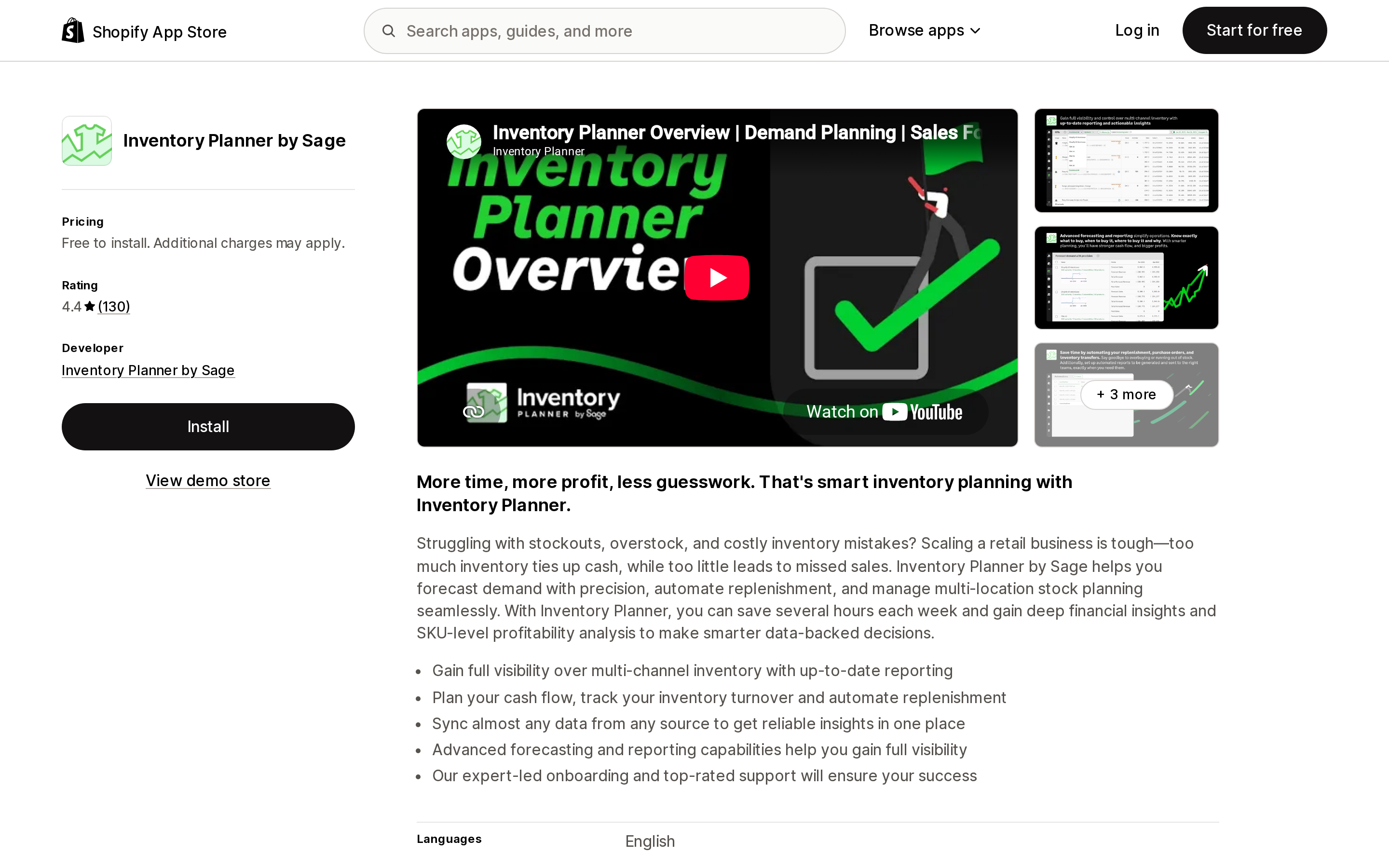
| Inventory Planner by Sage | 4.4 (130) | No | Yes — named setting. "Use stockouts history" adjusts the forecast to include past out-of-stock information |
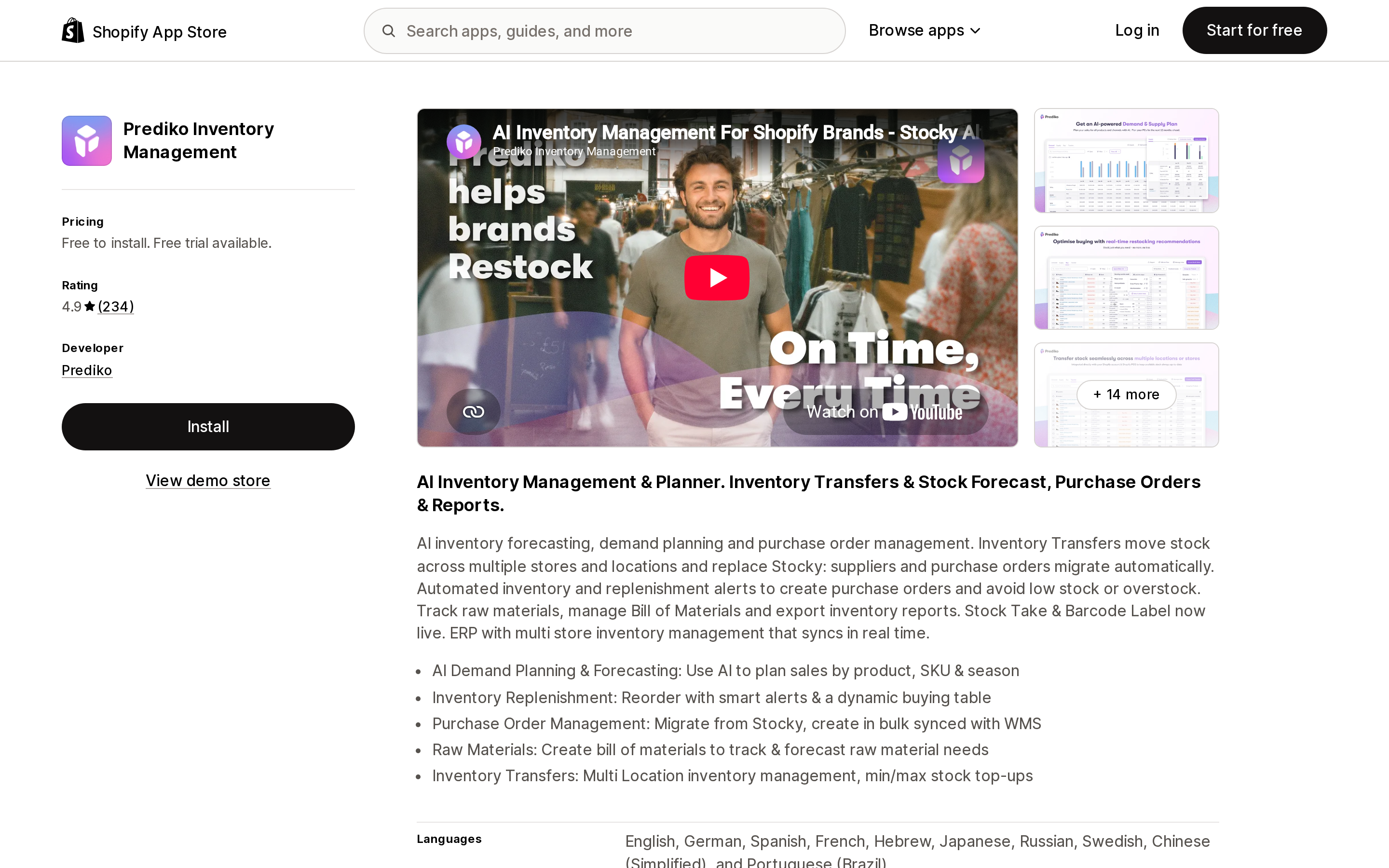
| Prediko Inventory Management | 4.9 (234) | No | Partial. Stockout-excluded historical metrics exist as Buying Table columns; whether the forecast model itself uses them is not stated |
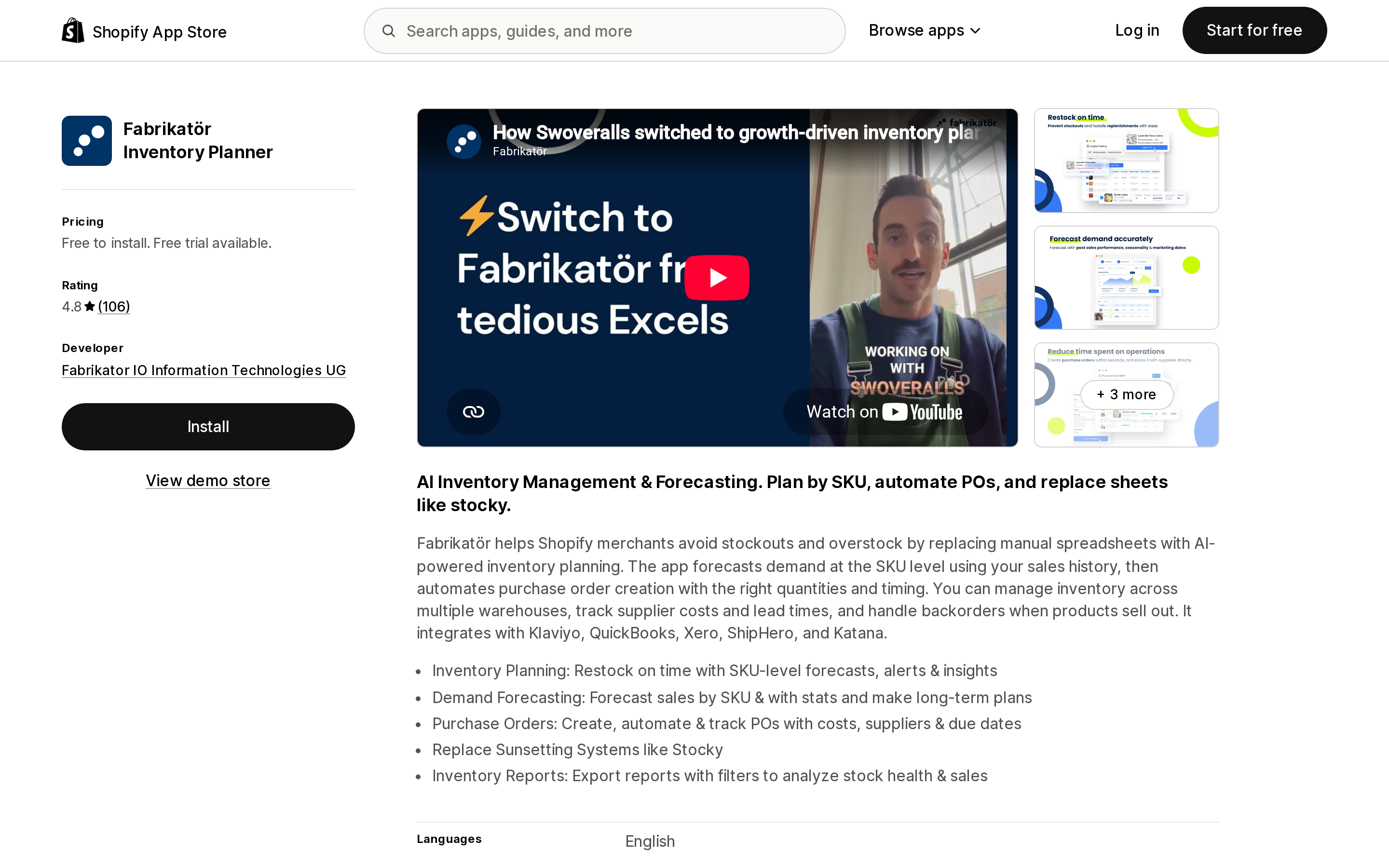
| Fabrikatör Inventory Planner | 4.8 (106) | No | Yes — in the changelog. Daily average sales calculation excludes out-of-stock days |
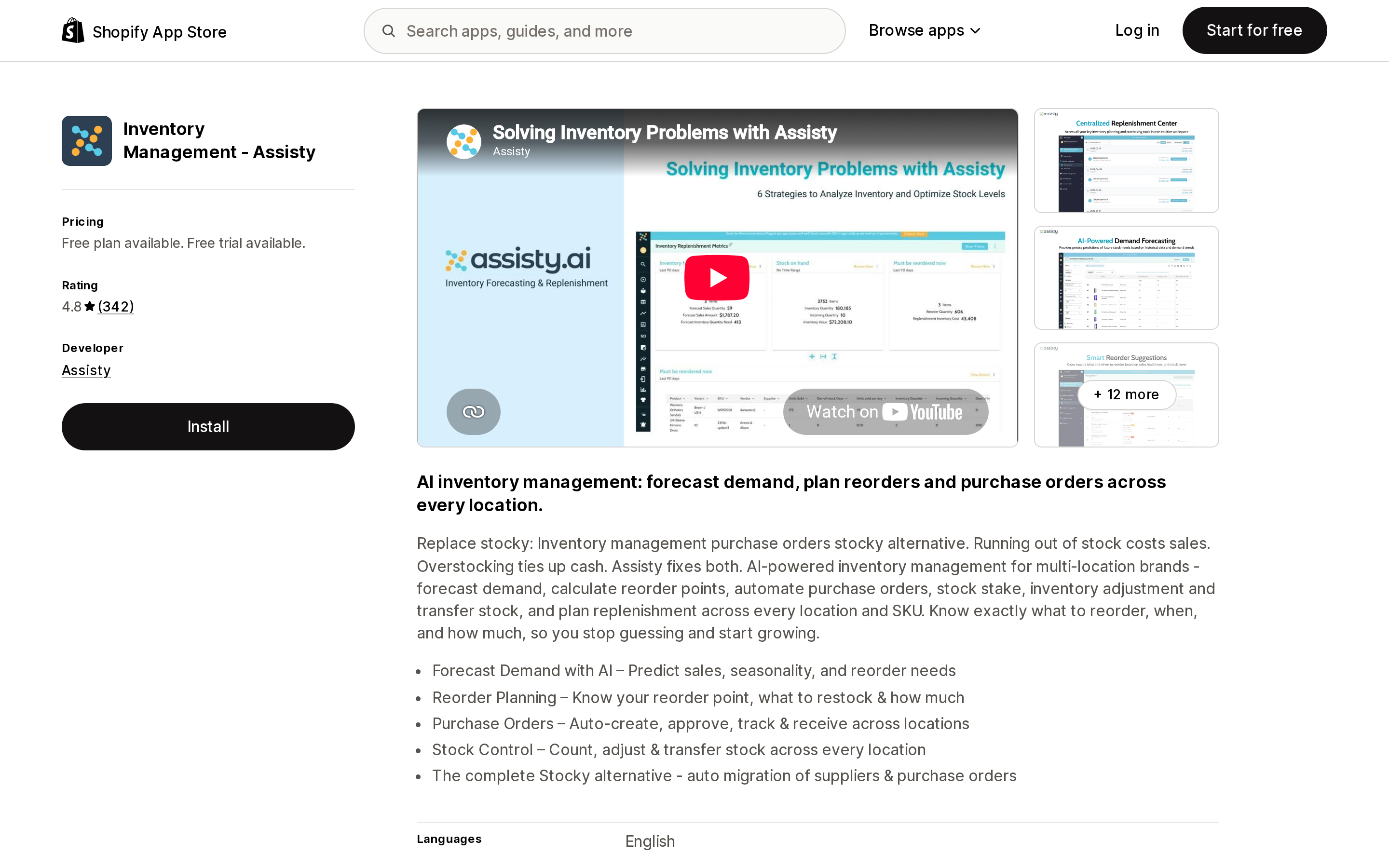
| Inventory Management ‑ Assisty | 4.8 (342) | No | Contradictory. Product page offers excluding out-of-stock periods; help center formula divides by days published |
| Stockie Inventory Management | 4.9 (135) | Yes | Not stated |
| Cogsy | 4.9 (12) | No | Not stated |
Ratings and review counts were read from the Shopify App Store on September 2, 2026.
Two things stand out. The app with the Built for Shopify badge and the joint-highest rating does not document a stockout adjustment anywhere public. The app with the lowest rating in the group has the most explicit documentation on this specific problem.
Inventory Planner by Sage
Source: Shopify App Store (Inventory Planner by Sage), retrieved September 2, 2026
Inventory Planner's help center is the only place in this category that treats stockout correction as a configurable forecast parameter rather than a marketing claim. The setting is called Use stockouts history, and the documentation explains it with a worked example: if you sell 10 units a month on average but the product was out of stock for half the month, real demand was 20.
The mechanics are documented in enough detail to plan around. With the setting on, the "last sales" method extends its lookback window until it finds the requested number of days when stock was actually available, and sales placed during stockout periods are ignored. Enabling it assumes backorders are not accepted, so the documentation tells stores that allow overselling to leave it off.
The constraint that matters most is easy to miss: Inventory Planner tracks stock history starting the day you connect your platform. It cannot see stockouts that happened before install. For those, the documentation offers manual entry on the Edit Forecast screen or CSV import — and separately notes that manually inputted stockouts and manually adjusted sales history are ignored by the "last sales" method. Install it in January and the correction has nothing to say about last year's holiday season.
Pricing is the weak point. The App Store shows "Free to install. Additional charges may apply," billed by Inventory Planner separately from your Shopify invoice, with a single plan card reading "Pricing adapts to your business needs. Contact us to get a quote." You cannot determine the monthly cost from the listing. The rating is polarized — 110 five-star against 12 one-star out of 130 — and one recent one-star review from a US merchant describes a sync failure lasting more than 21 days after paying roughly $4,000 for an annual term. Listed since January 15, 2013, English only.
Prediko Inventory Management
Source: Shopify App Store (Prediko Inventory Management), retrieved September 2, 2026
Prediko's help center documents an unusually rich set of stockout-aware Buying Table columns: Qty Historical (ex. Stockout Days) (units sold divided by days in stock, with a worked example of 1,000 units over 20 in-stock days giving 50 per day), Sales Historical (ex. Stockout Days), Out of Stock Days in a Year, Days since Out of Stock, and Est. Out of Stock Days.
That is more stockout instrumentation than anyone else exposes. But note what it is: reporting columns you read and sort on. Prediko's forecast itself runs on a Simple Model or a Smart Model, and its documentation does not state that either model excludes stockout days from its input. If you want the correction applied, the documented path is to read the stockout-excluded columns and override the plan yourself.
Pricing is banded by store revenue: Starter $49/month up to $100K, Scale-up $119/month up to $500K, Growth $199/month up to $2M, and Enterprise quoted individually above $2M. Every band lists the same features, including unlimited users, SKUs, and inventory alerts, with a 14-day trial. The "Free to install" label on the listing is the Enterprise card, not a usable free tier. Rated 4.9 across 234 reviews, and the only app here shipping more than English — ten listed languages.
Fabrikatör Inventory Planner
Source: Shopify App Store (Fabrikatör Inventory Planner), retrieved September 2, 2026
Fabrikatör's public changelog records the change directly, dated August 1, 2021: an improved daily average sales calculation with "enhanced accuracy in restock count suggestions by excluding out-of-stock days and adjusting for forecasting days and the first day of product sales." The correction sits in the velocity calculation that feeds restock suggestions, not behind a toggle.
The help center also publishes the formula behind its Potential Revenue Loss metric — potential out-of-stock days × daily average sales × sales price — with the caveat that the Control Center reports it at product-group level rather than variant level.
Pricing has the most moving parts in this comparison. Four App Store cards, all banded on annual revenue: SEED $99/month up to $500K, SCALE-UP $149/month up to $1.5M, GROWTH $199/month up to $2.5M, and Enterprise free to install above $2.5M. Every paid tier adds $0.75 per backorder beyond 50 free backorders per period. If backorders are how you handle stockouts, your bill scales with the exact event the forecast is supposed to prevent.
One discrepancy worth checking before you sign: Fabrikatör's own pricing page shows $79/month billed at $950 yearly for the $0–500K band, against $99/month on the App Store listing. Rated 4.8 across 106 reviews. English only, with listed integrations for Klaviyo, QuickBooks, Xero, ShipHero, and Katana.
Inventory Management ‑ Assisty
Source: Shopify App Store (Inventory Management ‑ Assisty), retrieved September 2, 2026
Assisty is the one place where the documentation argues with itself, and it is worth reading both sides before assuming the correction is on.
The forecasting product page states that days you were out of stock can be excluded "so the forecast reflects real demand — not the days you couldn't sell," offering it as a what-if scenario alongside trend adjustments. Meanwhile the help center article on how forecasting is calculated, updated 11/02/2025, gives the base formula as:
Average Units Sold per day = [Total Units Sold in the period] / [Days of product published]
Days published, not days in stock. Every downstream number — adjusted units sold per day, days of inventory remaining, forecast sales quantity, forecast inventory quantity need — is built on that denominator. The two documents are not reconciled anywhere public, so treat stockout exclusion as a scenario you apply deliberately rather than a default.
The pricing denominator is unique here: your Shopify subscription plan. A free tier gives six months of sales history and basic inventory tracking, then Basic Shopify $19/month, Advanced Shopify $59/month, and Shopify Plus $199/month. Note where the headline capability sits — AI & ML Demand Forecasting and Purchase Orders & Receiving are listed only on the $199 Shopify Plus card. Rated 4.8 across 342 reviews, the largest review base in this group. English only.
Stockie Inventory Management
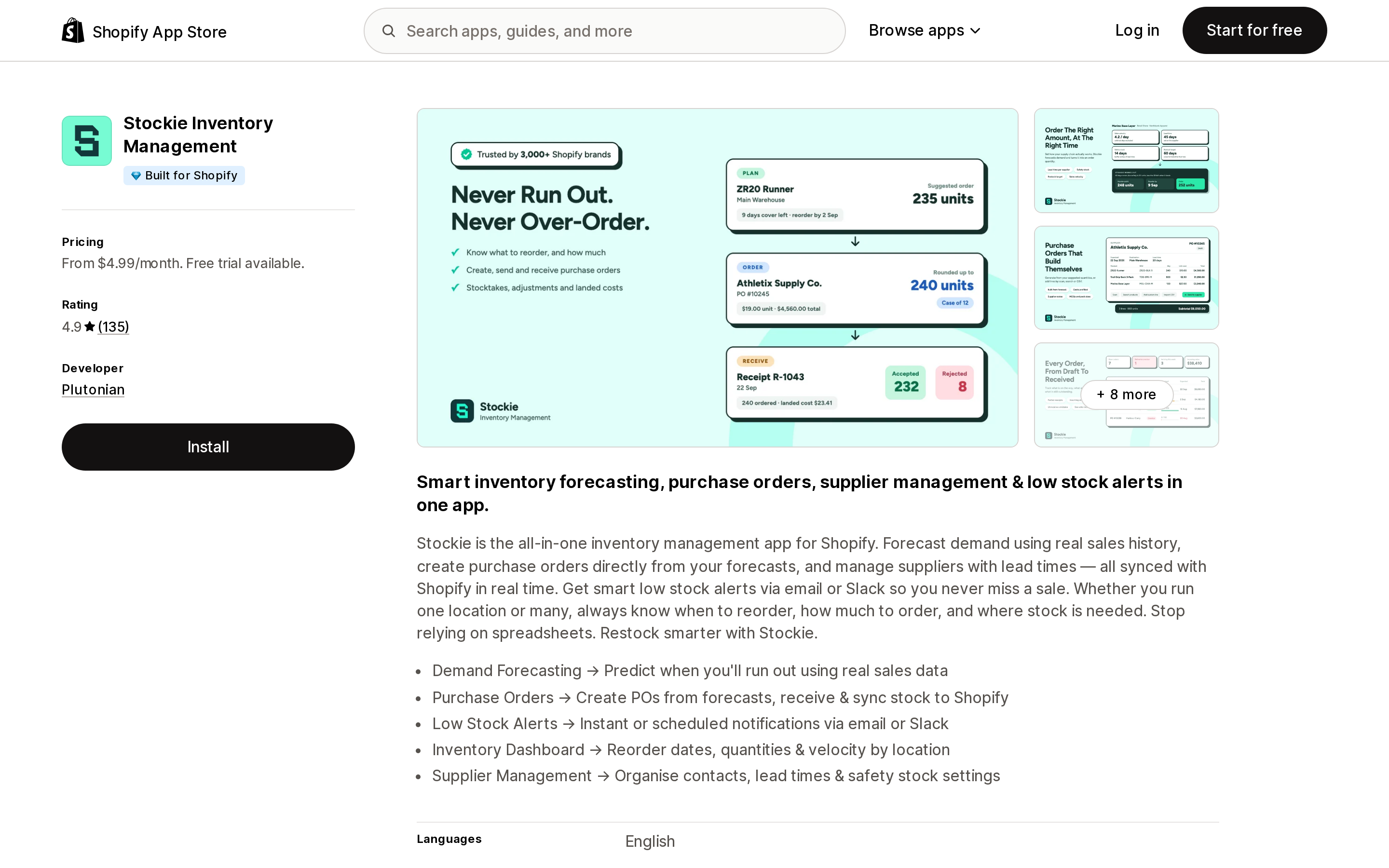
Source: Shopify App Store (Stockie Inventory Management), retrieved September 2, 2026
The only app in this comparison carrying the Built for Shopify badge, rated 4.9 across 135 reviews, developed by Plutonian and listed since July 19, 2021. Its listing describes forecasting demand "using real sales history."
What it does not do is publish documentation on how that history is handled. No external help center is linked from the listing — only a privacy policy and an FAQ — and there is no public statement about out-of-stock days. That is an absence of evidence rather than evidence of a missing feature, but it means you cannot verify the behaviour before installing.
Four feature-tiered plans: Basic $4.99/month (5 alerts, up to 8,000 variants), Advanced $9.99/month (custom thresholds, Slack, unlimited alerts and variants), Pro $29.99/month (forecasting dashboard, lead time and safety stock, predicted reorder dates), and Pro Plus $59.99/month (purchase orders). The 8,000-variant cap on Basic is the only catalogue-size limit anyone here publishes.
Cogsy
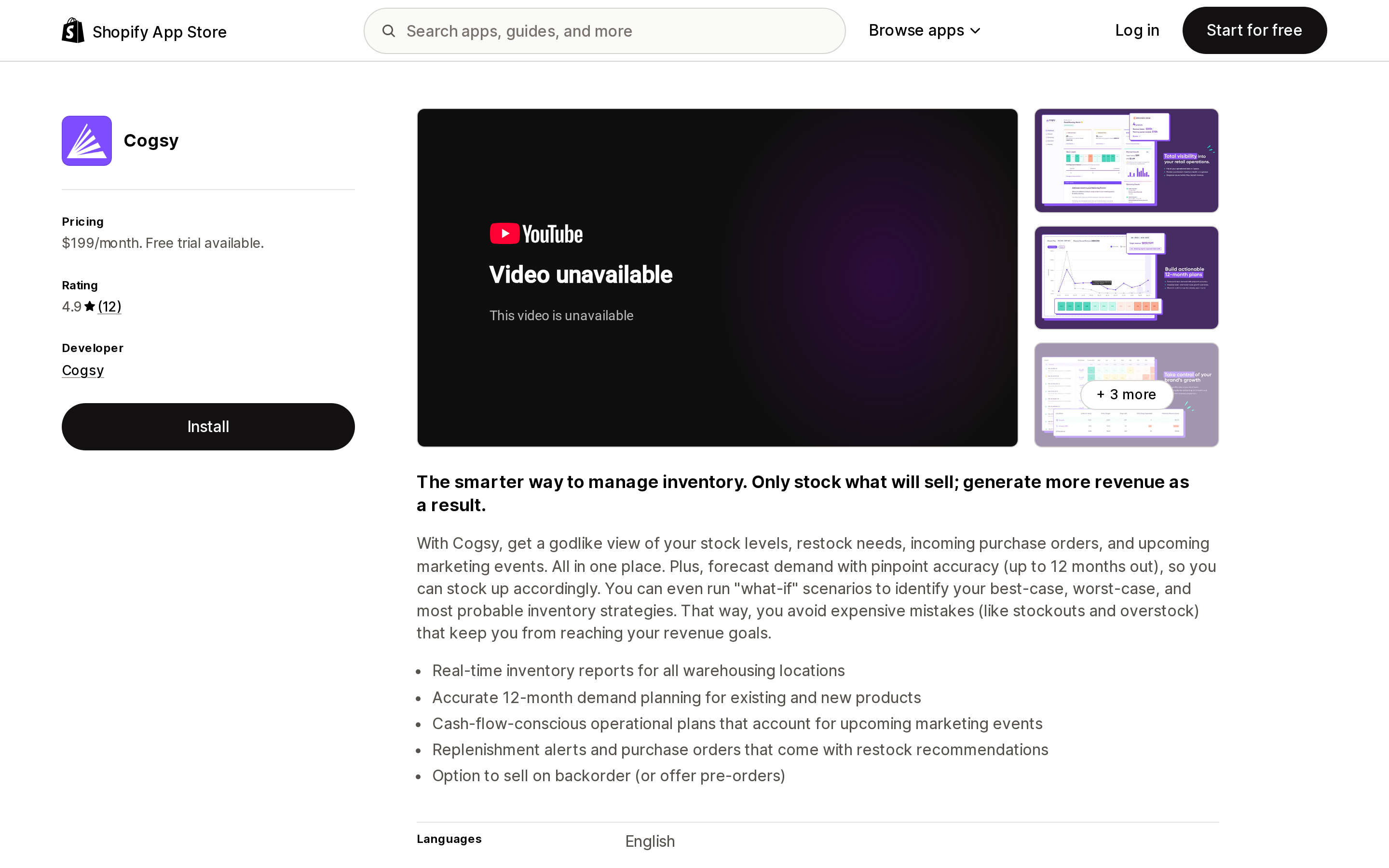
Source: Shopify App Store (Cogsy), retrieved September 2, 2026
Cogsy appears on most "best Shopify inventory forecasting apps" lists, and its App Store listing is live today at $199/month with a 14-day free trial and a 4.9 rating from 12 reviews, the most recent dated June 28, 2023.
Cogsy's own website says the product has been discontinued. Both cogsy.com and its pricing page currently display a single line stating that Cogsy has been discontinued and is no longer available, with a pointer to Mayple.
Nothing in the App Store listing communicates this. It is the clearest example in the category of listing data outliving the product.
Four denominators, and none of them is SKU count
You would expect an inventory app to bill on inventory complexity. None of them does.
| App | Bill scales with | Entry price | Top published price |
|---|---|---|---|
| Prediko Inventory Management | Store revenue band | $49/month (to $100K) | $199/month (to $2M), quote above |
| Fabrikatör Inventory Planner | Annual revenue band + backorders | $99/month (to $500K) | $199/month (to $2.5M) + $0.75/backorder |
| Inventory Management ‑ Assisty | Your Shopify subscription plan | Free plan | $199/month (Shopify Plus tier) |
| Stockie Inventory Management | Feature tier | $4.99/month | $59.99/month |
| Cogsy | Flat | $199/month | $199/month |
| Inventory Planner by Sage | Quote, billed externally | not published | not published |
Prices read from each App Store listing on September 2, 2026.
The practical consequence: a store with 12,000 SKUs and $400K in revenue pays less than a store with 40 SKUs and $1.8M. Prediko explicitly lists unlimited SKUs at every tier. Only Stockie caps variants, and only on its cheapest plan.
Revenue-banded pricing has a second property worth modelling. Your bill rises when sales rise — including when they rise because the app fixed your stockouts. Fabrikatör adds the sharper version: take backorders during a stockout and you pay $0.75 per backorder for the privilege.
And two of the six will not publish a number. Inventory Planner by Sage bills outside your Shopify invoice on a quote, and both Prediko's and Fabrikatör's Enterprise tiers point to a calculator on their own sites.
How to choose
You are under $100K in revenue and have not had a real stockout yet. Native inventory reports are enough. Buying a forecast now means buying a model with no stockout history to correct.
Stockouts are specifically suppressing your reorder quantities. Inventory Planner by Sage is the only option documenting the correction as a setting with defined behaviour. Get the quote first, and install it well before the season you care about, because it cannot see backwards.
You want to see the stockout impact and override the plan yourself. Prediko's Buying Table columns are the most complete public instrumentation of out-of-stock days here, at a published price.
You take backorders when you sell out. Model the $0.75 per backorder before choosing Fabrikatör, and compare its site price against the App Store price.
You are shopping from a comparison article. Check the vendor's own website is still live. Cogsy's listing says $199/month; Cogsy's website says the product is gone.
One caveat covers all of it. No forecast recovers demand that was never recorded. Stockout correction is an inference from the days you were in stock, not a measurement of what you lost. It makes an under-forecast less wrong. It does not make it right.
Sources
- Inventory reports — Shopify Help Center
- ABC inventory analysis — Shopify Help Center
- Forecasting orders — Shopify Help Center
- Migrating from Stocky to Shopify inventory management — Shopify Help Center
- Configuring the forecast — Inventory Planner Help Center
- What columns can you add to the Buying Table? — Prediko Help Center
- How Potential Revenue Loss is Calculated in Fabrikatör? — Fabrikatör Help Center
- Product Updates and Pricing & Plans — Fabrikatör
- How do we calculate the sales & inventory forecasting — Assisty Helpdesk
- Forecasting — Assisty
- Cogsy pricing — Cogsy
- Shopify App Store listings for Prediko Inventory Management, Inventory Planner by Sage, Fabrikatör Inventory Planner, Inventory Management ‑ Assisty, Stockie Inventory Management, and Cogsy, retrieved September 2, 2026
Related reading: what native Shopify inventory still can't do after the Stocky shutdown, and which parts of Shopify Analytics are actually plan-gated.
Shopify Magic's own media generation tools cover background removal, logo generation, and hero banners — images only, per Shopify's Help Center. There is also an unrelated app literally named 'Magic: Product Photos & Videos' that charges $19.99–$49.99/month and has nothing to do with Shopify. Meanwhile, eight real AI product-video apps bill on five incompatible units: credits, videos, points, a flat $1 per video, and one-time packs with no subscription at all. Normalized to a real cost per finished video, the spread runs from about $0.04 to $1.29 — roughly 32x — and one app's $39–$99/month plans don't disclose a video quota at all. Researched September 6, 2026.