
What you will learn
On this pageContentsCloseOpen
Search for advice on Shopify faceted navigation and you will find two confident, mutually exclusive claims sitting next to each other in the results. One set of articles says Shopify does not add canonical tags to filtered collection pages, so you need an app. Another says Shopify has handled this for years. A third group repeats that robots.txt.liquid is a Shopify Plus feature.
Only one of those can be right, and the third is simply false. So we stopped reading and started measuring: raw /robots.txt files and raw HTML head sections from live US Shopify stores, against Shopify's own documentation.
The short version
- Shopify does emit a canonical on filtered collection URLs. Measured on four live stores,
?filter.*and?sort_by=are stripped from the canonical, which points at the clean collection URL.?page=is preserved. Marketing parameters likeutm_sourceandfbclidare stripped. - The default
robots.txtblockssort_byand any collection URL containing two filter parameters — but not a URL with one. The rule isDisallow: /collections/*filter*&*filter*, and it needs an ampersand between two occurrences of the wordfilterto match. - That produces a strange line: one selected filter is crawlable, two are not. Same collection, same theme.
- The two defaults undercut each other. Google's documentation says explicitly not to use robots.txt for canonicalization, because Google may still index a disallowed URL without ever fetching the canonical tag on it. Shopify puts a correct canonical on filter URLs and then blocks crawlers from reading it.
robots.txt.liquidis not Plus-only. Shopify shipped it on June 21, 2021, and no Shopify Help Center page, shopify.dev reference, or changelog entry attaches a plan requirement to it.- Almost no SEO app can change any of this. Canonical and noindex apps operate per resource — a product, a collection, a page — not per parameter combination. The one lever apps genuinely offer is writing robots.txt rules.
What Shopify already does, measured
We requested collection URLs from four live US stores and read the rel="canonical" element out of the raw HTML. Every store returned the same pattern.
| URL requested | Canonical returned |
|---|---|
/collections/mens | /collections/mens |
/collections/mens?filter.v.availability=1 | /collections/mens |
/collections/mens?sort_by=price-ascending | /collections/mens |
/collections/mens?utm_source=test&fbclid=abc | /collections/mens |
/collections/mens?page=2 | /collections/mens?page=2 |
Tested on allbirds.com across all five URL shapes and on deathwishcoffee.com across the first four, then confirmed on bombas.com (?sort_by=price-ascending&filter.v.availability=1 canonicalized to the bare collection) and hellotushy.com (?filter.v.availability=1 canonicalized to the bare collection). Four independent stores on four different themes, all consistent.
So the claim that Shopify leaves filtered collection pages without a canonical is wrong. The claim that it points the canonical at the clean collection URL is right, and the page exception is the detail almost nobody mentions: paginated collection URLs get a self-referencing canonical, which is what Google recommends for pagination, not a canonical back to page 1.
One caveat that matters. This tag is rendered by the theme, not enforced at the HTTP layer. It comes from the Liquid canonical_url object, which shopify.dev documents only as "The canonical URL for the current page." A theme that omits it from its head produces no canonical at all. Every theme we measured included it, but "Shopify does this" is really "every theme in normal use does this."
The default robots.txt, verbatim
Here is the collections block from deathwishcoffee.com/robots.txt, retrieved September 2, 2026:
Disallow: /collections/*sort_by*
Disallow: /*/collections/*sort_by*
Disallow: /collections/*+*
Disallow: /collections/*%2B*
Disallow: /collections/*%2b*
Disallow: /*/collections/*+*
Disallow: /*/collections/*%2B*
Disallow: /*/collections/*%2b*
Disallow: /collections/*filter*&*filter*
Disallow: /*/collections/*filter*&*filter*
Allow: /collections/
Allow: /*/collections/
The /*/ variants exist so the rules also apply to Shopify Markets locale subfolders. The %2B and %2b lines cover URL-encoded plus signs.
Shopify's Help Center describes one of these rules directly: Disallow: /collections/*+* "prevents filtered collection pages from being indexed, which could create duplicate content issues." That rule targets the older tag-based filter path form, /collections/all/red+small, not the query-parameter form that Search & Discovery generates today.
The rule that governs modern filters is the last pair, and reading it precisely changes the whole picture.
One filter is crawlable. Two are not.
Disallow: /collections/*filter*&*filter* matches only when the URL contains the substring filter, then an ampersand, then filter again. Work through what Shopify's Storefront filtering documentation says filter URLs look like:
/collections/all?filter.p.product_type=shoes— one parameter, no ampersand between twofiltersubstrings. Not blocked. The trailingAllow: /collections/applies./collections/all?filter.p.product_type=shoes&filter.v.option.color=red— blocked./collections/all?sort_by=price-ascending— blocked by thesort_byrule./collections/all/red+small— blocked by the+rules.
Now the sharp edge. Shopify documents two equivalent ways to select multiple values from the same filter:
filter.v.option.color=red,blue
filter.v.option.color=red&filter.v.option.color=blue
Both return the same products. The comma form is a single parameter and stays crawlable. The repeated form contains filter and & and filter, and is blocked. Identical results page, opposite crawl treatment, decided by which serialization your theme happens to emit.
This is also why "Shopify blocks filtered collection pages" is only half true. The single-facet URLs — the ones most likely to have genuine search demand, like a color or a product type — are exactly the ones left open to crawling.
Where the two defaults collide
Google's canonicalization documentation states the problem in one line:
Don't use the robots.txt file for canonicalization purposes. Google may still index URLs that are disallowed in robots.txt without their content.
That is precisely the configuration Shopify ships. On a two-filter URL, Shopify renders a correct canonical pointing at the clean collection — and then its own default robots.txt tells Googlebot not to fetch the page, so the canonical is never read. If Google discovers that URL through an internal link, an external link, or a sitemap, it can index it as a URL-only entry with no content and no canonical consolidation.
Shopify acknowledges the symptom in its own Help Center, under a heading about "Indexed, though blocked by robots.txt" messages in Search Console, describing it as normal behavior and usually not a cause for concern. For most stores that is fair. But it is worth understanding that the reason those messages appear is that two of Shopify's own defaults are working against each other, and that the fix Google recommends for parameter duplication — let the page be crawled so the canonical can do its job — is the opposite of what the default file does.
The same trap applies if you decide to add noindex to filter pages via theme code. A noindex meta tag on a page that robots.txt forbids crawling is unreachable and therefore inert.
The Plus-only claim
Several currently-ranking articles state that editing robots.txt.liquid requires Shopify Plus. We could not find a single Shopify source that says so.
Shopify's changelog entry dated June 21, 2021 reads: "On Monday, June 21st 2021, we will release robots.txt.liquid to give you control over how crawlers discover content in your online store." No plan is named. The Help Center page Editing robots.txt.liquid gives the steps — Online Store, Edit code, Add a new template, select robots — with no plan gate anywhere on the page. The shopify.dev reference for the template lists no plan requirement either. A follow-up changelog entry dated March 25, 2025 added request.host for per-domain rules, again with no plan restriction.
What Shopify does say is that this is an unsupported customization, warning that incorrect use "can result in loss of all traffic" and that Shopify Support cannot help with edits to the file. That is a real caution, and it is probably where the Plus myth came from. Unsupported is not the same as unavailable.
One more thing worth checking on your own store before you assume you have the defaults. Of the four stores we pulled, gymshark.com's robots.txt contains the sort_by and + rules but not the filter*&*filter pair, alongside several other current default rules that are missing. Shopify's documentation warns that replacing the template with plain text rules freezes them, so a customized file can silently sit on an older ruleset. If you have inherited a store, read the live file rather than assuming. The mechanics of that drift are their own topic, and we covered them separately in an article on Shopify robots.txt and sitemap limits.
What apps can actually change
This is where the category gets thin. The levers that matter for filter URLs are the canonical tag, a robots meta tag, and robots.txt rules. Canonical and noindex apps on the App Store are built around resources — a specific product, collection, page, or article — because that is what the Admin API exposes. A parameterized URL is not a resource.
| App | Developer | Built for Shopify | Price (USD) | Rating (reviews) | Filter-URL crawl or index control |
|---|---|---|---|---|---|
| Shopify Search & Discovery | Shopify | No | Free | 2.7 (465) | None — it generates the URLs |
| Robots.txt | DJP Digital | No | $29 one-time | 5.0 (3) | Yes, via robots.txt rules |
| Canonical Tag URL Wizard | DJP Digital | No | $1.99/month | 5.0 (22) | No — per resource only |
| Sitemap NoIndex Pro SEO | DJP Digital | Yes | Free, $3.99, $11.99/month | 5.0 (159) | Per resource; one unexplained feature name |
| NoIndexly ‑ Sitemap Manager | GroPulse | Yes | Free, $3.49/month | 4.9 (18) | No — per resource only |
| BOOSTER AI SEO + AEO OPTIMIZER | Booster SEO | Yes | Free, $39, $69/month | 4.8 (5,264) | Not stated on the listing |
Ratings, prices, and badges read from the Shopify App Store on September 2, 2026. Three of these are from the same developer, DJP Digital, which is worth knowing before you assemble a stack out of them.
Shopify Search & Discovery
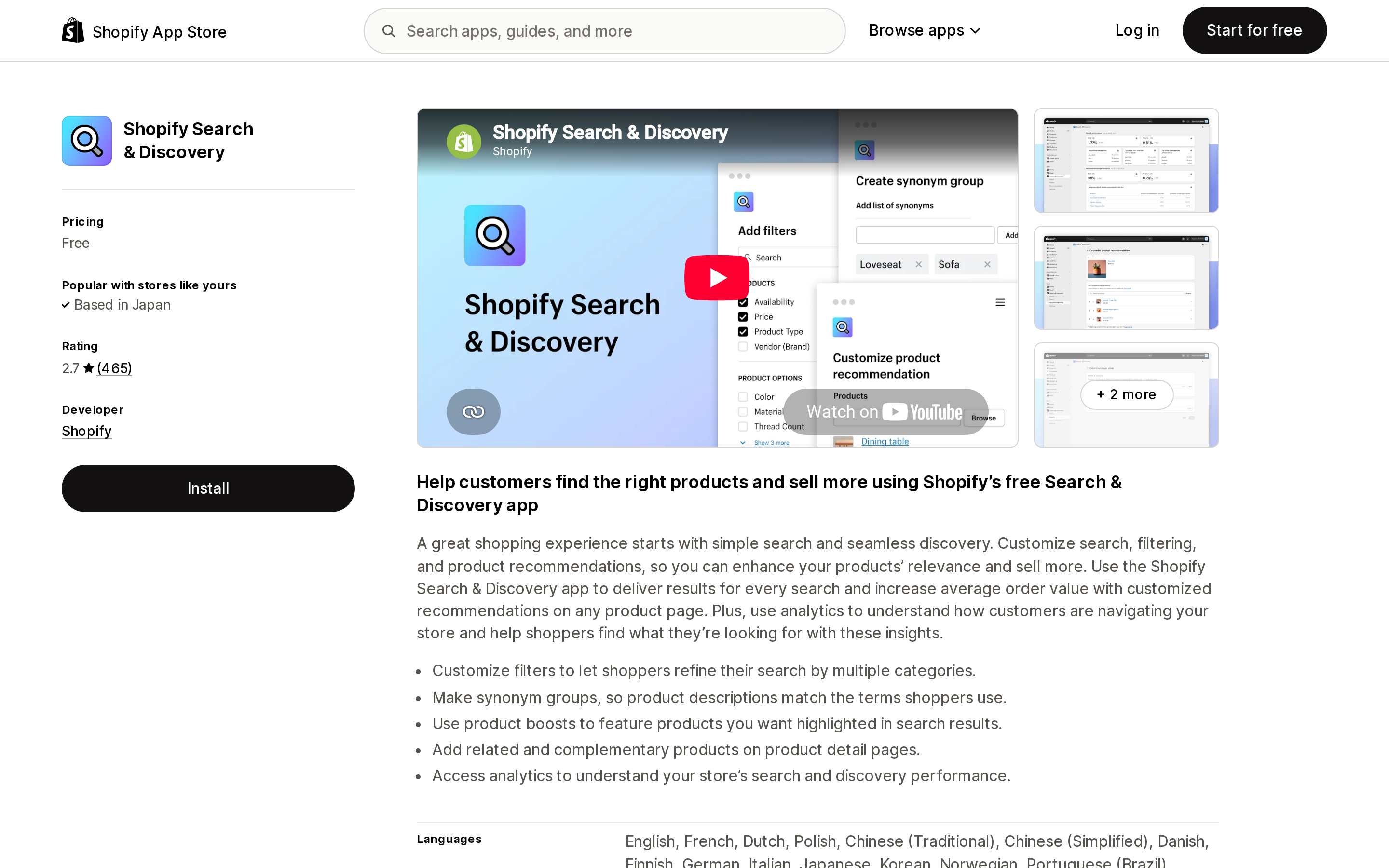
Source: Shopify App Store (Shopify Search & Discovery), retrieved September 2, 2026
Shopify's own free app is what turns product data into the filters that produce these URLs. Filters can be based on availability, category, price, product tags, product type, vendor, variant options, and metafields, and shopify.dev documents a maximum of 25 filters. It rates 2.7 across 465 reviews. Nothing in the listed feature set — filters, synonym groups, product boosts, recommendations, analytics — touches crawling, indexing, or canonicals. If you want more filter axes or different filtering behaviour, that is a separate decision, and we covered the published limits of this app in its own article.
Robots.txt
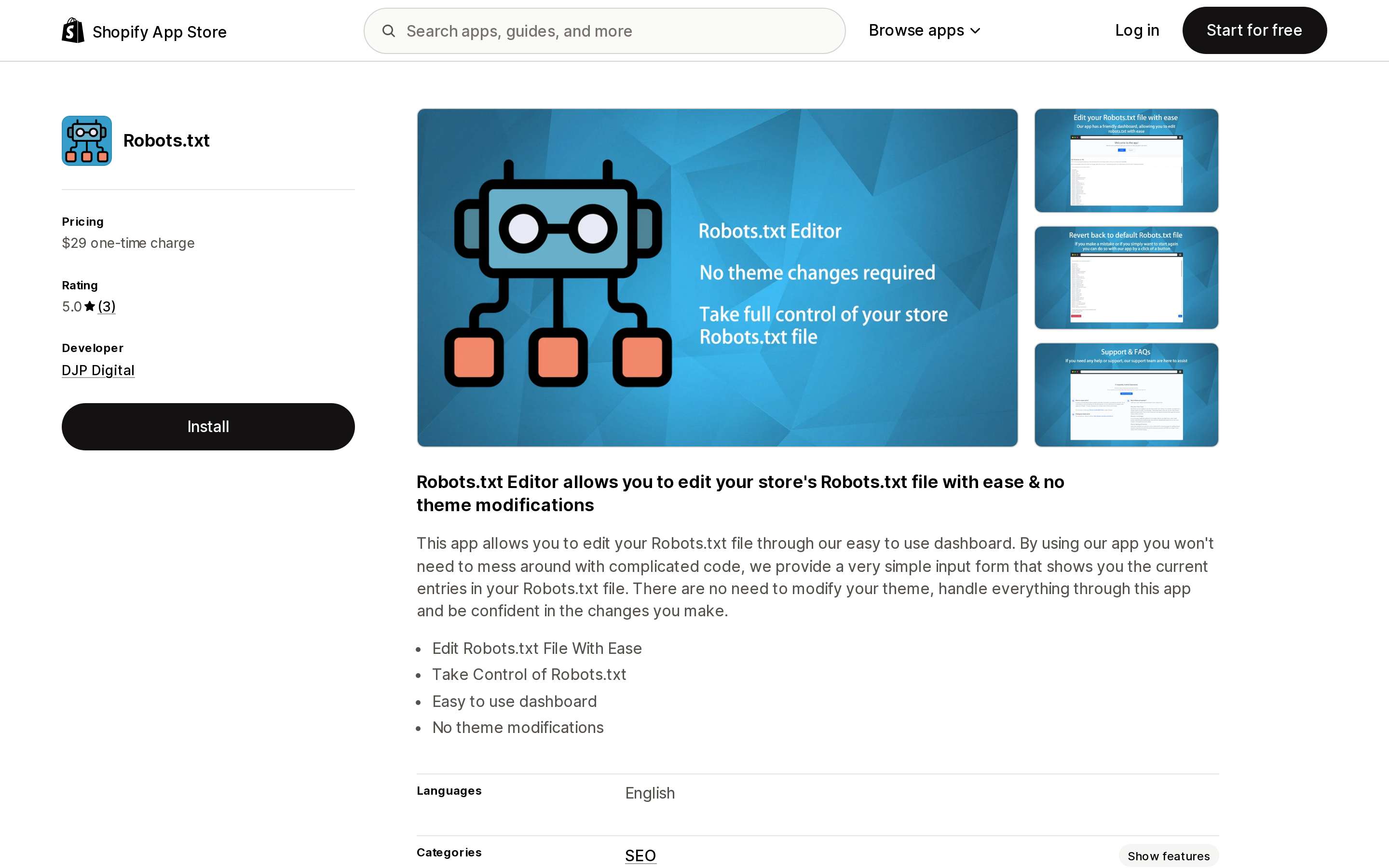
Source: Shopify App Store (Robots.txt), retrieved September 2, 2026
A $29 one-time charge for a dashboard that edits your robots.txt entries, with the listing headline "Robots.txt Editor allows you to edit your store's Robots.txt file with ease & no theme modifications." This is the only app in the set that touches the lever which genuinely applies to parameterized URLs.
Two things to weigh. The rating is 5.0 but across only 3 reviews, which is not a meaningful sample. And Shopify's documented mechanism for changing /robots.txt is the robots.txt.liquid theme template; the listing's "no theme modifications" claim describes the merchant's experience of not hand-editing code rather than a different underlying mechanism. Confirm with the developer how it writes rules, and what happens to them when you uninstall.
Canonical Tag URL Wizard
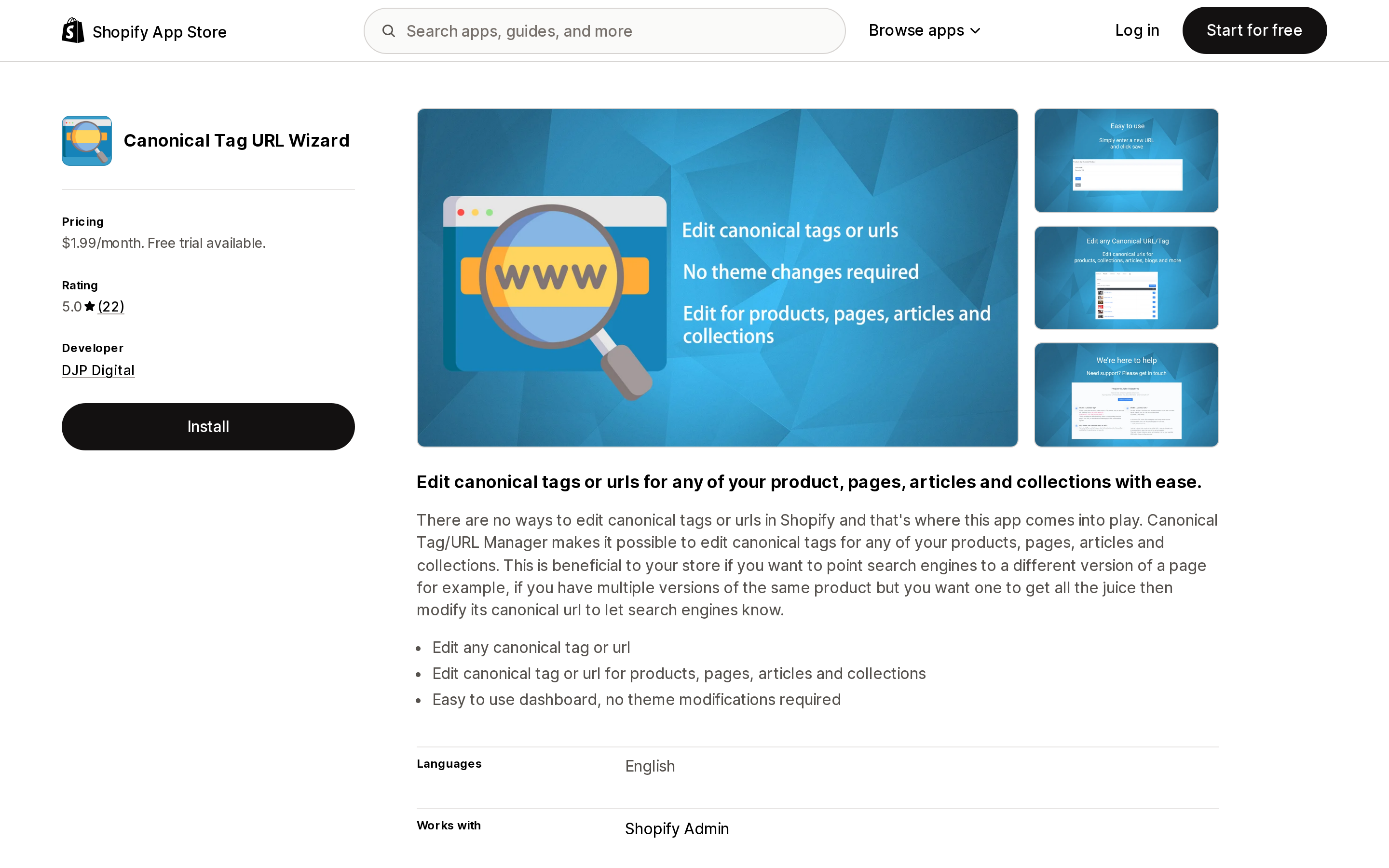
Source: Shopify App Store (Canonical Tag URL Wizard), retrieved September 2, 2026
$1.99/month, or $19.99/year. The listed features are "Edit canonical for any product / collection / page / article" and "Set canonical urls in bulk." That is resource-level. It can change the canonical of the collection /collections/mens as a whole; it cannot give ?filter.v.option.color=red a different canonical from ?filter.v.option.color=blue, because from the app's perspective both are the same collection.
The listing also opens with "There are no ways to edit canonical tags or urls in Shopify," which overstates the case — the canonical is theme output and editable in theme.liquid. The app removes the need to touch code, which is a real convenience, but it is not solving the faceted-navigation problem. If your concern is product URLs appearing under both /products/ and /collections/x/products/, that is a different question, and we tested it separately.
Sitemap NoIndex Pro SEO and NoIndexly ‑ Sitemap Manager
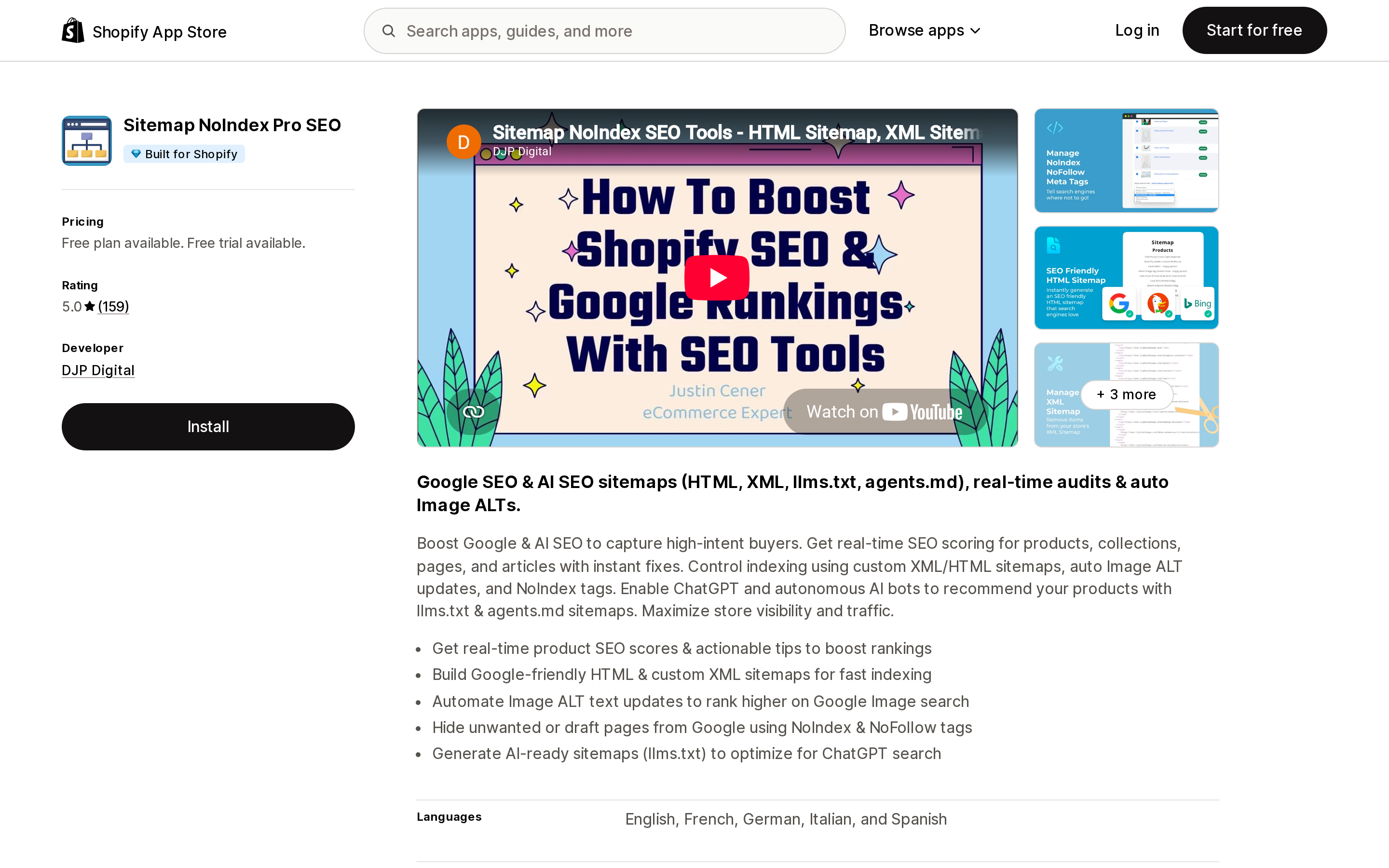
Source: Shopify App Store (Sitemap NoIndex Pro SEO), retrieved September 2, 2026
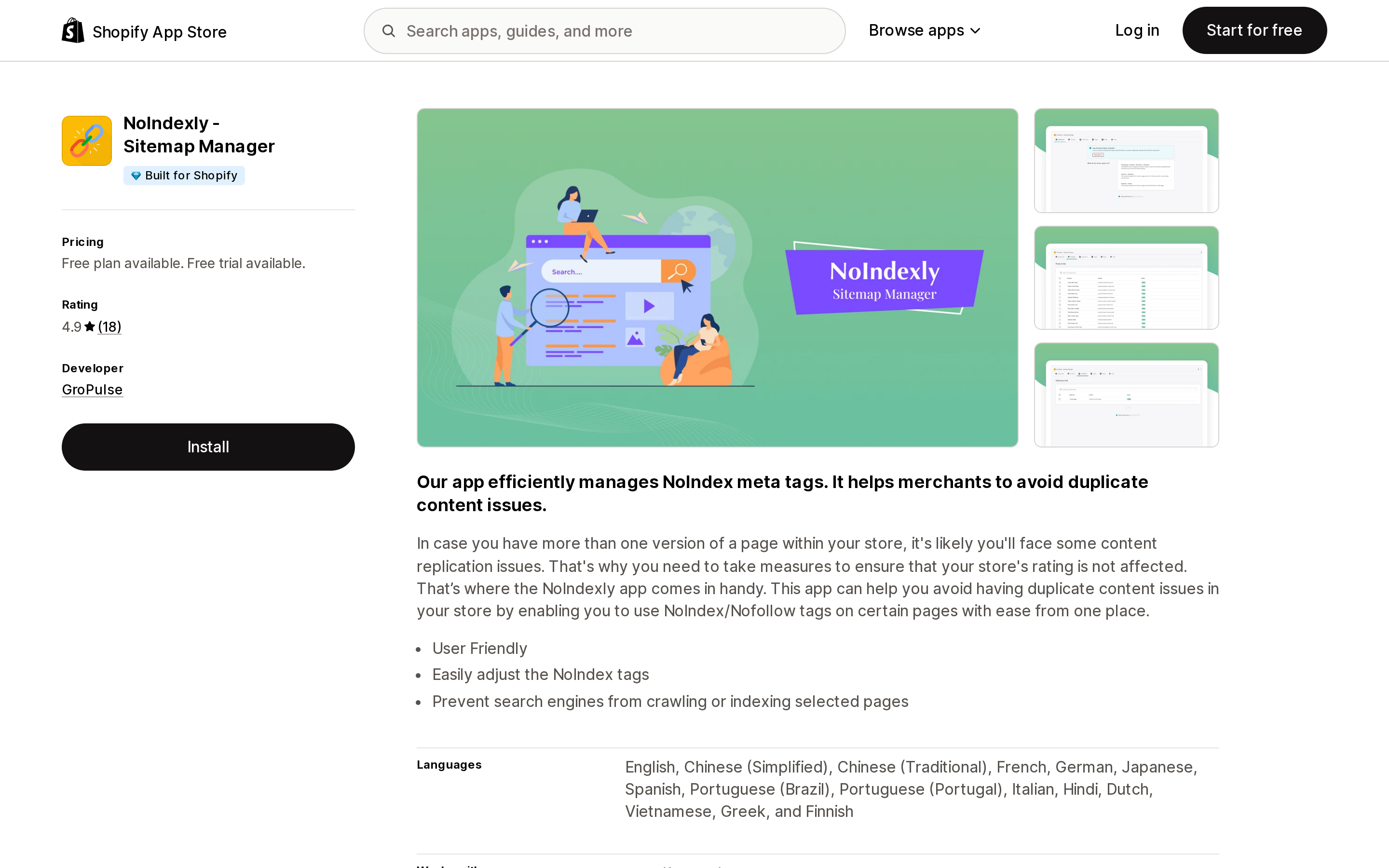
Source: Shopify App Store (NoIndexly ‑ Sitemap Manager), retrieved September 2, 2026
Both carry the Built for Shopify badge and both do the same core job well: apply noindex and nofollow to selected resources, and manage custom XML and HTML sitemaps. Sitemap NoIndex Pro SEO adds SEO scoring, bulk image ALT updates, and llms.txt generation, on a Free / $3.99 / $11.99 per month ladder. NoIndexly lists its scope explicitly as Product Page, Collection Page, Blog & Article Page, and Page, on Free or $3.49/month.
Note what those lists do not contain: a filtered URL. These are the right tools for hiding a specific collection or a draft page from search. They cannot express "noindex this collection when two filters are applied."
One open question worth raising with the developer. Sitemap NoIndex Pro SEO's $11.99/month Scale tier lists a feature called Custom URL Indexing Engine, alongside "Advanced Smart Rules." It is the only feature name across these six apps that hints at targeting arbitrary URLs rather than resources. The listing does not explain what it does, and we could not confirm whether it covers query-parameter URLs. Treat it as unverified until you get an answer in writing.
BOOSTER AI SEO + AEO OPTIMIZER
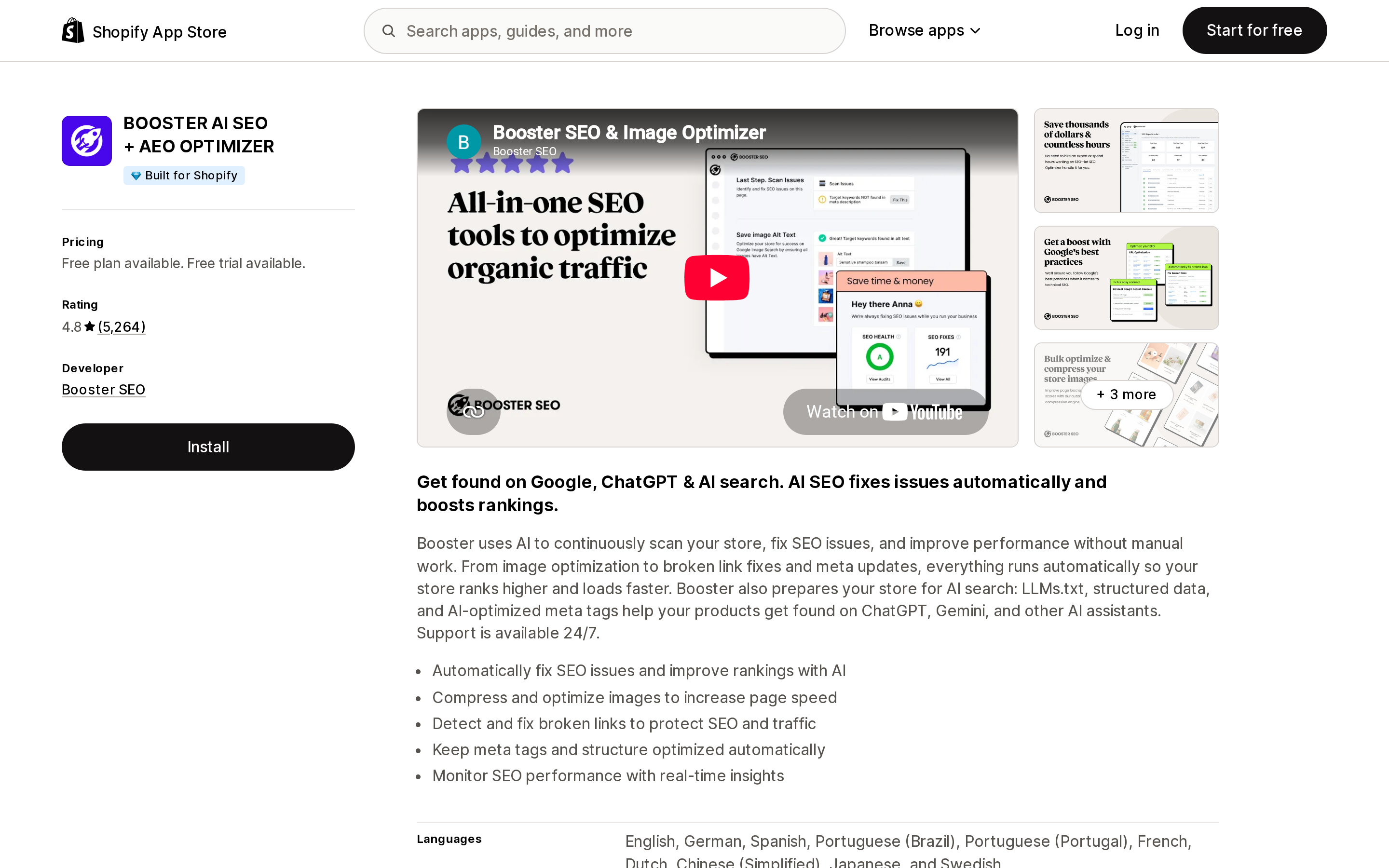
Source: Shopify App Store (BOOSTER AI SEO + AEO OPTIMIZER), retrieved September 2, 2026
Included as the representative of the large generic SEO suites — 4.8 across 5,264 reviews, Built for Shopify, with a free plan, a $39/month Pro tier, and a $69/month Premium tier. The listed feature set is meta titles and descriptions, alt text, broken link detection and fixes, structured data, automated sitemaps, and llms.txt. Nothing on the listing describes control over crawling or indexing of parameterized URLs, and you should not assume it by inference. The same holds for the other large suites in this category.
How to decide
Your store has fewer than a few thousand products and normal filter usage. Change nothing. Shopify's canonical already consolidates filter and sort variants onto the clean collection URL, and the "Indexed, though blocked" notices in Search Console are cosmetic at this scale. Installing an app here buys you nothing you do not already have.
You are seeing large numbers of filter URLs in the Search Console coverage report and want them consolidated properly. The correct move is counterintuitive: remove the filter*&*filter Disallow so Googlebot can crawl those URLs and read the canonical Shopify already puts there. That is what Google's canonicalization guidance points at. Do it through robots.txt.liquid using the documented unless pattern to skip a specific rule, and watch Search Console before and after.
Crawl budget is your actual constraint — a very large catalog where crawlers are burning requests on facet combinations. Keep the Disallow rules and accept URL-only indexing as the cost. Blocking and canonicalization are genuinely in tension here; you cannot have both, and you should decide which problem you have before you touch anything.
You want to add rules without editing theme code. The Robots.txt app at $29 one-time is the only option in this set that addresses parameterized URLs, but confirm the mechanism and the uninstall behaviour first, and weigh the 3-review sample.
You want to hide a specific collection or page from search. Sitemap NoIndex Pro SEO or NoIndexly do this cleanly and cheaply. Just do not buy them expecting facet-level control.
Do not do this: add noindex to filter pages in theme code while the robots.txt Disallow is still in place. The crawler cannot fetch the page, so it never sees the tag, and you have added a maintenance burden with no effect.
The uncomfortable summary is that the most valuable action available to most stores is to read their own /robots.txt and the head of one filtered collection URL, and then do nothing. The defaults are close to right. The part that is genuinely wrong is a conflict between two Shopify defaults that no app on the store can resolve — only a theme-level robots.txt edit can.
Sources
- Editing robots.txt.liquid — Shopify Help Center
- Hiding a page from search engines — Shopify Help Center
- robots.txt.liquid — shopify.dev
- Customize robots.txt — shopify.dev
- Storefront filtering — shopify.dev
- canonical_url — shopify.dev Liquid reference
- Customize your robots.txt file, June 21, 2021 — Shopify Changelog
- Customize robots.txt rules by domain, March 25, 2025 — Shopify Changelog
- How to specify a canonical URL with rel="canonical" and other methods — Google Search Central
- Live
/robots.txtand collection page HTML from allbirds.com, deathwishcoffee.com, bombas.com, hellotushy.com, and gymshark.com, retrieved September 2, 2026 - Shopify App Store listings for Shopify Search & Discovery, Robots.txt, Canonical Tag URL Wizard, Sitemap NoIndex Pro SEO, NoIndexly ‑ Sitemap Manager, and BOOSTER AI SEO + AEO OPTIMIZER, retrieved September 2, 2026
Six Shopify direct mail apps priced on incompatible denominators, normalized. Direct Mail Manager lists $0/$5/$10 per month on the App Store while its own pricing page shows $0 or $199 per month plus $0.686 to $0.873 per 4x6 postcard. PostPilot lists as free to install but charges $99 or $499 per month plus per-piece. Poplar Mail's App Store per-piece prices run 8 to 11 percent below its own page, and identity resolution is a separate line at $0.07 per match. Postage is stated as included by only three of the six. Shopify itself has no postal channel, no Flow mail action, and no ZIP code segment filter. Researched September 3, 2026.