
What you will learn
On this pageContentsCloseOpen
A product that should be $49 rings up at $39. A collection you built last quarter is suddenly empty. Nobody remembers doing it, and the product page has no history to show you.
The conclusion people reach next is that Shopify does not log admin activity, or that logging is something you buy with Shopify Plus. Both are wrong, and knowing exactly how they are wrong changes which tool you install.
What Shopify already records
Shopify does have activity logs. They are scattered, and each one has a different gap.
| Log | Where it lives | Retention | Export |
|---|---|---|---|
| Store activity log — admin actions such as deleting a product or granting an app access | Settings, General | Maximum 250 results | No |
| User management activity log — user and role changes, clickable | Settings, Users, Security | Not stated | Not stated |
| Login history — date, IP, ISP, location, browser and OS | Settings, Users, View store | Five most recent sessions | Not stated |
| Activity log for Shopify POS — voids, refunds, manual discounts, customer record access | Point of Sale channel | 1 year | No |
| Timeline — full history and internal comments for one record | Each order, draft order, customer, transfer | Not stated | Not stated |
Inventory adjustment history — adjustments with a Created by column | A product or variant | Last 180 days | Not stated |
| Inventory adjustment changes report — by SKU, location, staff member, app, reason | Analytics, Reports | Inventory metrics from October 1, 2023 | Yes |
The store activity log is not a Plus feature. Shopify's documentation gates it on permissions rather than on your pricing plan: you need the Home permission plus Store settings, Manage settings to open it.
The genuinely Plus-restricted piece is the audit_events/admin_api_activity webhook topic. Shopify's changelog limits it to one subscription per Plus store, requires Google Cloud Pub/Sub or AWS Eventbridge instead of HTTPS, and states that "Access is restricted to Custom apps only." That is an engineering project, not a setting.
Where the native logs break
Shopify documents the store activity log's limits plainly:
A maximum of 250 results can be displayed on the store activity log page.
It also cannot be exported, is view-only so you cannot click an event open for detail, and cannot be asked for actions going back a set number of days.
Retention is measured in entries, not days, and that is the most misread fact in this topic. Shopify's FAQ says the period those 250 results cover depends on how active the store is. Thirty admin changes a day leaves a bit over a week; three a month leaves years. Count your own change volume before you shop.
The second break is attribution. Shopify publishes six scenarios in which the actor column reads "Shopify" instead of a person: system automation, app or channel action, sales channel operations, market changes, payment provider updates, and user management. That is documented behavior, not evidence of a breach. Staff deletions may log as "Shopify deleted" plus the staff name.
Theme edits are their own case. When the actor shows as "Online Store," Shopify states a user did make the change, but that "the activity log displays the channel name instead of the individual." The person was never recorded, so no app can recover the name.
The exception nobody mentions: inventory
There is one place where native tooling answers "who" well past the 250-entry window, and app marketing skips past it.
Inventory adjustment history includes a Created by column, defined by Shopify as "The staff member, app, or sales channel that made the adjustment." That view covers 180 days. Past 180 days, Shopify points you to the Inventory adjustment changes report, which filters by SKU, location, staff member, app, and adjustment reason — and reports export. Reports show a maximum of 1,000 rows on screen, but the export returns everything. Inventory metrics go back only to October 1, 2023. So the claim that Shopify keeps only 180 days of inventory history is true about one screen and misleading about the platform. Check the report first, and confirm it appears on your plan.
One more thing before you shop. On Starter and Basic the maximum number of admin users is zero; store owners, collaborators, and POS only staff sit outside that limit. If you are on Basic hunting for a staff activity log, the answer is almost certainly a collaborator, an app, or the owner.
When an app is actually justified
Skip the app if your question is where the log lives, who moved stock, what happened on an order or customer, or what happened at the POS. Native tooling answers all four, and the POS log is genuinely good: 1 year of retention, clickable events, and a date range filter, all things the store activity log lacks.
An app earns its place when you need history further back than your last 250 entries, an exportable record for an auditor or insurer, before-and-after field values rather than "product was updated," one-click revert, or alerts the moment a change happens.
If you have a developer, there is a middle path worth pricing first. The Admin API events query returns a paginated list of store activity that you can filter by date, and Shopify documents that event data is retained for 1 year — well past what the 250-entry screen can show. Two things no app here solves: theme and code attribution, which is a version control problem, and request-level Admin API auditing, which is the Plus webhook path above.
How the seven apps compare
Checked September 3, 2026. Listings change; verify before buying.
| App | Price | Scope | Stated retention | Actor attribution | Revert / export | Rating |
|---|---|---|---|---|---|---|
| Logify: Activity & Staff Logs | $19–$99/month | Products, orders, inventory, staff, visitors | 60 days stated on all plans | Staff logs; not theme | No / CSV | 2.5 (4) |
| Loggr Product History & Revert | $13.99–$59.99/month | Products | Not stated | Product Status; not all fields | From $19.99 / not stated | 5.0 (9) |
| Histora: Product Audit Log | From $4.99/month | Products, variants, media, prices | Not stated | Only for edits through Histora | Recovery / price CSV | 3.9 (6) |
| Adminlog ‑ Audit Trail | $9.99–$99.99/month | 13+ store areas, per the listing | Starter 30 days; rest not stated | From Starter | Yes / format not stated | 0.0 (0) |
| UndoLog: Track & Undo Changes | $9.99/month | Products, collections | Not stated | Not claimed | Undo and redo / CSV | 0.0 (0) |
| SO: Product History & Revert | Free–$14.99/month | Products | Not stated | Not claimed | Field-level / not stated | 5.0 (2) |
| ESTS Admin Activity Log | $4.99/month | Products, orders, inventory, customers | Not stated | Not claimed | No / tagged, undocumented | 0.0 (0) |
Two things the table hides. None of these apps meter the same unit — Logify bills on monthly log volume, Loggr on tracked product count, Adminlog on log count plus retention, Histora notes a per-audit-log unit, SO on monthly reverts and snapshots, UndoLog and ESTS charge flat — so there is no like-for-like price comparison. And review counts top out at nine, so picking by star rating does not work here.
Logify: Activity & Staff Logs
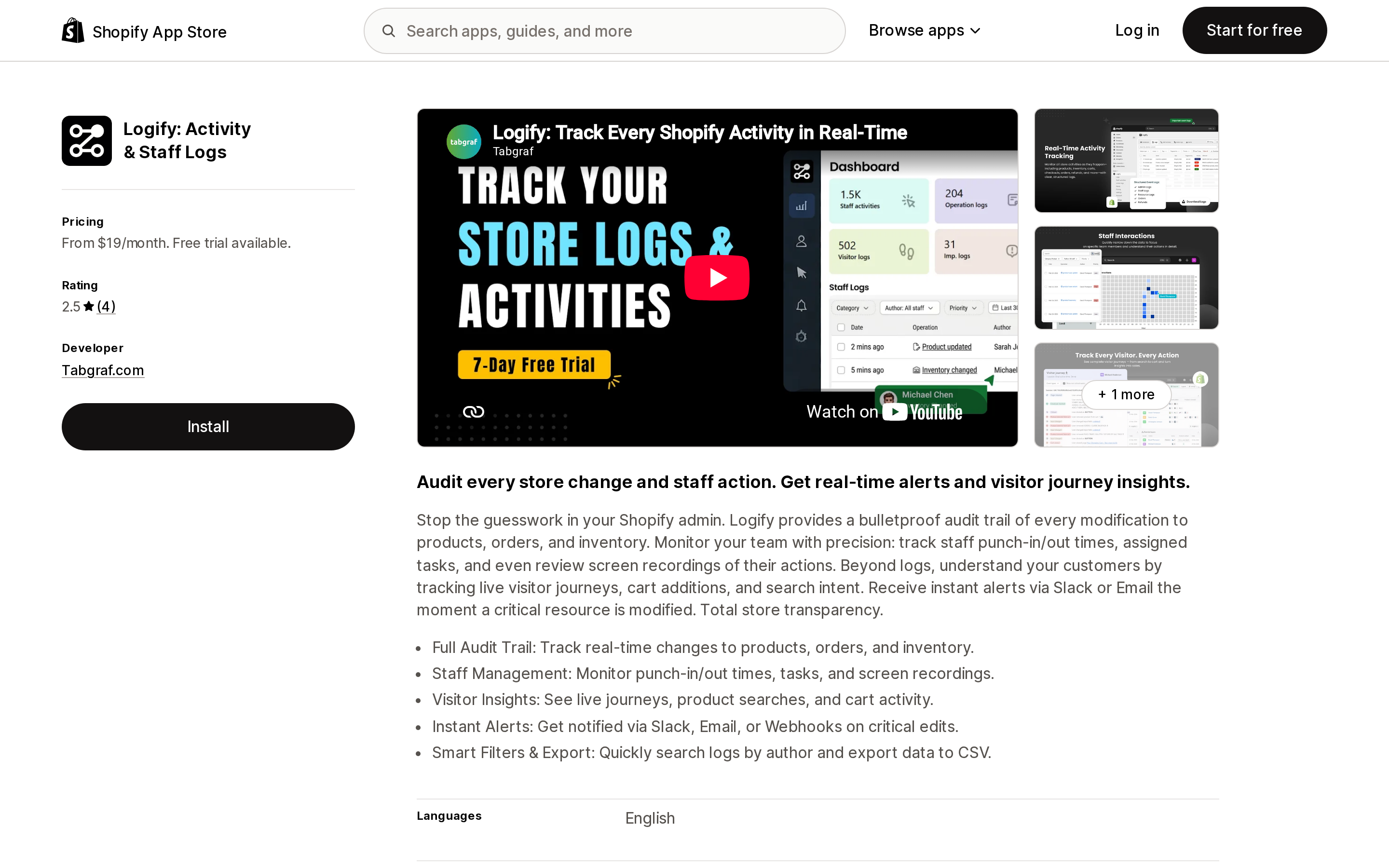
Source: Shopify App Store (Logify: Activity & Staff Logs), retrieved September 3, 2026
The widest scope here and the oldest listing, launched October 24, 2018: admin changes, staff activity, and visitor behavior in one app, with Slack, email, and webhook alerts on all plans and CSV export in the feature list. Four plans at $19, $39, $59, and $99/month, 7-day free trial, no free plan.
Two constraints. Every plan, including $99/month, lists "Last 60 days of logs" — shorter than the native 250 entries for a low-change store. Plans from $39/month also list an "Extended log retention control" feature with no ceiling or price attached to it, so ask the vendor what that actually extends to before you count on more than 60 days. And the rating is 2.5 across 4 reviews, half of them one star; in one, a US merchant reported theme changes could not be attributed, and the developer replied that "Our application is not primarily intended for tracking developer activities though." Stated support hours are 9:45 AM to 9:00 PM GMT+5:30, which covers little of a US afternoon. Data access is the broadest in this group — customer data, theme, web pixels — a real trade-off for a governance tool.
Loggr Product History & Revert
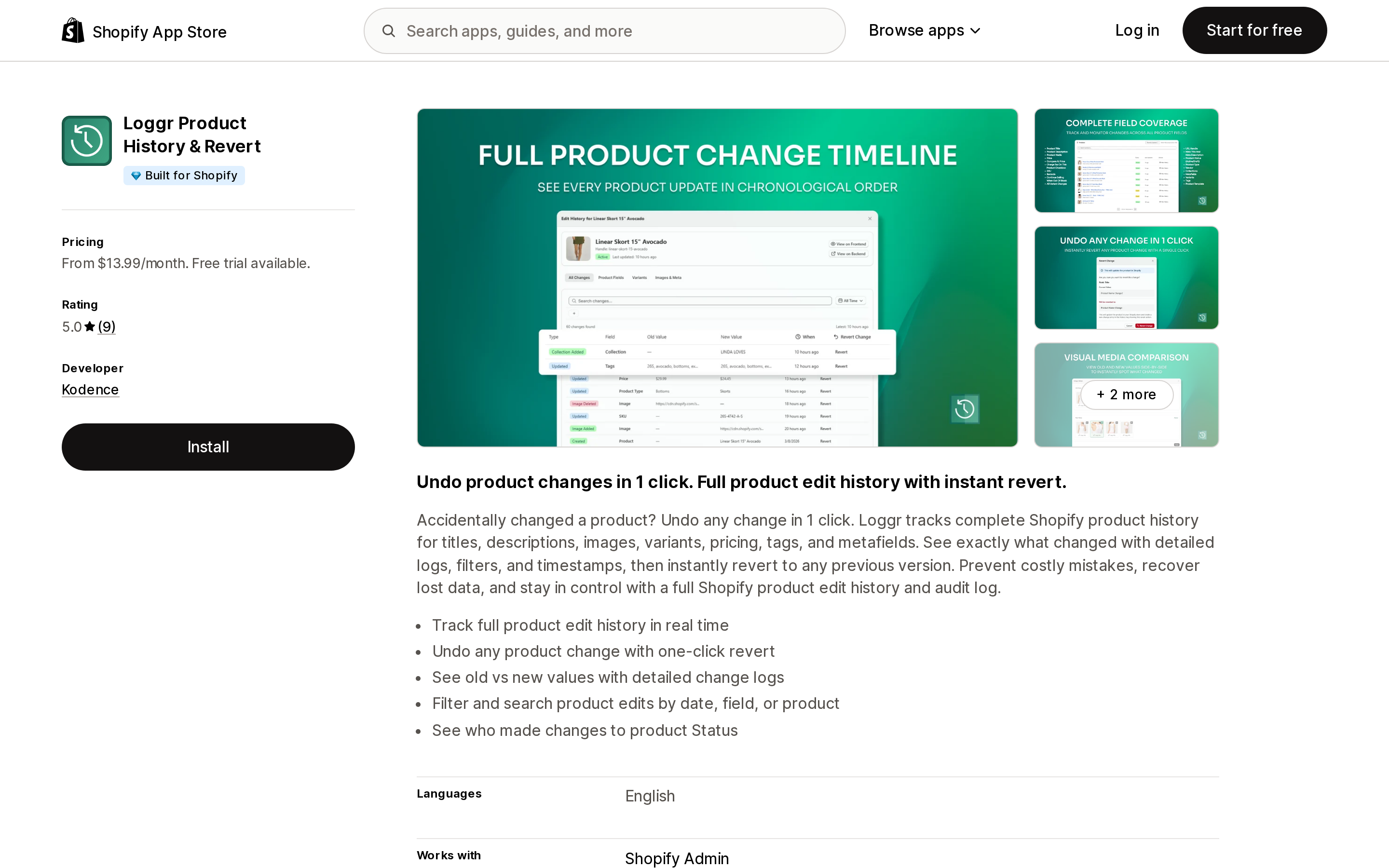
Source: Shopify App Store (Loggr Product History & Revert), retrieved September 3, 2026
The only app in this comparison with a Built for Shopify badge, rated 5.0 across 9 reviews, and with the tightest data access: store owner plus edit products, no customer data at all. Scope is products only — title, description, images, variants, price, tags, metafields — with old and new values and one-click revert.
Read the plan ladder first. Plans meter tracked products at 30, 100, 2000, and 15000, and the $13.99/month Basic plan includes neither staff attribution nor one-click revert. Both start at Advanced, $19.99/month for 100 products, so the two reasons to buy this app are gated out of its cheapest plan. The trial is 5 days, the shortest here; yearly saves 15%; retention is not stated in the app's official documentation. Its attribution claim is scoped in the listing to product Status, and a US merchant's five-star review from September 1, 2026 states the limit: "it doesn't log that for all fields at least it covers some."
Histora: Product Audit Log
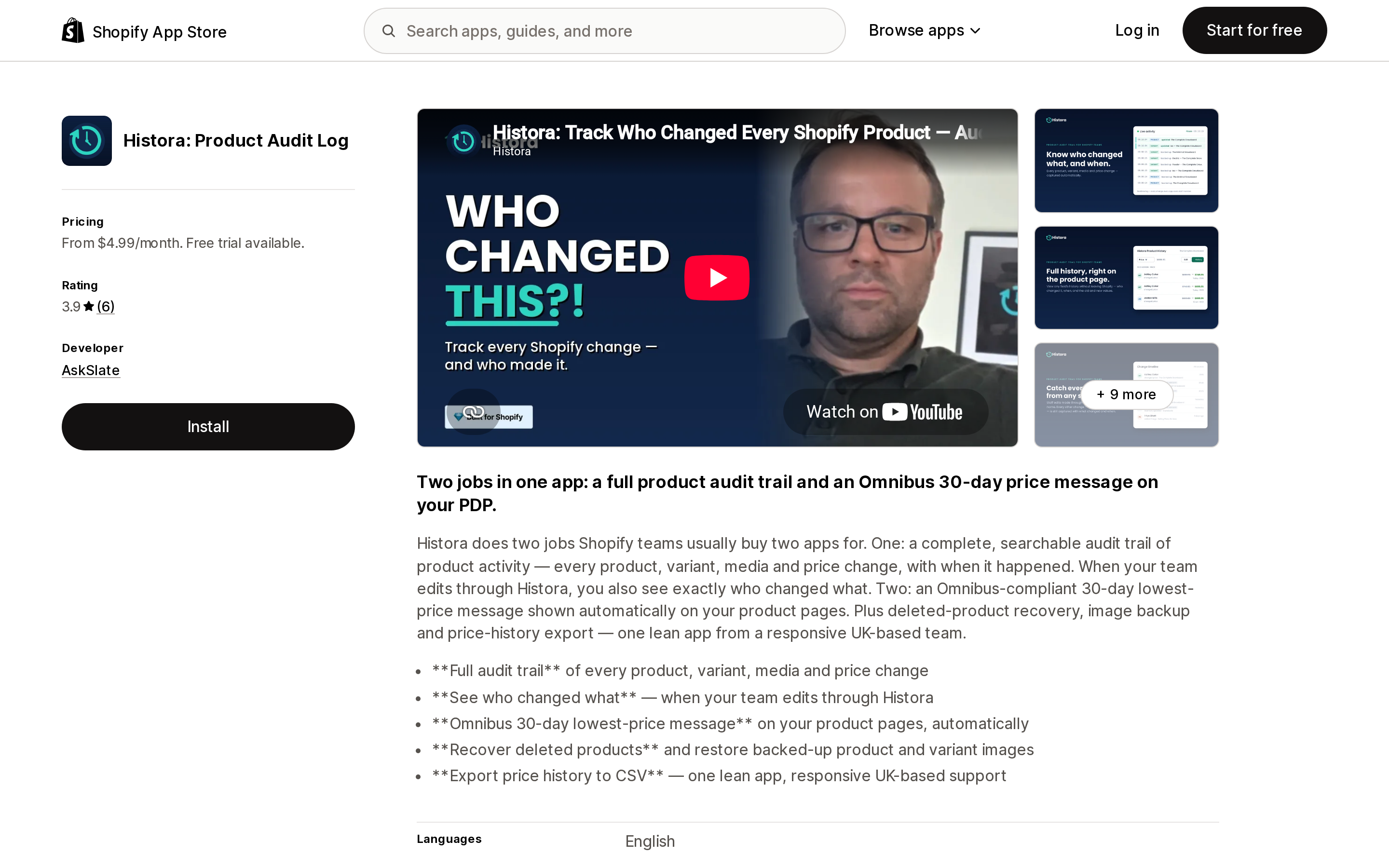
Source: Shopify App Store (Histora: Product Audit Log), retrieved September 3, 2026
The cheapest entry point in this comparison that claims staff attribution, at $4.99/month for Lite. Full History at $14.99/month adds all fields, image backup, metafield history, deleted-product recall, tracking of changes made by other apps, and EU price compliance. Price history CSV export sits in the app's general feature list rather than in a plan, so confirm which tier it belongs to. A theme app block puts the history on the product page itself.
Two cautions. Full History carries a note that every save operation constitutes one audit log, with no unit price or allowance published, so treat $14.99/month as an entry price rather than a confirmed flat fee. And attribution is conditional in the listing's own words: you see who changed what "when your team edits through Histora." Edits made directly in the native admin are not covered. Retention is not stated in the app's official documentation, and all visible reviews come from UK stores.
Adminlog ‑ Audit Trail
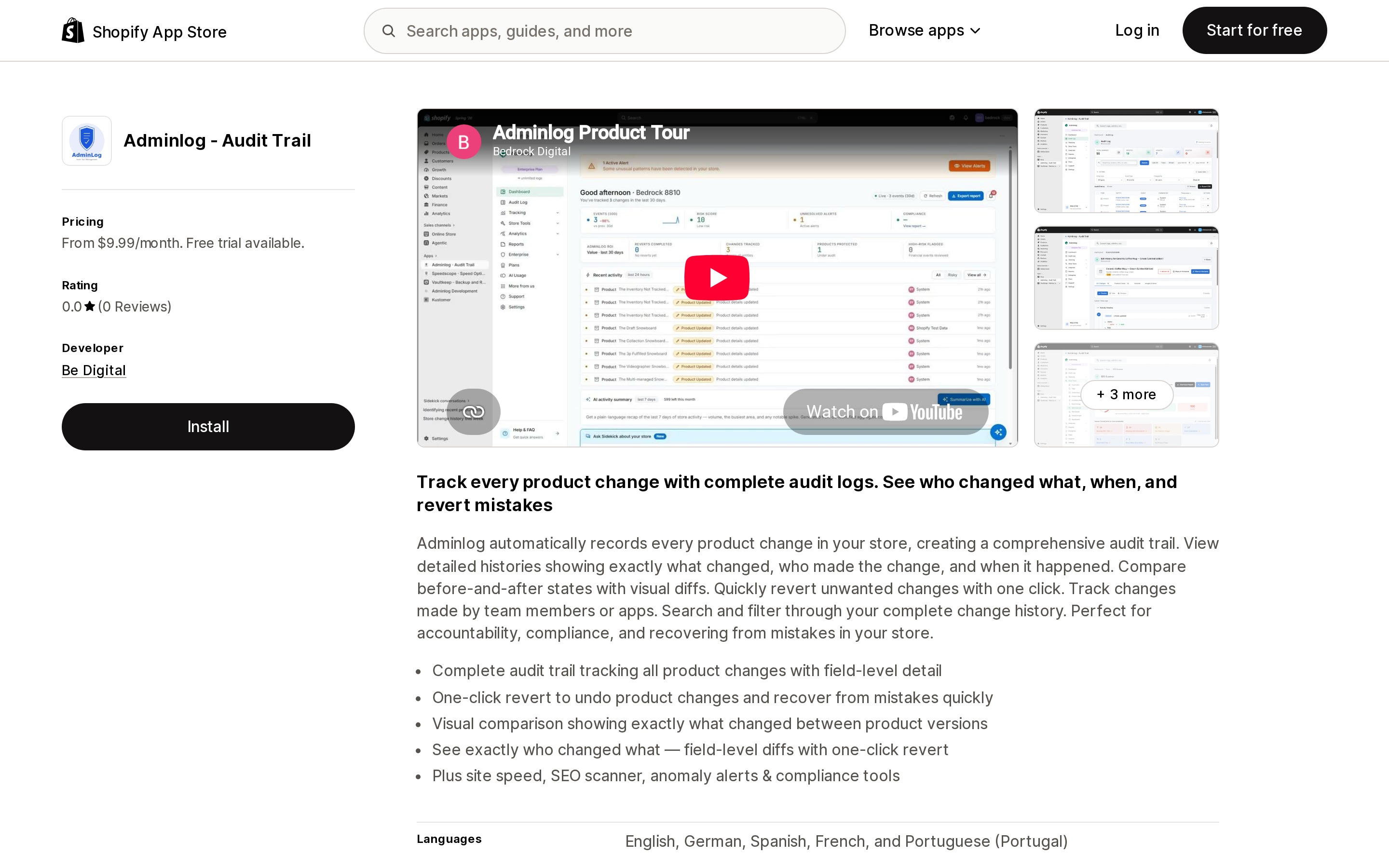
Source: Shopify App Store (Adminlog ‑ Audit Trail), retrieved September 3, 2026
The broadest coverage after Logify, advertised as 13+ store areas, and its $9.99/month Starter plan includes both actor attribution and one-click product revert. Professional at $29.99/month adds field-level diffs, inventory tracking, order audit trail, refund monitoring, and financial audit logs. Enterprise at $99.99/month adds bulk revert, scheduled reports, and unlimited logs. Yearly saves 17%, and it supports five languages, the most here.
Starter is capped at 1,000 audit logs with 30 days data retention, and retention on the higher plans is not stated in the app's official documentation. It launched November 21, 2025 with no reviews yet, so there is no operating history to check. It also bundles an SEO scanner, site speed, and Core Web Vitals with the audit trail, and its data access includes customer data and theme — a poor fit if you want a narrow tool with a narrow permission footprint.
UndoLog: Track & Undo Changes
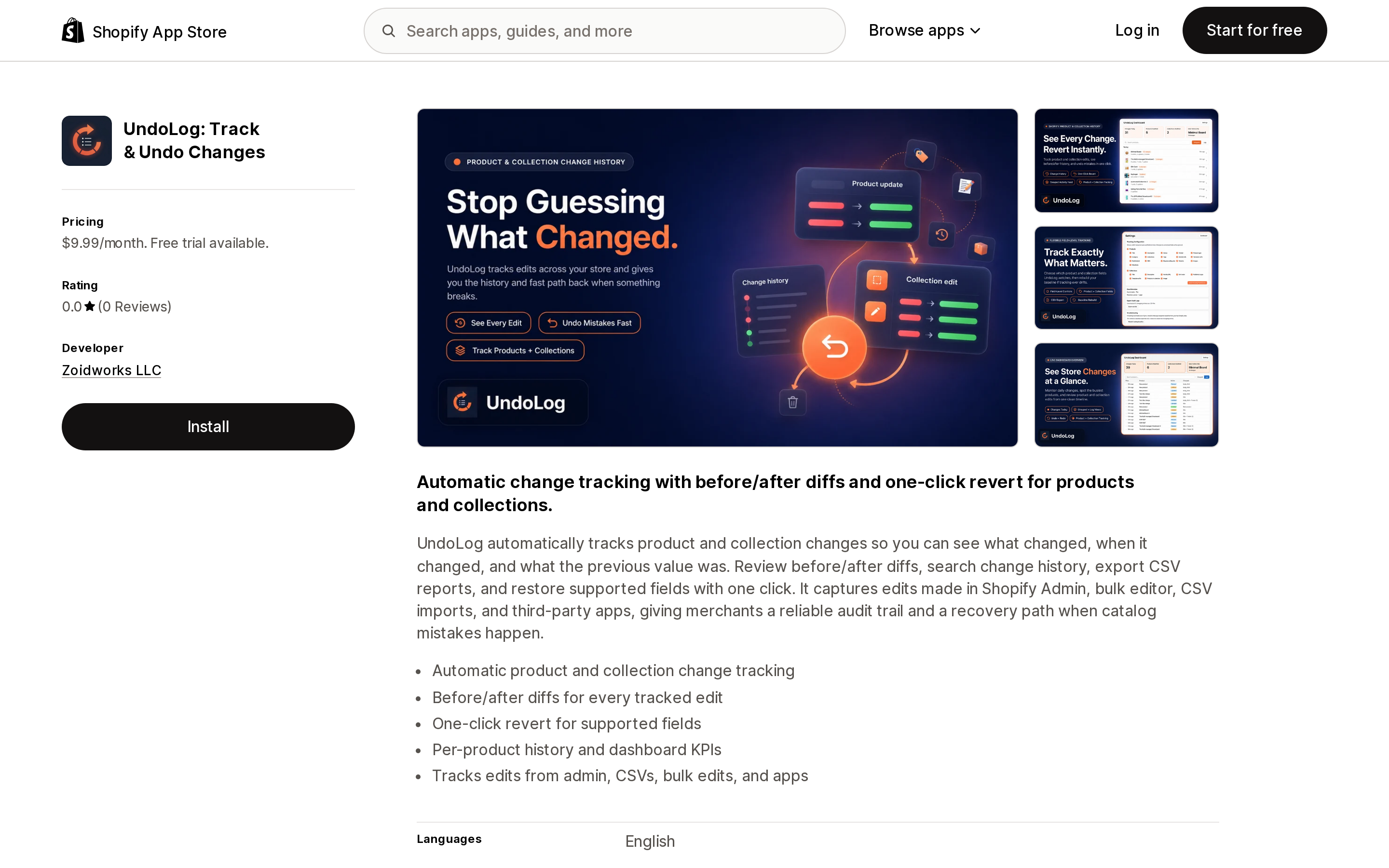
Source: Shopify App Store (UndoLog: Track & Undo Changes), retrieved September 3, 2026
The only US-based developer in this comparison, in Pennsylvania, on a single plan at $9.99/month or $79/year — a 34% yearly discount, the largest in this group, with no feature gating to decode. It tracks products and collections with before-and-after diffs, offers undo and redo, tracks metafields and categories, and exports change history to CSV. The listing says it captures edits made in "Shopify Admin, bulk editor, CSV imports, and third-party apps," which matches the most common way US merchants break their own catalog.
It does not claim to identify who made a change, and data access is limited to store owner plus edit products, so staff-level attribution should not be expected. This is a "what changed and how do I undo it" tool. Launched May 4, 2026 with no reviews yet; retention is not stated in the app's official documentation.
SO: Product History & Revert
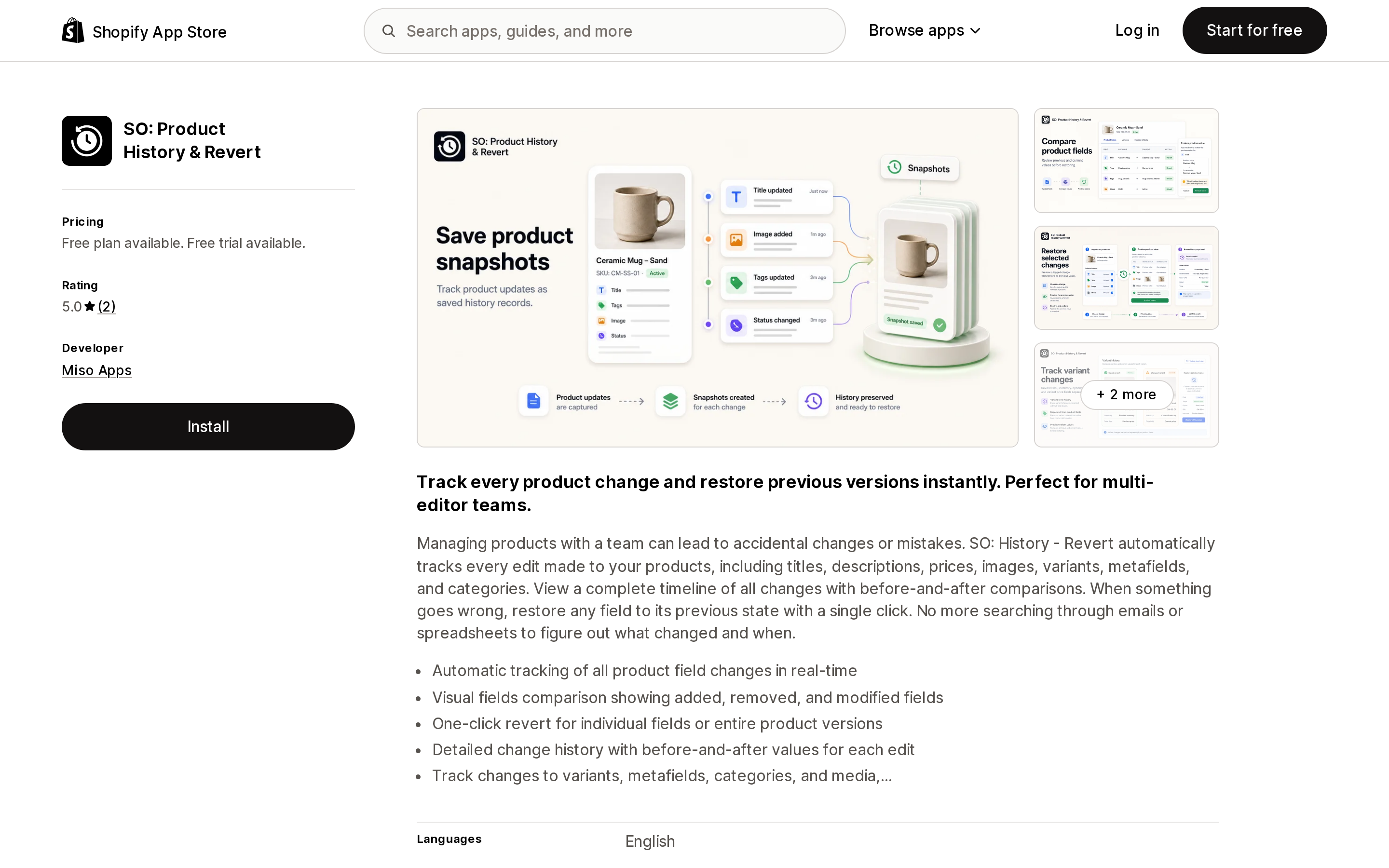
Source: Shopify App Store (SO: Product History & Revert), retrieved September 3, 2026
The only app in this comparison with a free plan, and it can revert a single field rather than a whole product version. Tracking covers title, description, price, images, variants, metafields, and categories. Basic is $4.99/month with email notifications; Pro is $14.99/month with unlimited reverts and snapshots, real-time webhook notifications, and custom snapshot schedules. Yearly saves 17%.
The free plan is metered at 10 reverts and 20 snapshots per month, a trial rather than an operating tier for most catalogs. There is no attribution claim, and data access is store owner, edit products, and theme read. Both reviews come from stores outside the United States and one was written after about two hours of use, so there is effectively no evidence of long-run behavior.
ESTS Admin Activity Log
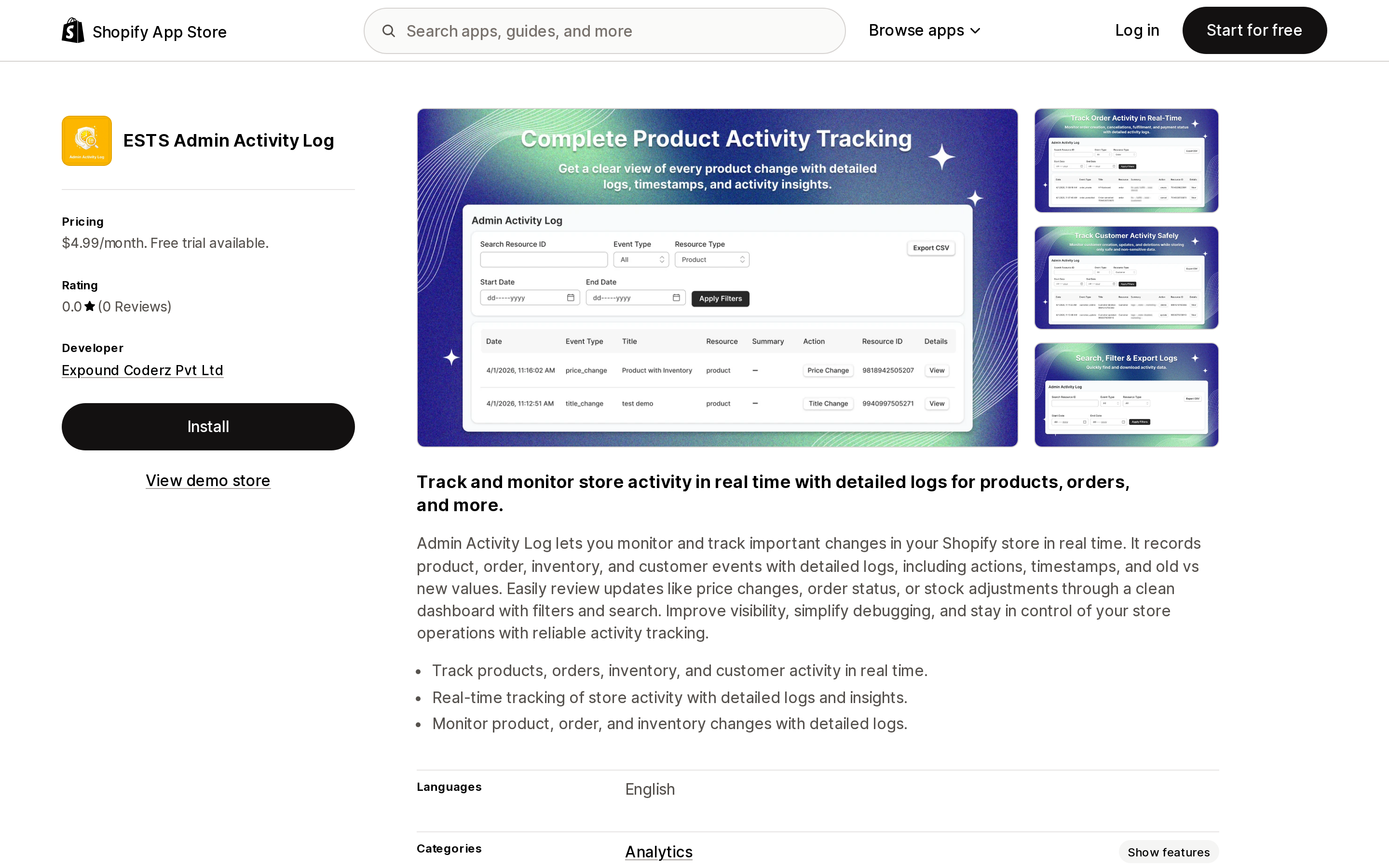
Source: Shopify App Store (ESTS Admin Activity Log), retrieved September 3, 2026
The cheapest way in this comparison to get products, orders, inventory, and customers into one change log: a single Basic Plan at $4.99/month with a 7-day free trial. It records actions, timestamps, and old versus new values in a filterable dashboard, and it is the only listing here with a View demo store link, so you can see the interface before installing.
The listing is thin in ways that matter for an audit tool. It does not publish what the plan includes beyond the price, so log limits and retention are not stated in the app's official documentation. It carries Shopify's Data export feature tag without describing the format or scope of that export anywhere in the listing, and it does not display a Data access section, which the other six listings do. Launched May 1, 2026 with no reviews, and no attribution claim. Reasonable as a $5 experiment; not a defensible choice for a compliance requirement.
Choosing by situation
You just want to find the log. Nothing to buy. Inventory goes to adjustment history, orders and customers to the Timeline, POS to the activity log for Shopify POS, user changes to the user management activity log.
You are on Basic or Starter. Stop looking for staff attribution. Check collaborator accounts and app install dates instead.
Fewer than 125 admin changes a month. Your 250 entries already stretch back further than Logify's 60 days. Under 250 a month, they already beat Adminlog Starter's 30 days. Confirm any app adds to your history rather than replacing it with something shorter.
Products only, tightest permissions. Loggr, budgeting $19.99/month rather than $13.99/month. On a hard budget, SO: Product History & Revert. For redo, CSV, and a US-based developer, UndoLog.
Orders and refunds too. Adminlog Professional at $29.99/month, or ESTS at $4.99/month if you can absorb an unreviewed app with an unpublished spec.
Alerts in Slack. Logify, if 60 days is enough and the support window works.
A real audit trail on Plus. Subscribe a custom app to audit_events/admin_api_activity and stream to Google Cloud Pub/Sub or AWS Eventbridge.
The honest conclusion
The gap in this category is not history or revert. Several of these apps do that competently for products. The gap is attribution, and it is unresolved on both sides. Shopify attributes six documented classes of action to "Shopify" and theme edits to "Online Store," and the apps inherit that. The Built for Shopify app scopes its claim to product Status, one vendor conditions it on editing through their own interface, one developer says developer tracking was never the goal, one advertises actor attribution from its cheapest plan but launched in November 2025 with no reviews to test that against, and three make no claim at all.
So test rather than trusting the listing. During the free trial, change a price, a title, an image, and a theme setting in the native admin, then see which of the four come back with your name on them. That takes ten minutes and tells you more than any comparison table, including this one. Two more checks before committing: ask the vendor what the retention period is, since five of the seven listings do not state one, and ask what happens to your logs after you uninstall, which none of them publishes.
Pricing, ratings, and plan contents here were checked on September 3, 2026 and change without notice. If you are logging for a compliance or legal requirement, confirm your obligations with a qualified professional rather than with an app listing.
Sources
Sidekick app extensions went generally available on June 17, 2026, and Shopify's merchant-facing guide lists 18 apps that use them. The platform cap is 20 apps per user on a store, so supply is the constraint, not the cap. This article reads the developer documentation for what merchants actually get: app data extensions are read-only, app actions navigate you to a pre-filled page and stage the change — Shopify's own walkthrough ends with \"Click Save in the form. The change is committed by your app, not by Sidekick.\" App actions are also limited to 13 declared intent types, and an unsupported type fails at deploy with no silent fallback. Four of those types — FAQ, quote, ticket, shipment — have no matching app on Shopify's list. Three build requirements explain the short list: existing MCP servers can't be reused, legacy OAuth installs are excluded, and each app gets 5 intents, 20 tools, and a 4,000-token response budget. Two of the guide's own cards show only \"Free trial available\" for apps that list at $49.99 and $299 a month. And no app listing shows a Sidekick badge at all: Seguno had to put \"Sidekick-able\" into its 62-character tagline. Ratings, pricing, and the app list verified on the Shopify App Store on September 8, 2026.